Social Media Graphics
Generator.
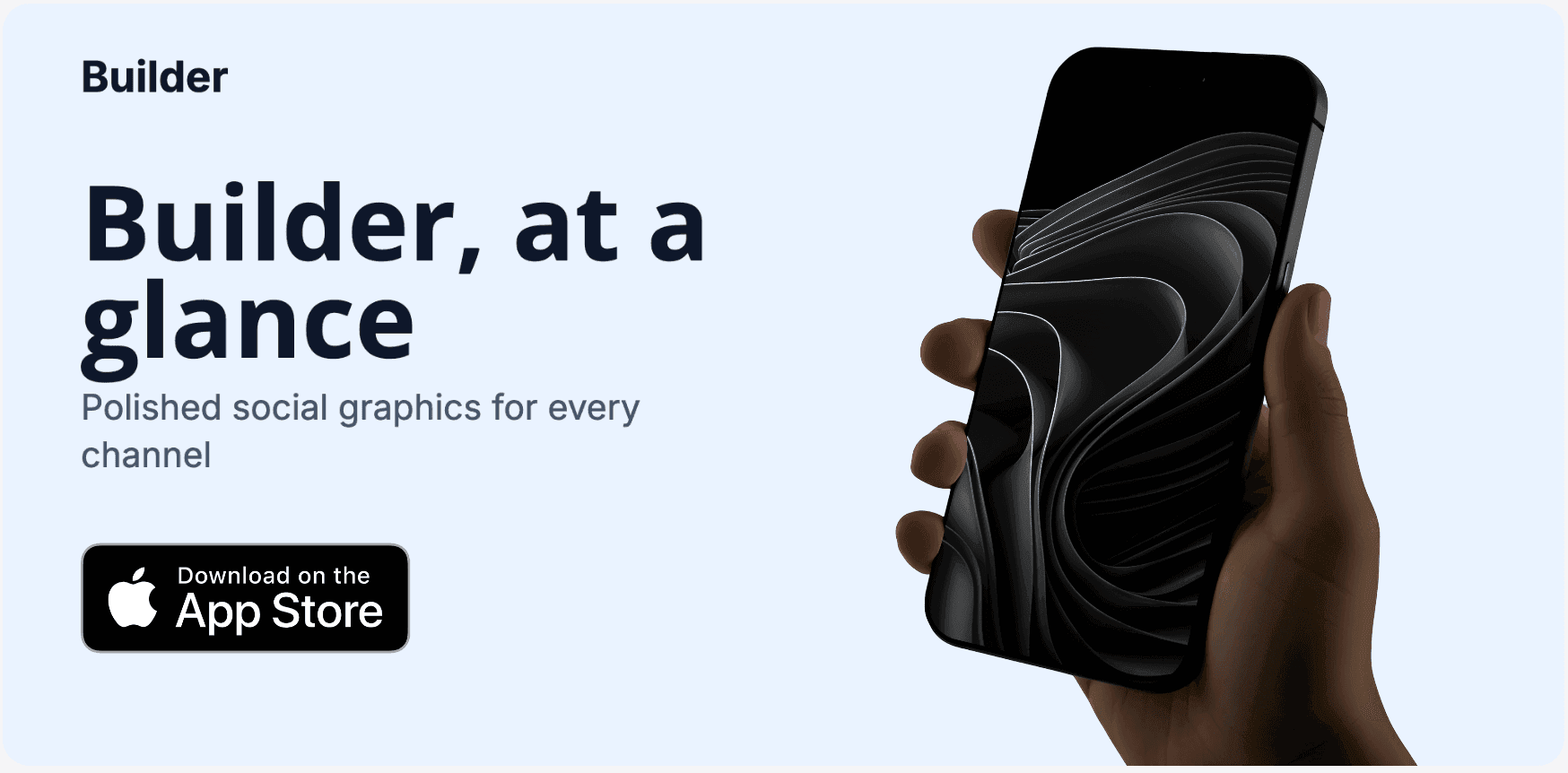
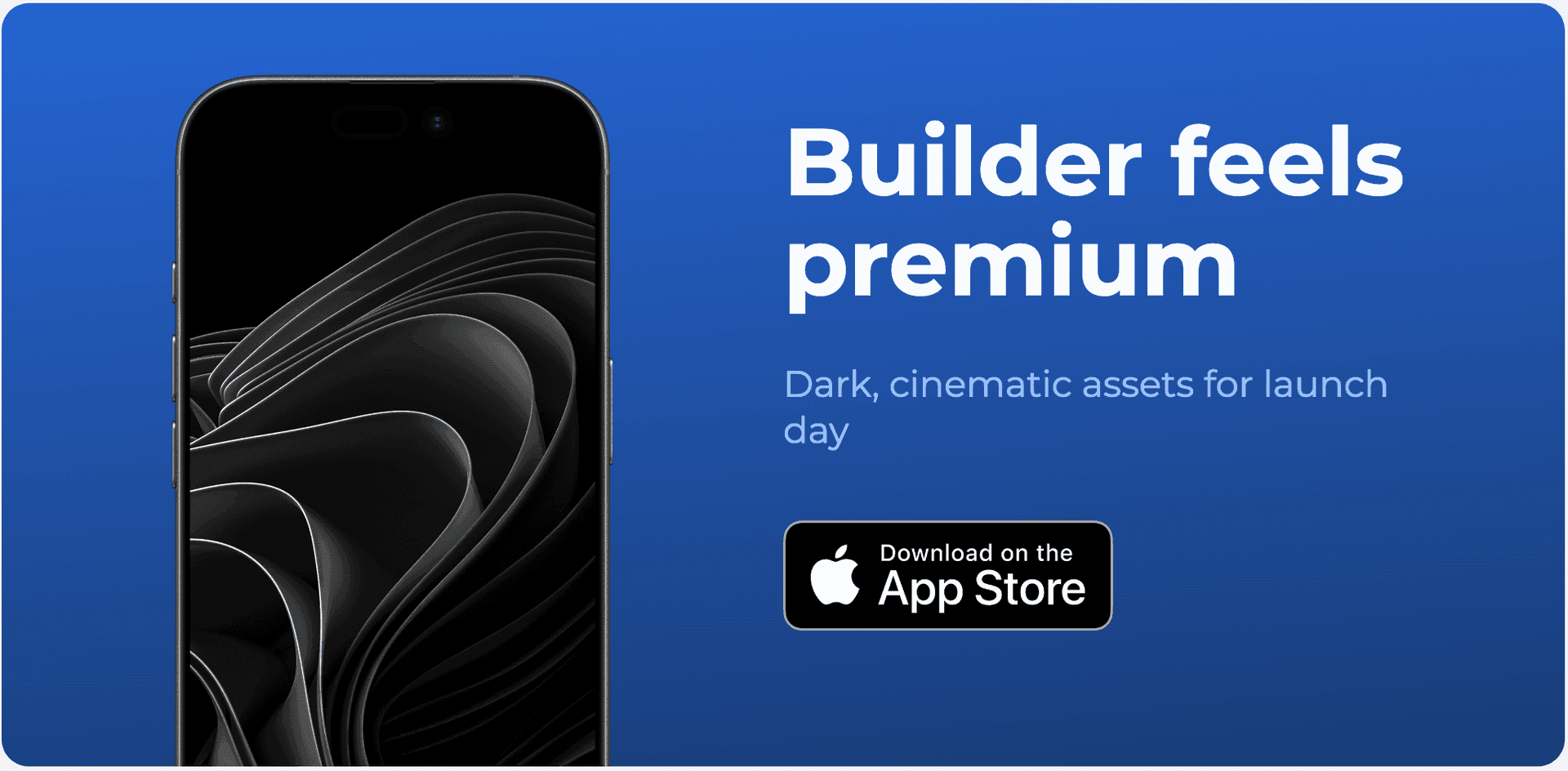
Create LinkedIn banners, X headers, OG images, social posts, and Play Store graphics from one editor and one visual system.
800+
app developers
20,000+
screenshots generated
Format
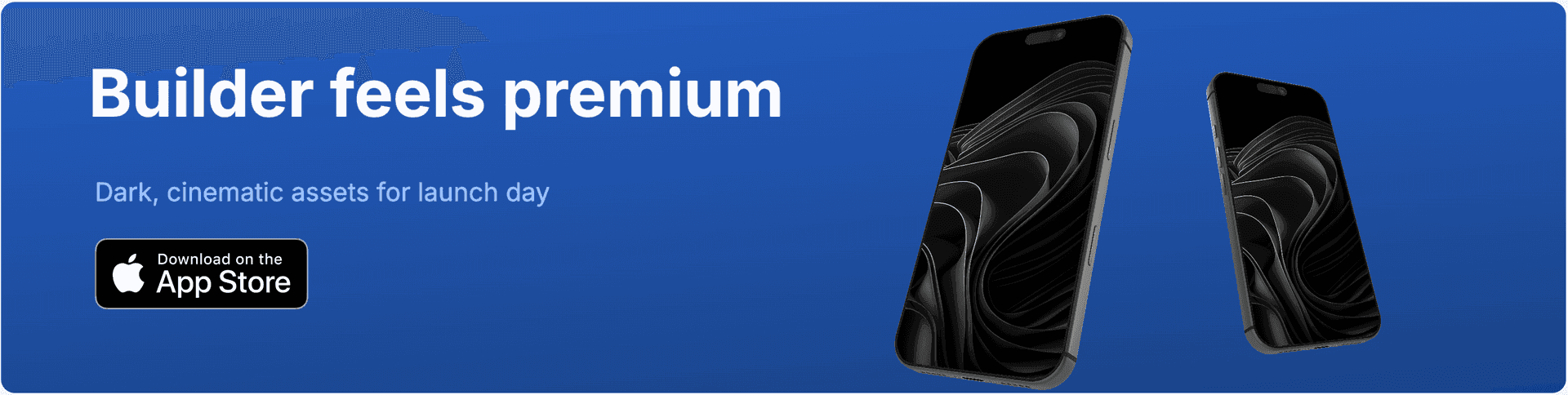
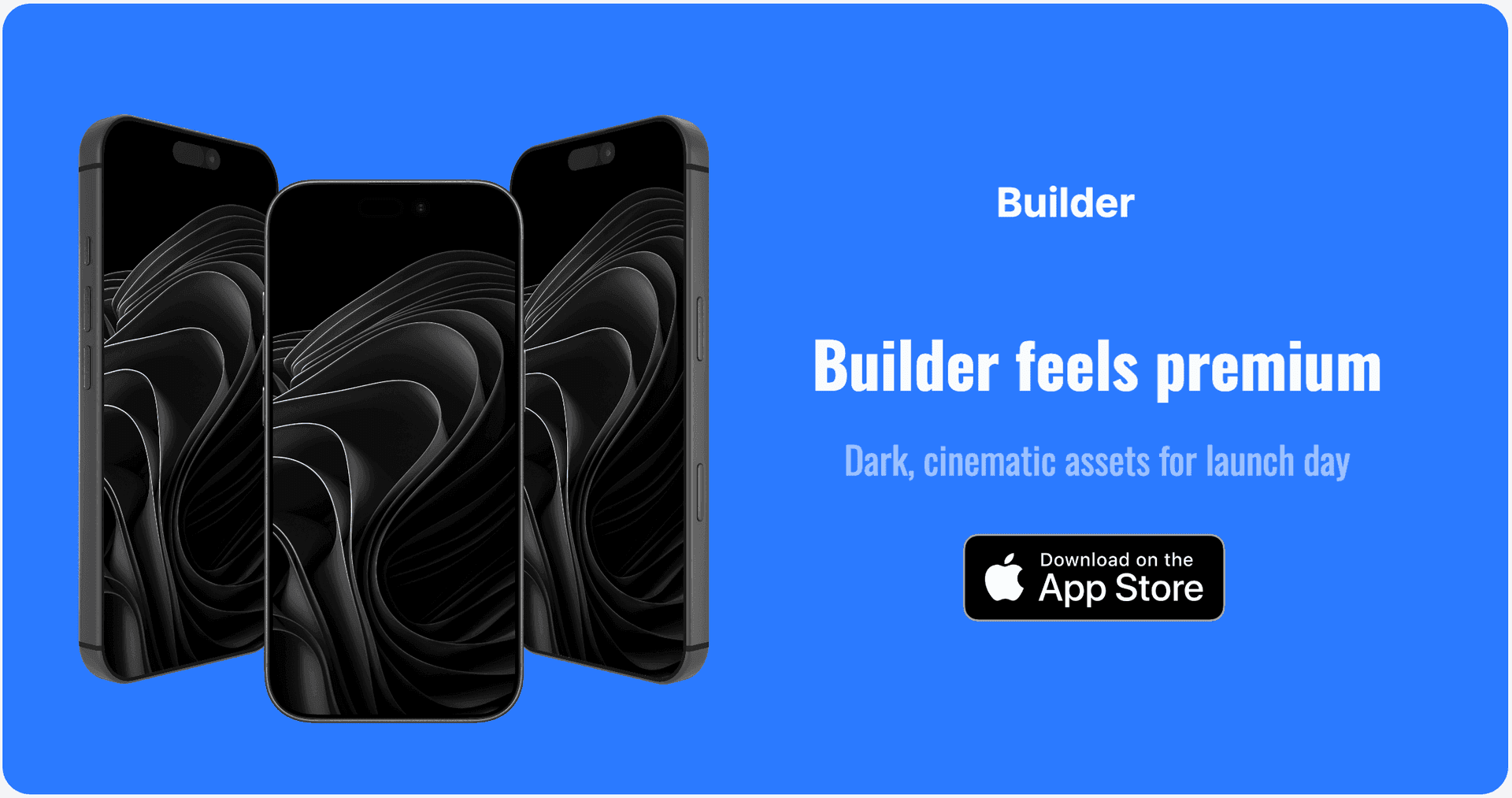
LinkedIn Banners
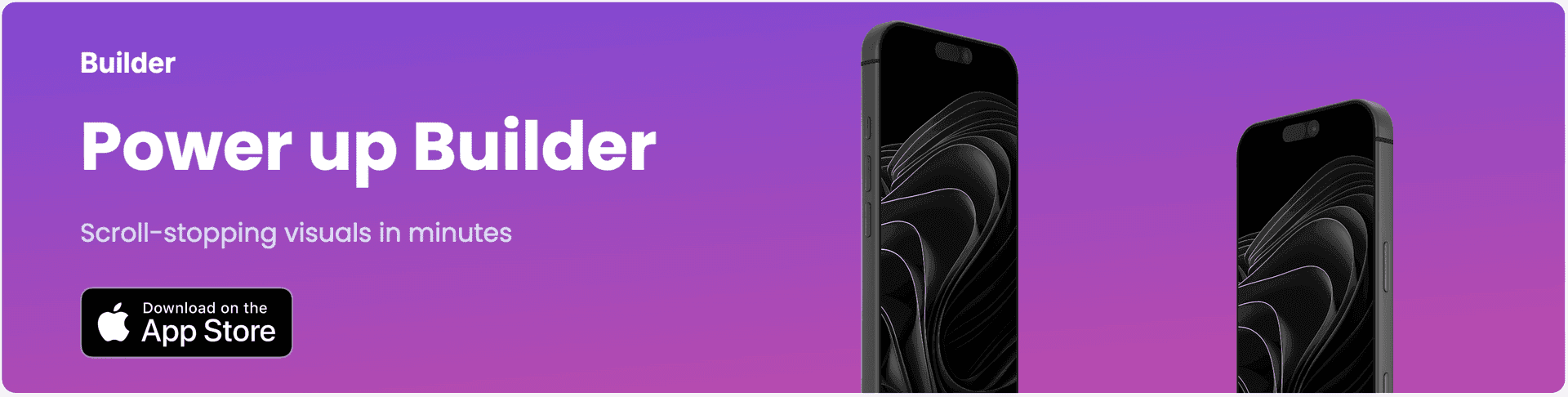
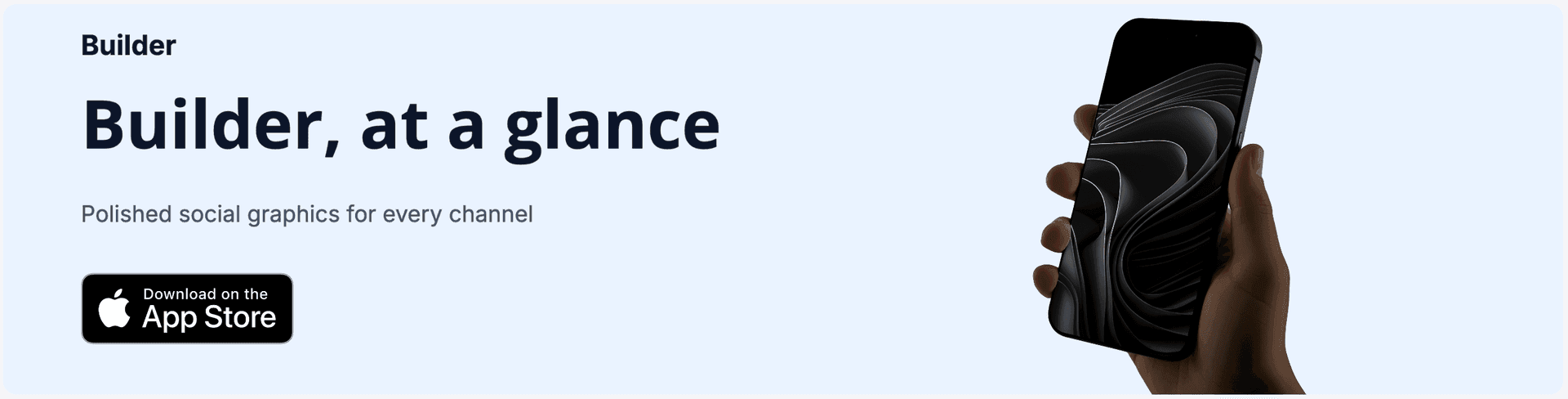
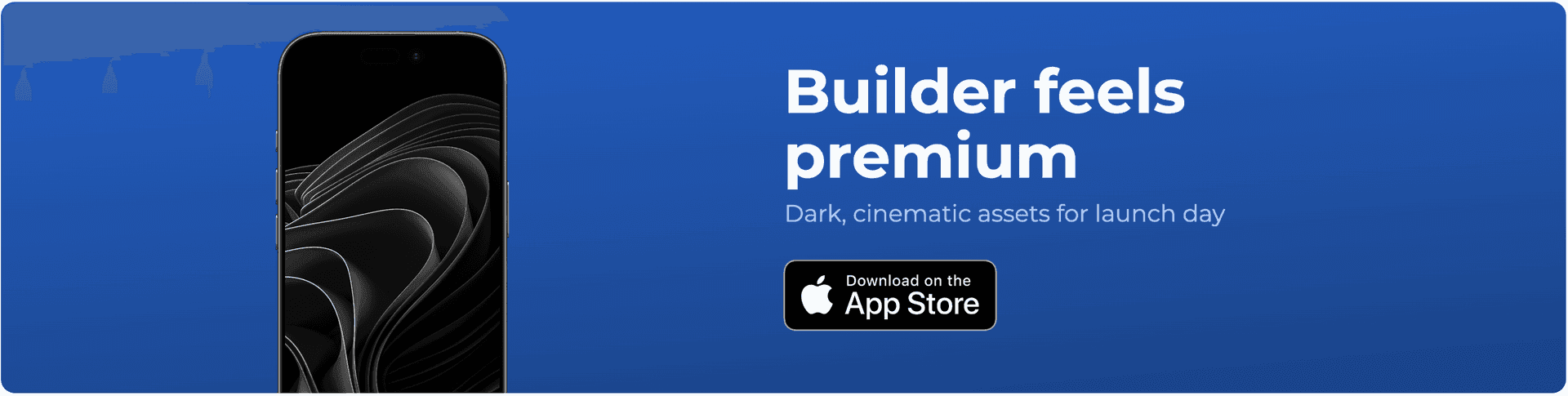
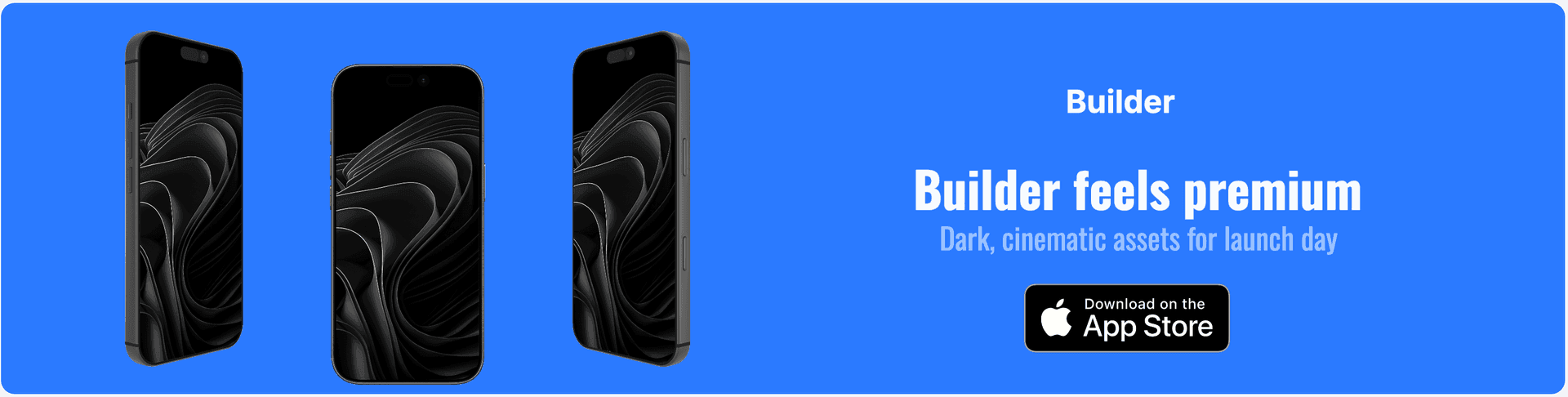
Design professional LinkedIn profile and company banners for app launch announcements and brand storytelling.
Format
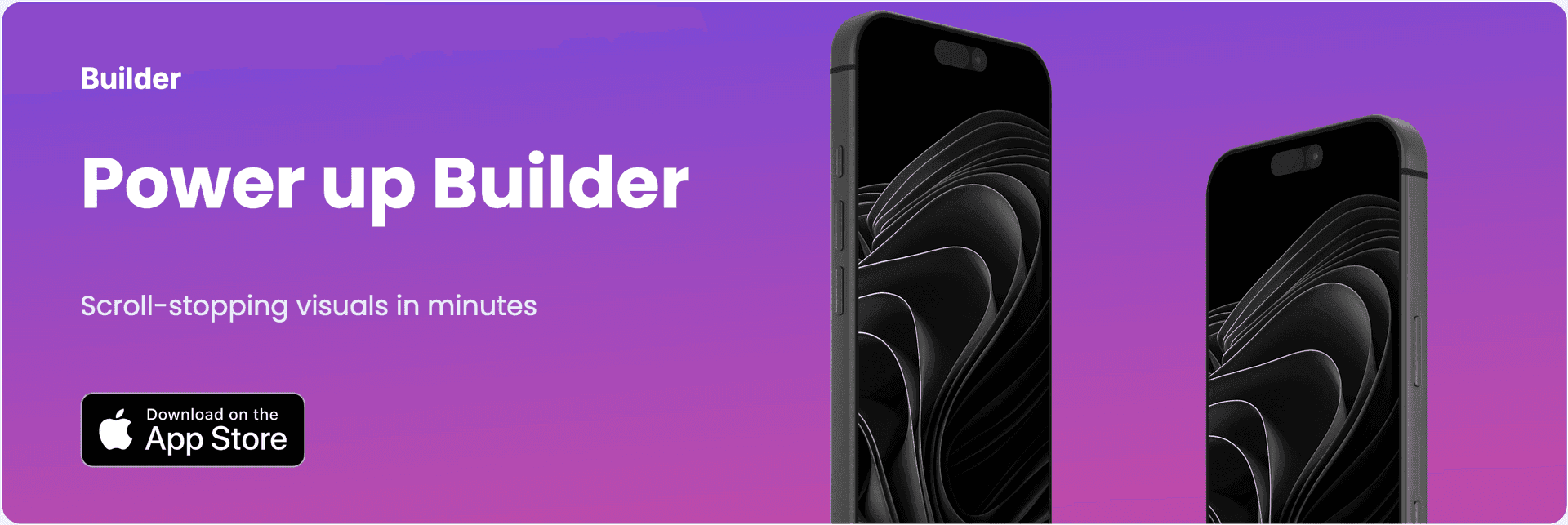
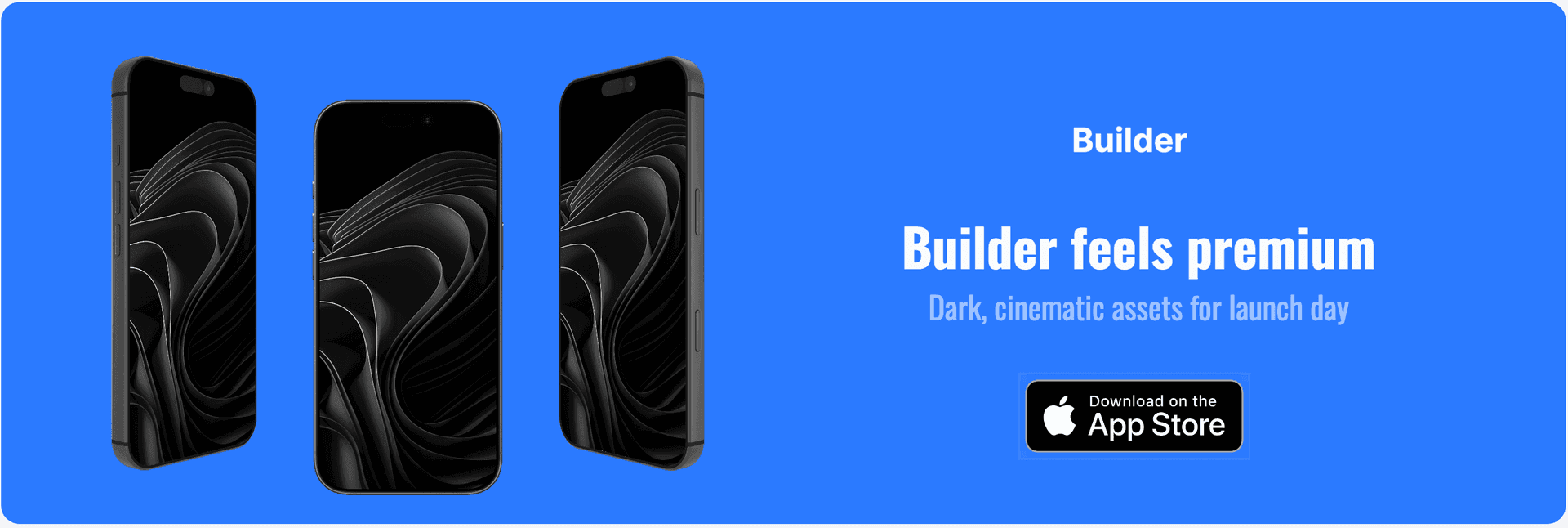
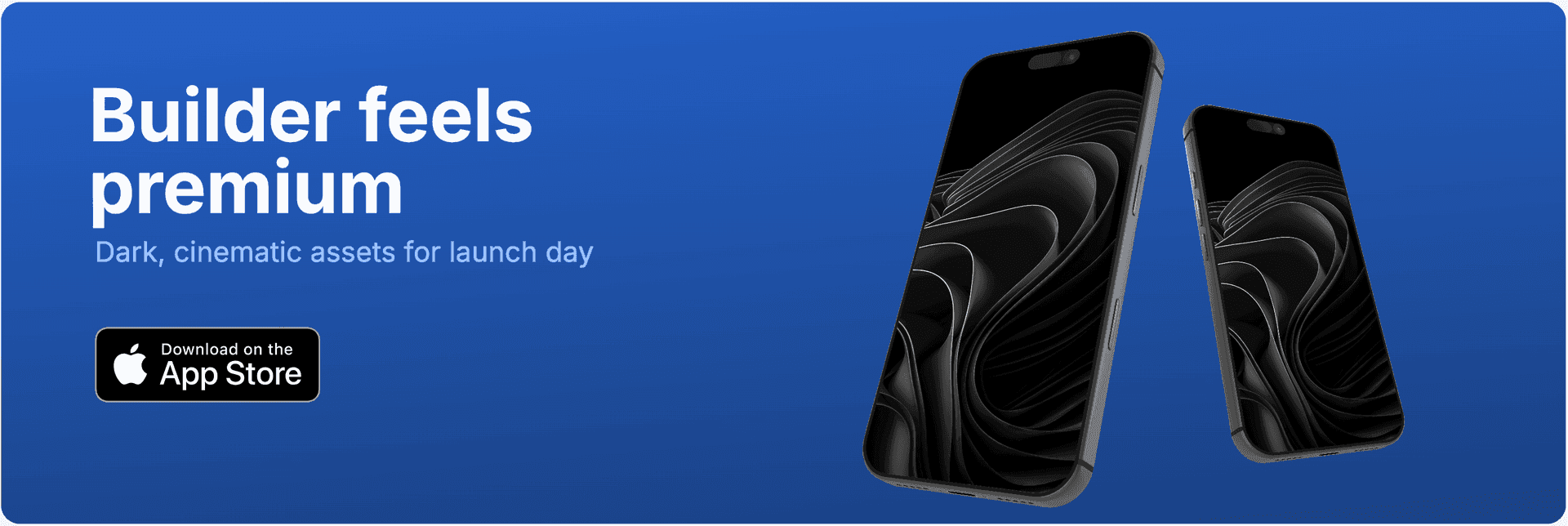
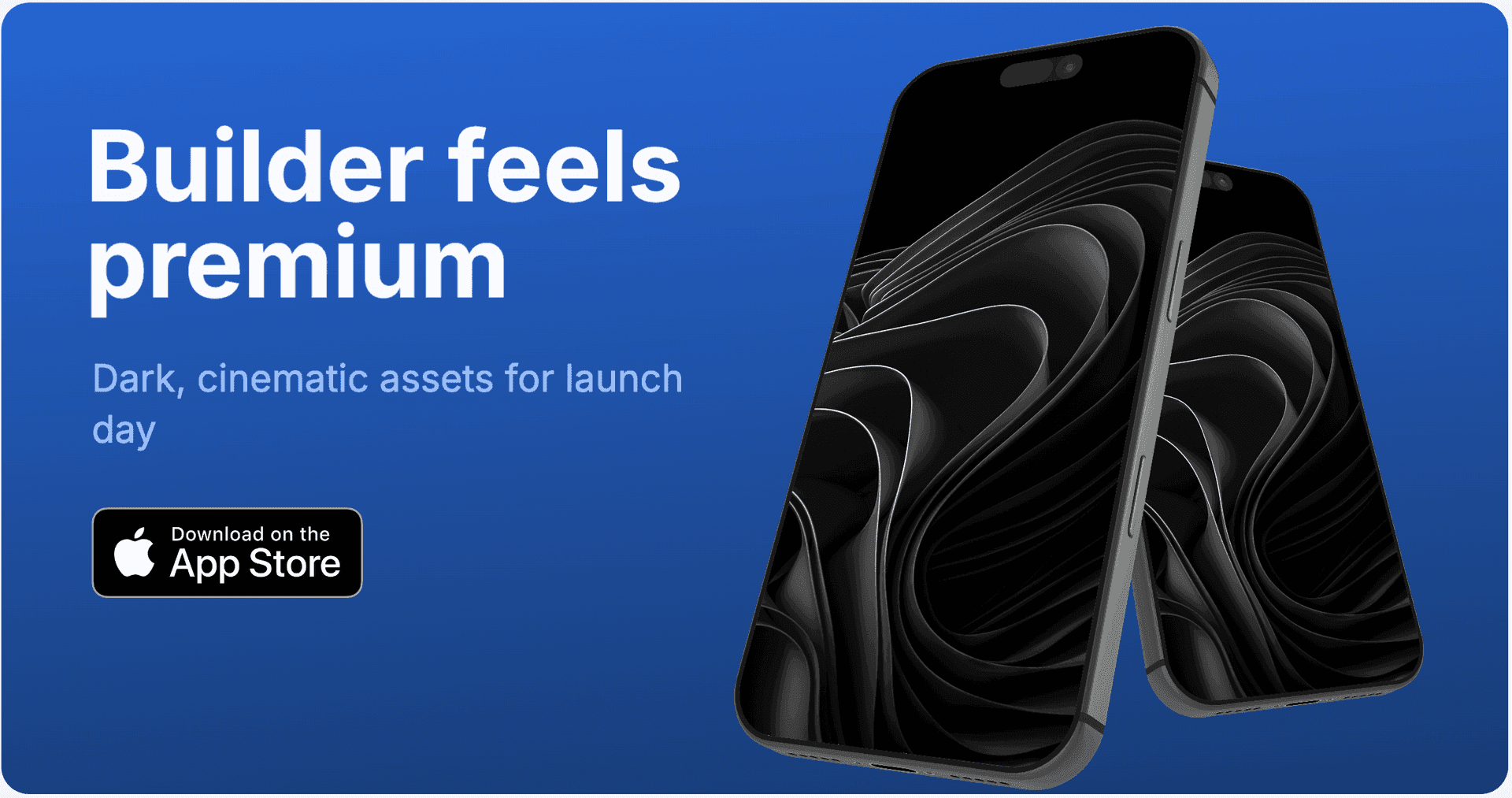
X / Twitter Headers
Create profile headers for launch campaigns, feature drops, and product updates without manual resizing.
Format
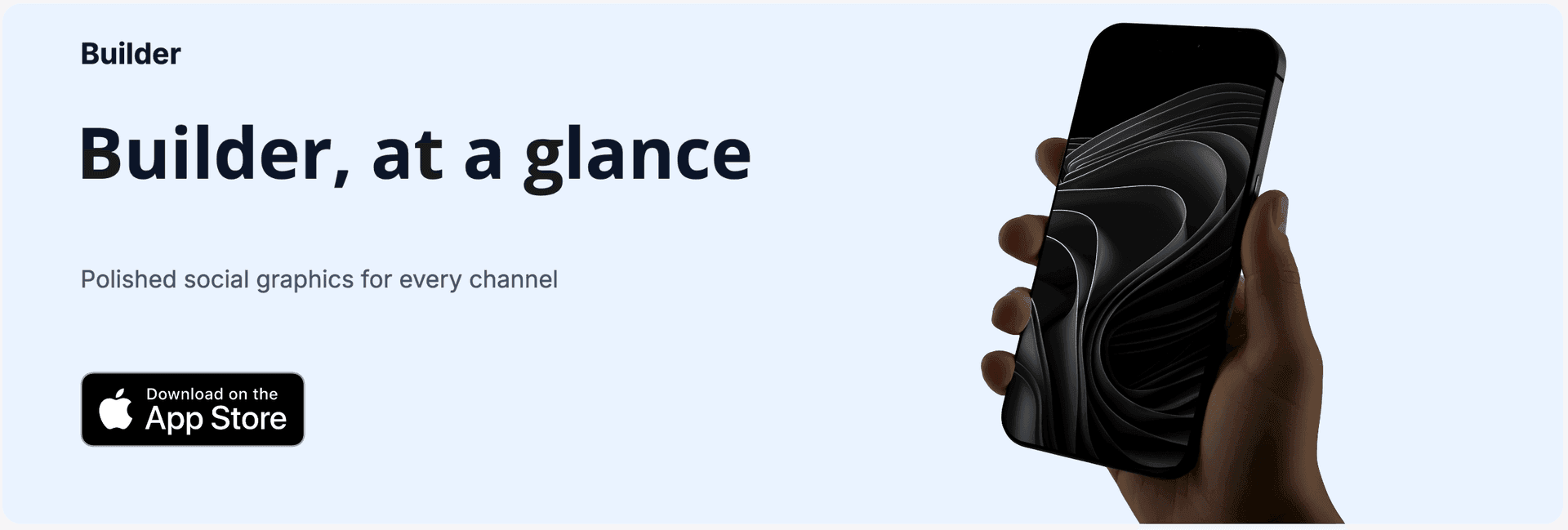
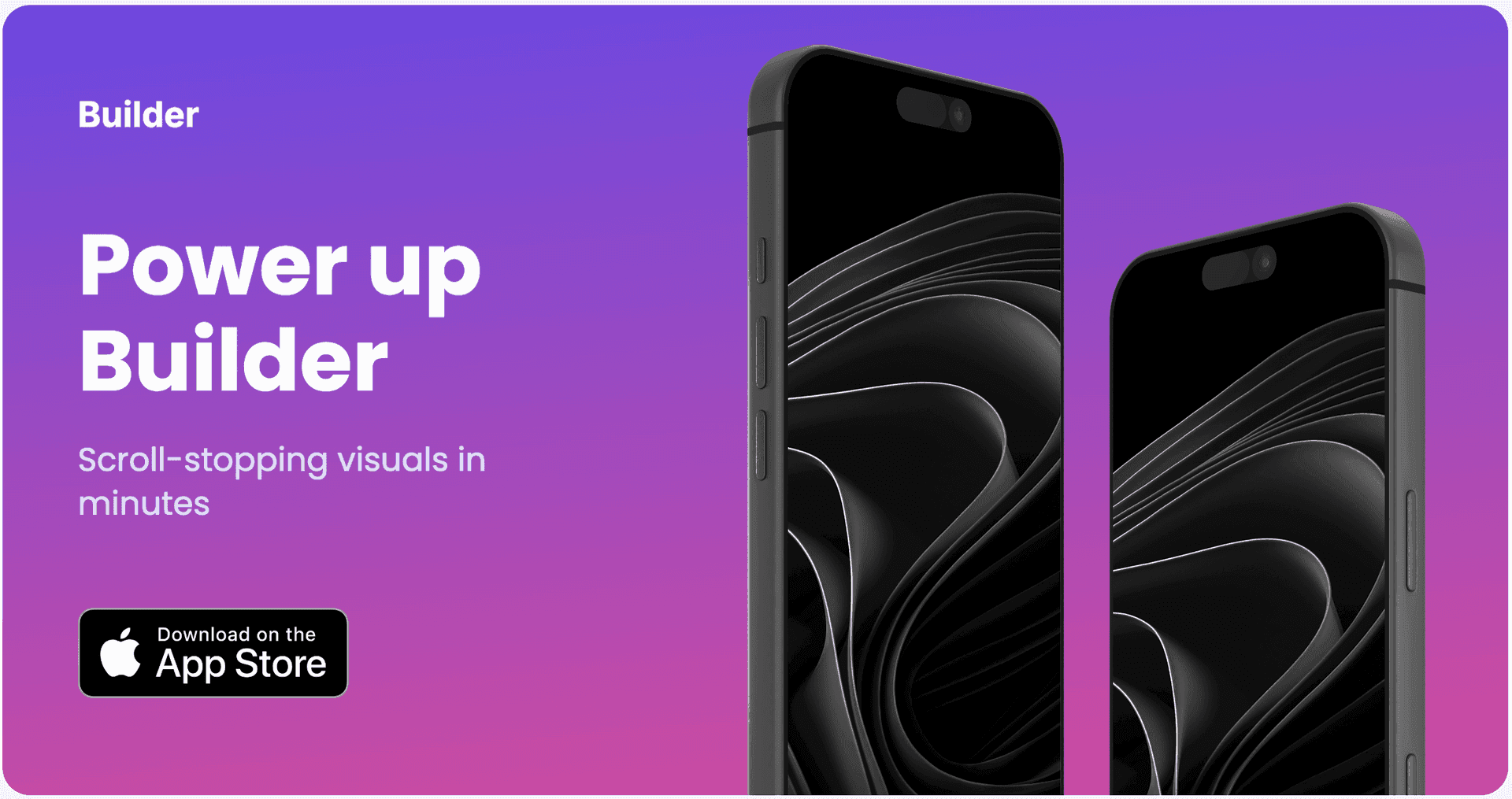
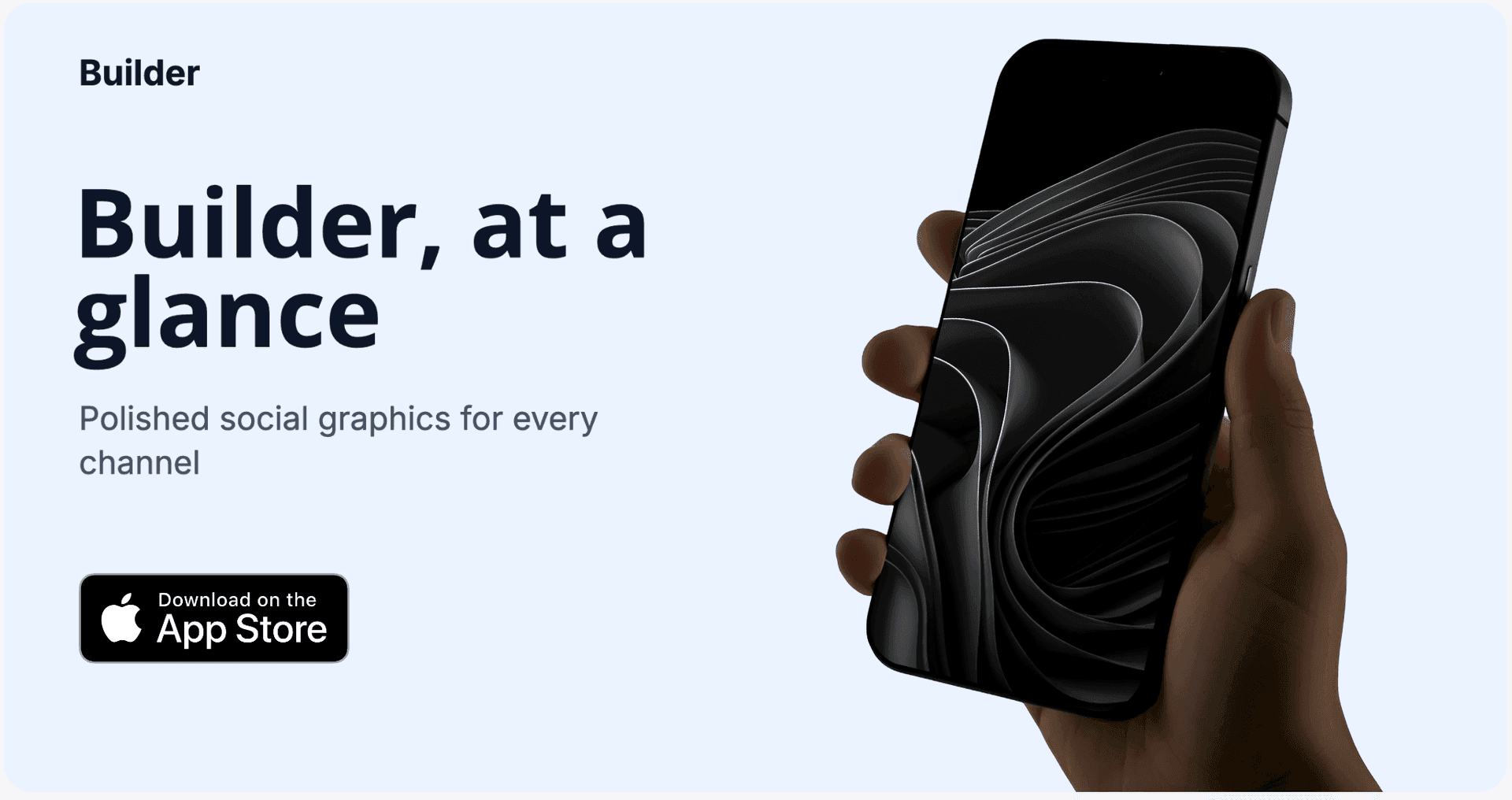
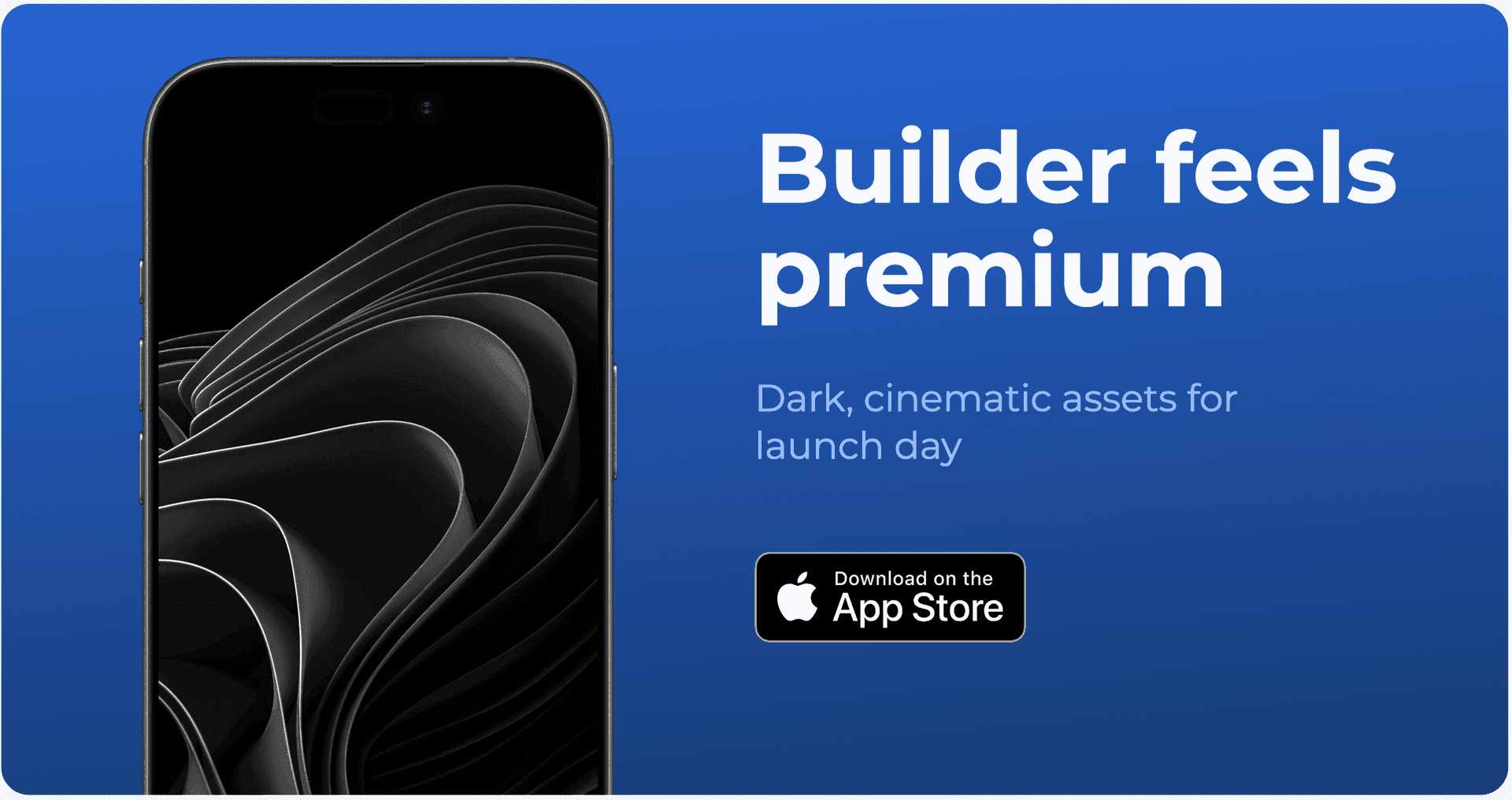
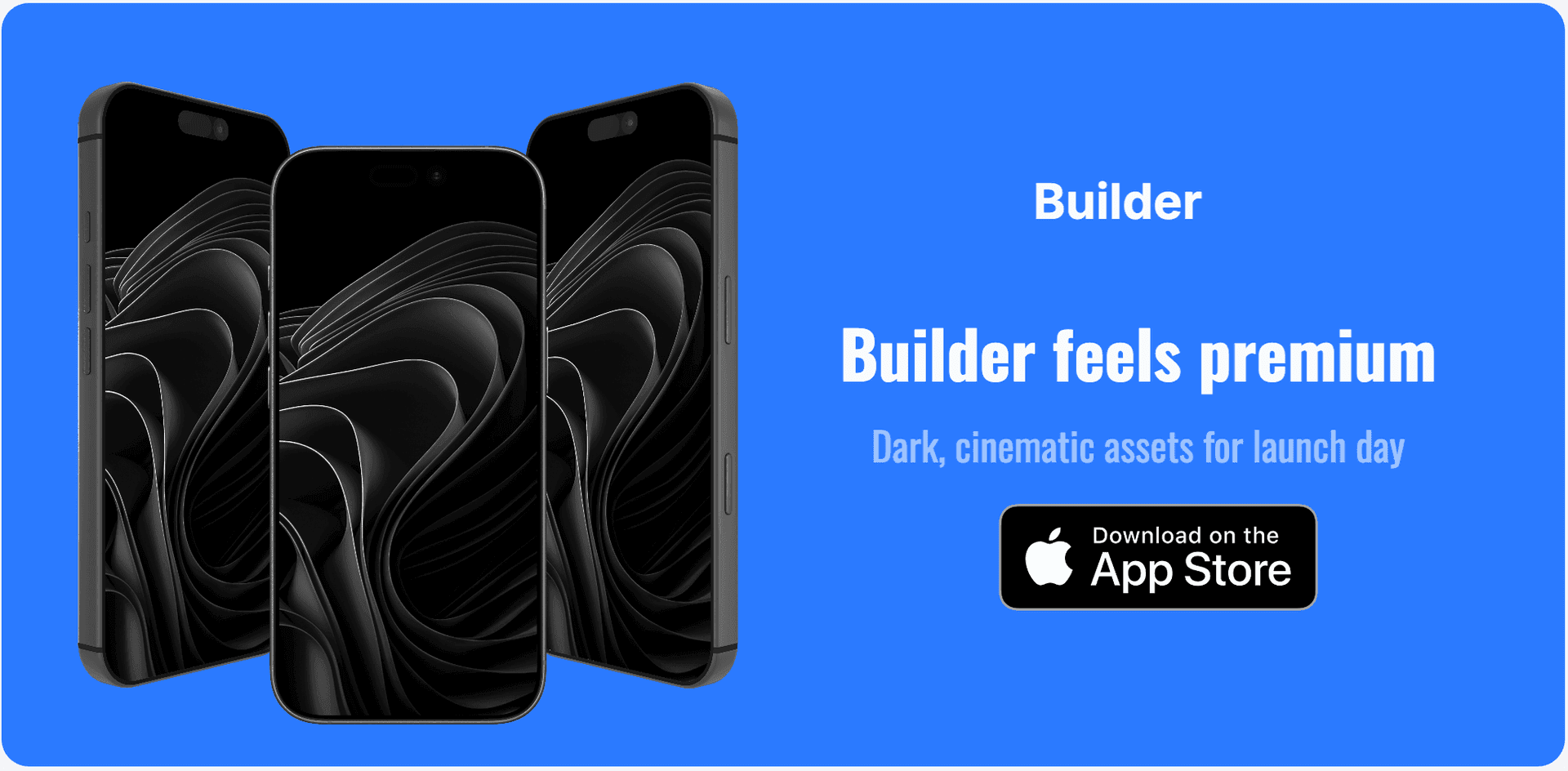
OG Images
Generate Open Graph images for landing pages, blog posts, and shared links with strong click-driving previews.
Format
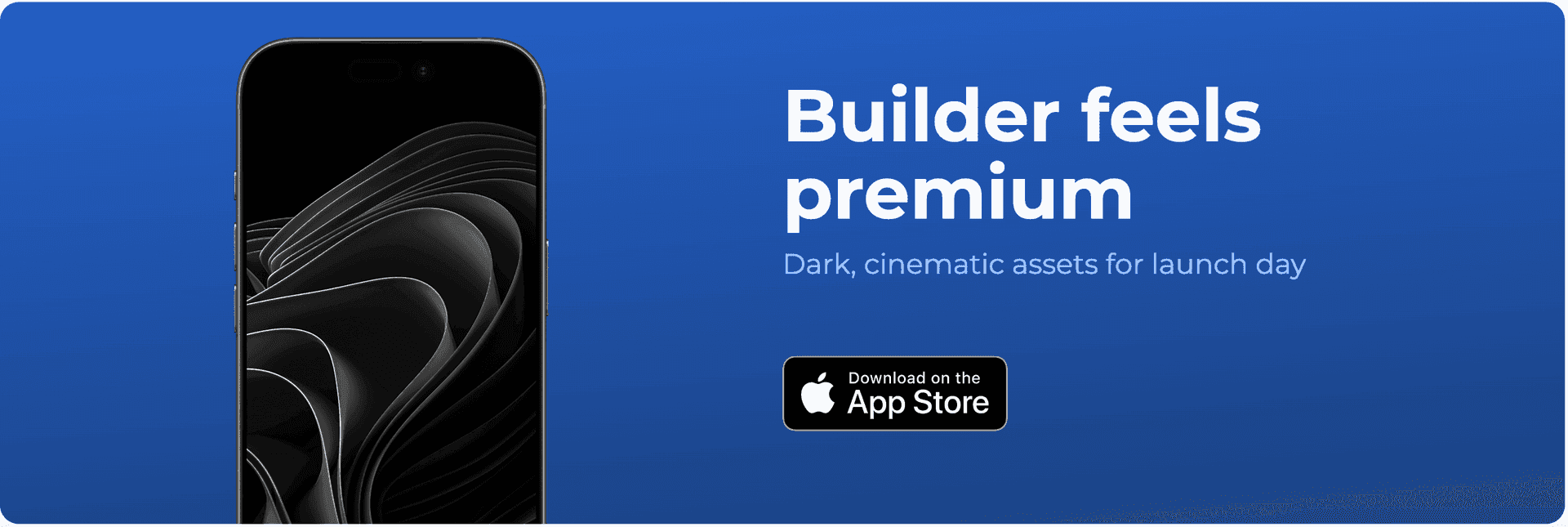
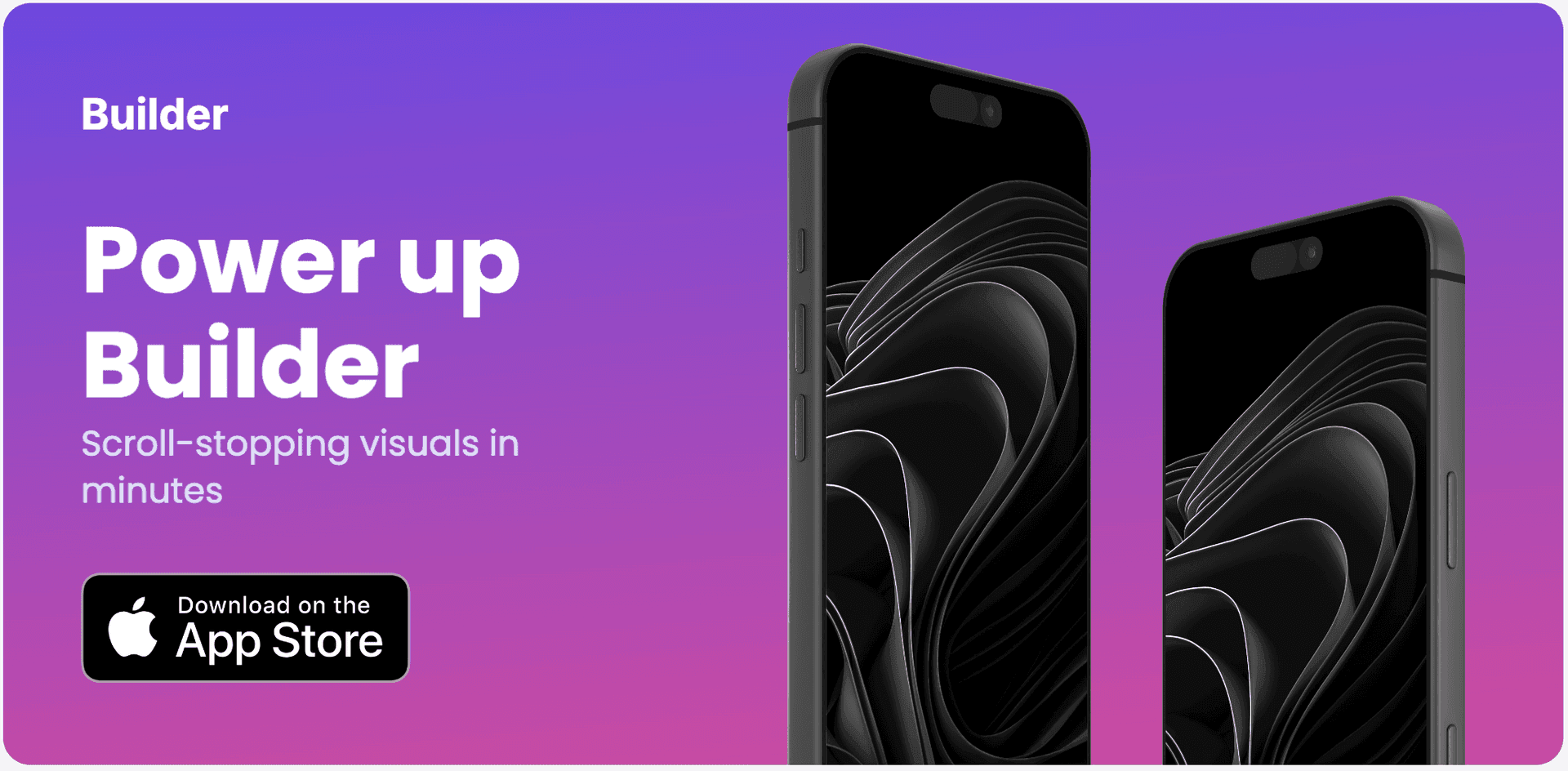
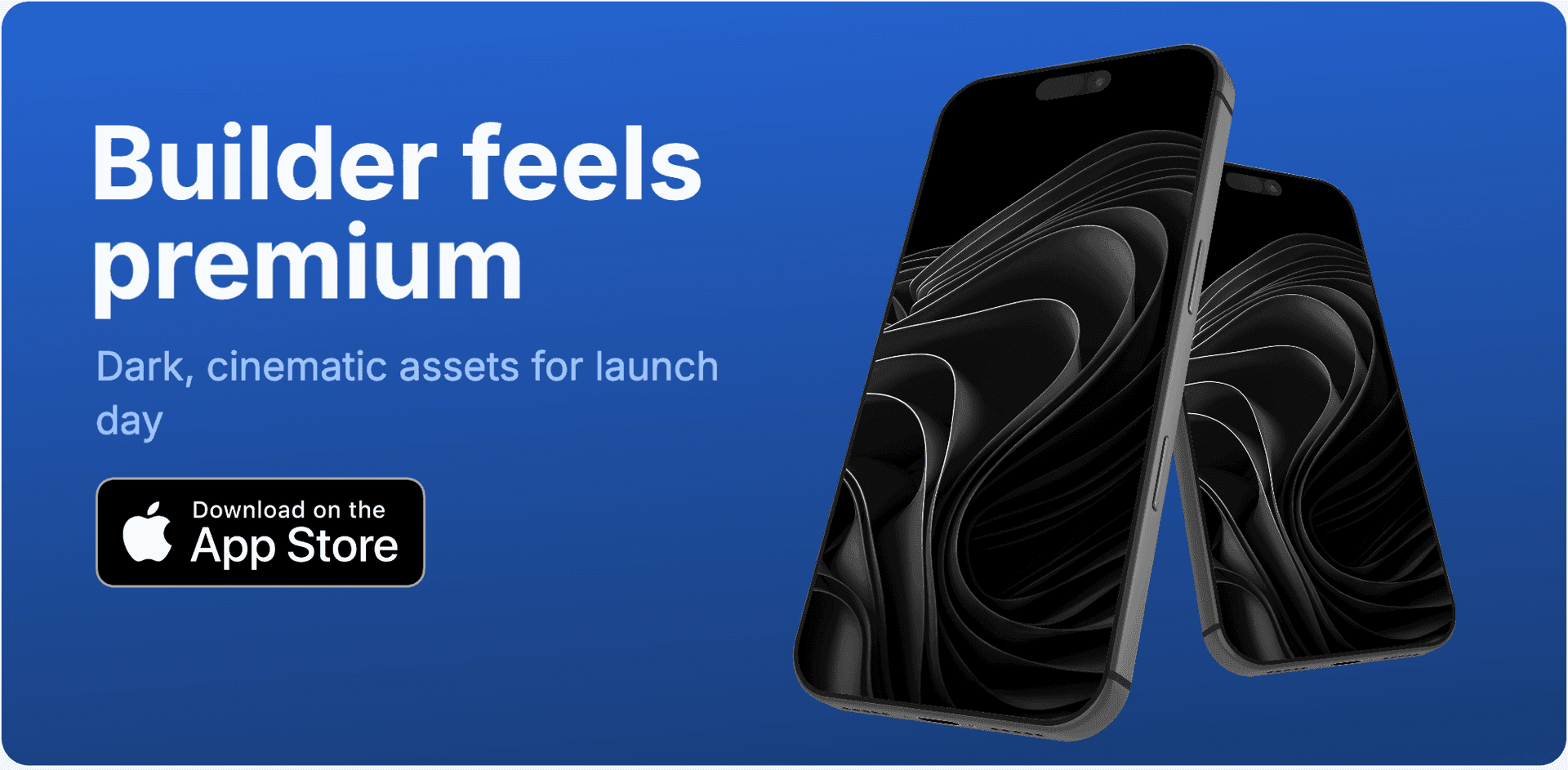
Play Store Feature Graphic
Produce Google Play feature graphics that match your campaign style and listing visuals.
The Challenge
The social graphics bottleneck for app teams
Each platform uses different dimensions and safe areas. Teams often recreate the same design from scratch for LinkedIn, X, OG images, and store assets.
Canva and generic tools are flexible but disconnected from your app listing workflow, so consistency requires extra manual effort.
AppLaunchFlow solves this with platform presets and a shared design system that keeps every social asset aligned with your product story.
Visual Editor
The same editor, now for social graphics.
Use the familiar Figma-style workflow to produce consistent social assets across platforms without manual resizing loops.
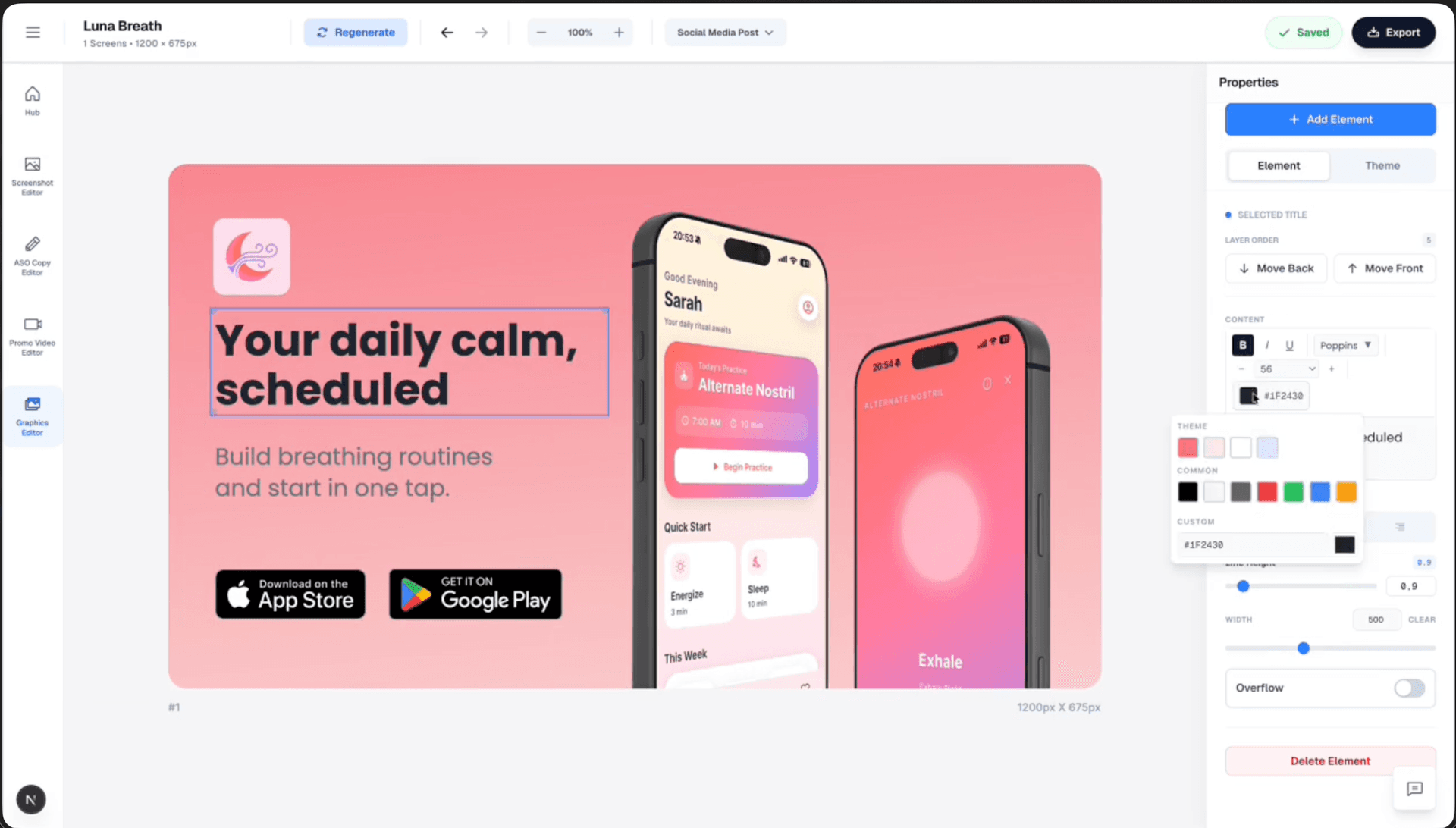
Drag & Drop Control
Intuitive interface with zoom controls and precise positioning for pills, badges, and text.
3D Device Frames
Showcase your app in iPhone, Pixel, or iPad frames and keep every slide visually consistent.
Smart Assets
Use pills, badges, ratings, and curated visual assets without external design tools.
Features
A social graphics workflow built for app marketing
A social graphics workflow that stays aligned with your app listing visuals and campaign cadence.
Deep Dive
Why social design consistency matters for app growth
Users see your app across feeds, profiles, and link previews before they visit your listing. Inconsistent visuals weaken trust.
A unified design system improves recognition and reduces production overhead for every campaign cycle.
When social assets and store assets share structure, teams can ship faster without brand drift.
Comparison
Canva/Figma vs AI generators vs AppLaunchFlow
Most teams choose between manual design control and AI speed. AppLaunchFlow combines both, with platform-aware social presets and app-focused workflows.
| Criteria | Manual tools | AI-only tools | AppLaunchFlow |
|---|---|---|---|
| Brand consistency | Manual effort per platform | No brand memory | Shared template system across all formats |
| Size management | Manual resize per platform | May miss exact specs | Pre-built platform presets |
| App screenshot integration | Separate workflow | N/A or weak | Same editor and reusable app assets |
| Export workflow | Manual export per format | Limited output control | One-click multi-format export |
| Learning curve | High (Figma) / medium (Canva) | Low | Low with guided controls |
Last updated: February 28, 2026
Facts
How It Works
Create social media graphics in three steps
Get started in minutes with our simple workflow
Pick your format set
Choose LinkedIn, X, OG, social post, and Play Store feature graphic presets from one project.
Customize once
Apply your theme, screenshots, and messaging in the visual editor, then adapt per format where needed.
Export and publish
Download platform-ready graphics in one pass and publish across channels.
Related
Connect Social Creative With Store Conversion
Create iOS screenshot sets optimized for App Store conversion.
iOS teams
Generate app store listing copy aligned with your screenshots.
ASO workflow
Build Android screenshot sets for Google Play device diversity.
Android teams
Start from proven visual systems and customize for your app.
Template-first
Frequently asked questions.
Everything you need to know about social media graphics generator
Create social graphics that match your app brand
Produce LinkedIn, X, OG, and store graphics from one editor and one design system.
Ship consistent campaign visuals faster without jumping between disconnected tools.
No credit card required
Format
Social Posts
Build square social posts for feature highlights, launch moments, and engagement content.