Play Store Screenshot
Generator.
AppLaunchFlow is the Screenshot Design System for Android launches — fast AI drafts with the control to perfect every Play Store screenshot.
1,400+
app developers
40,000+
screenshots generated
Design Patterns
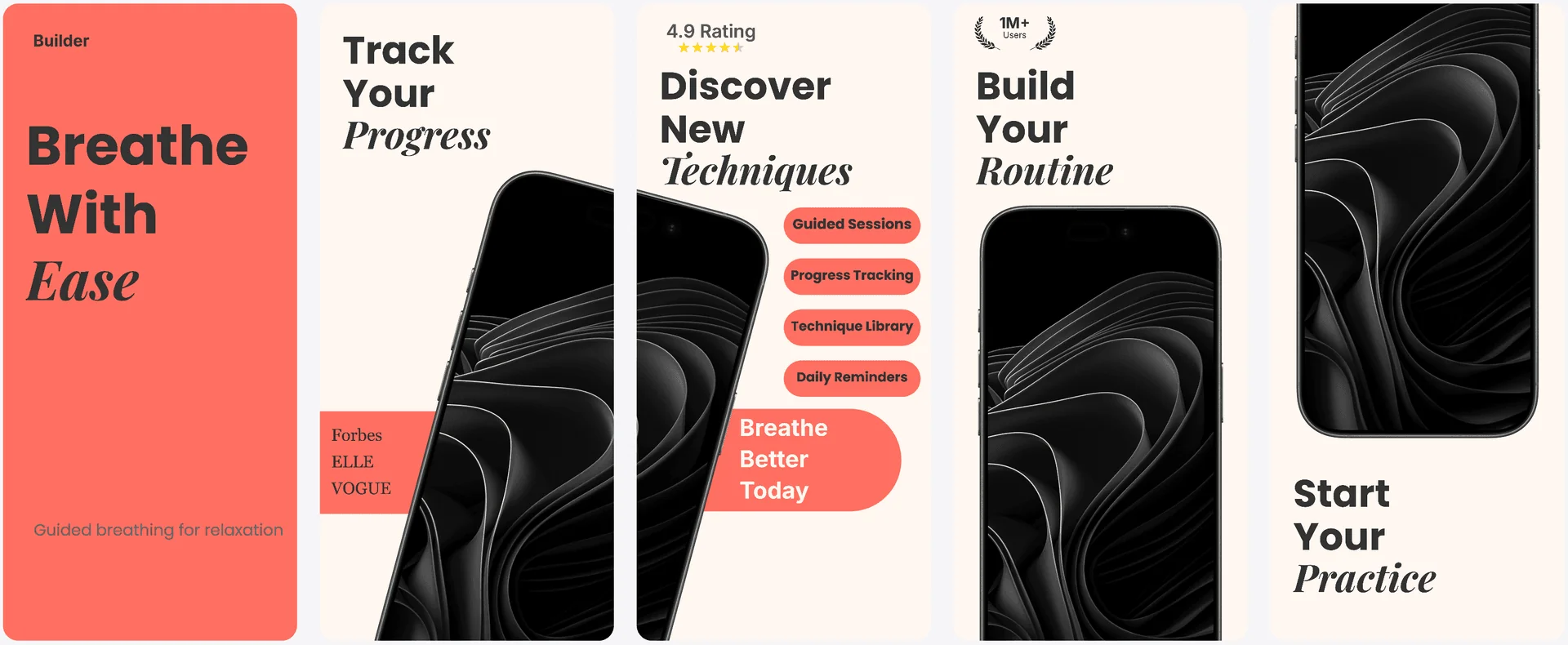
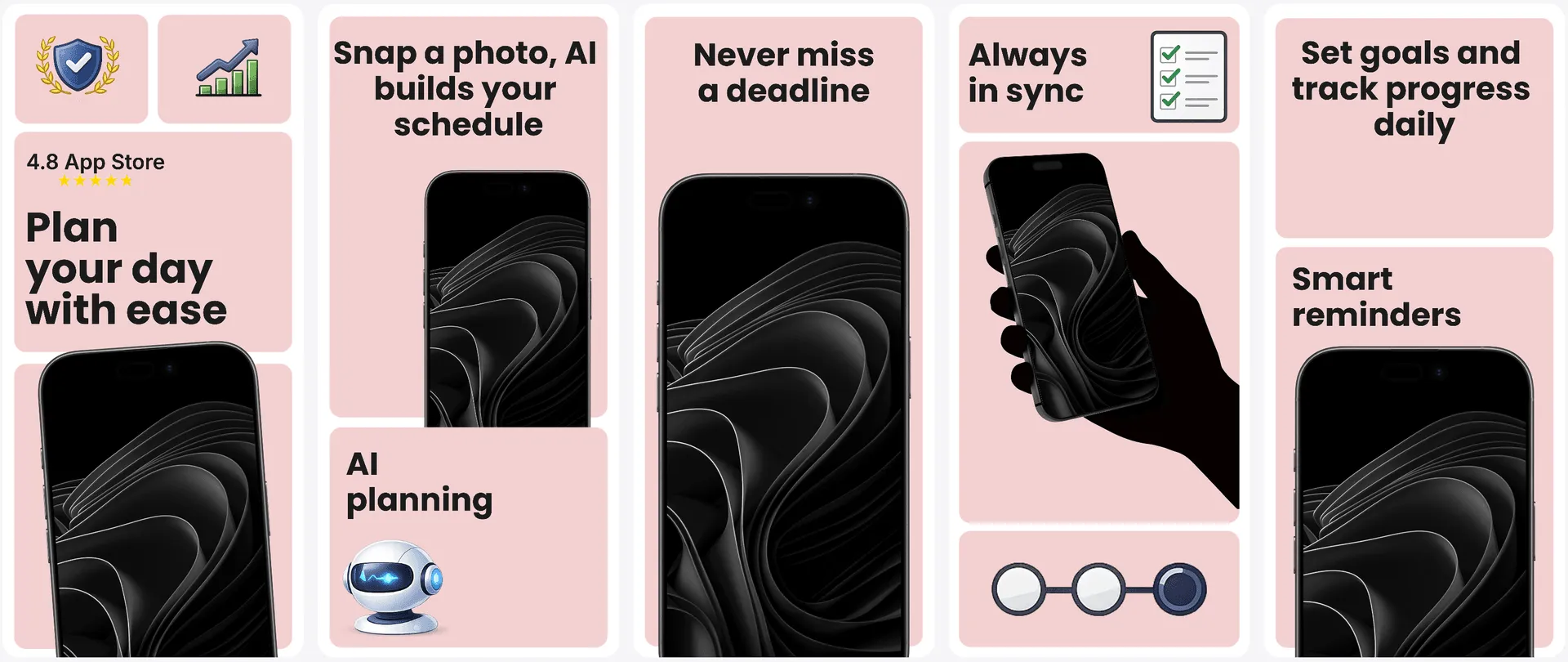
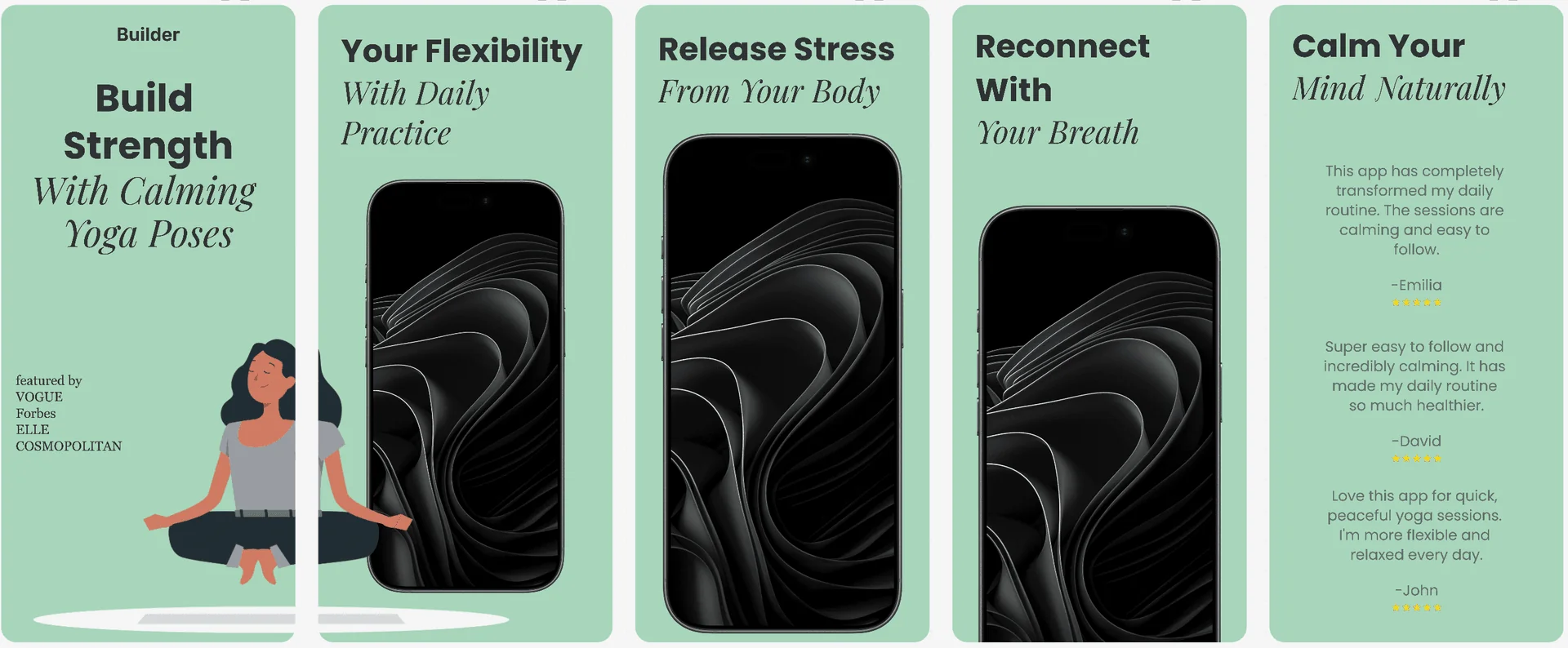
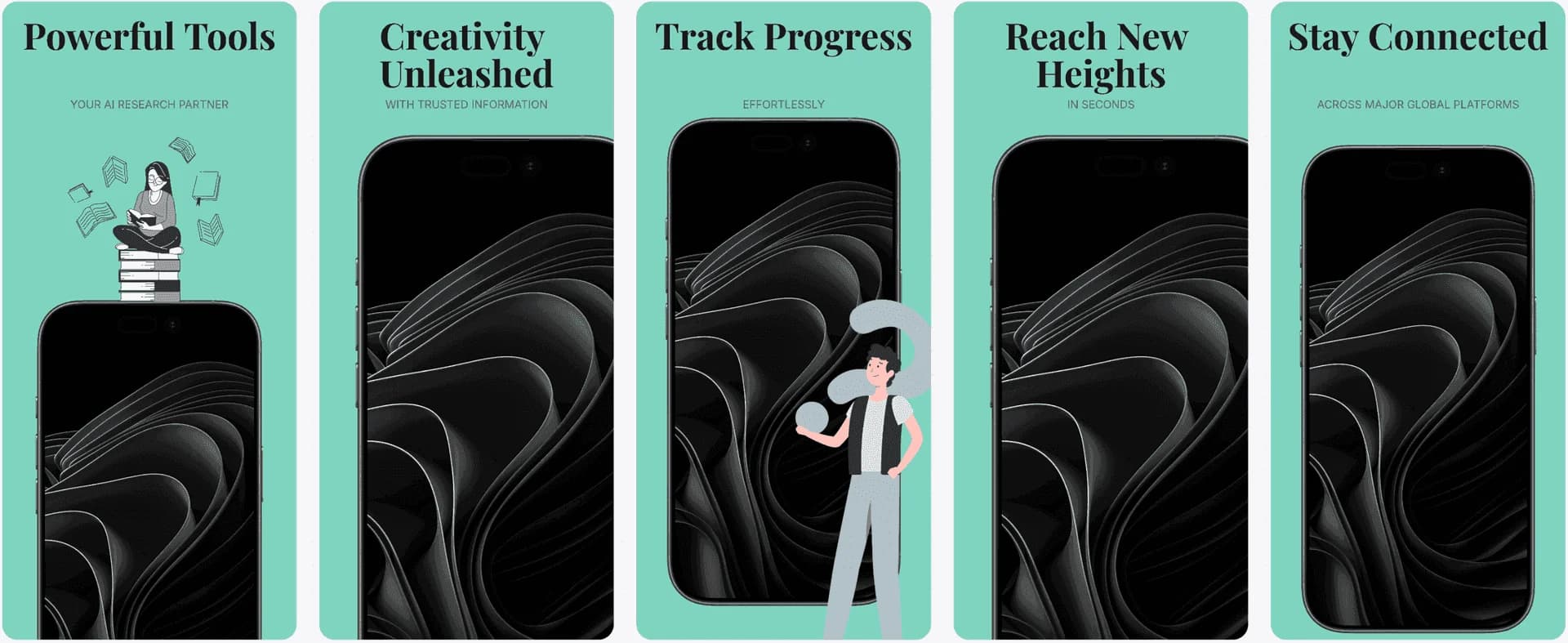
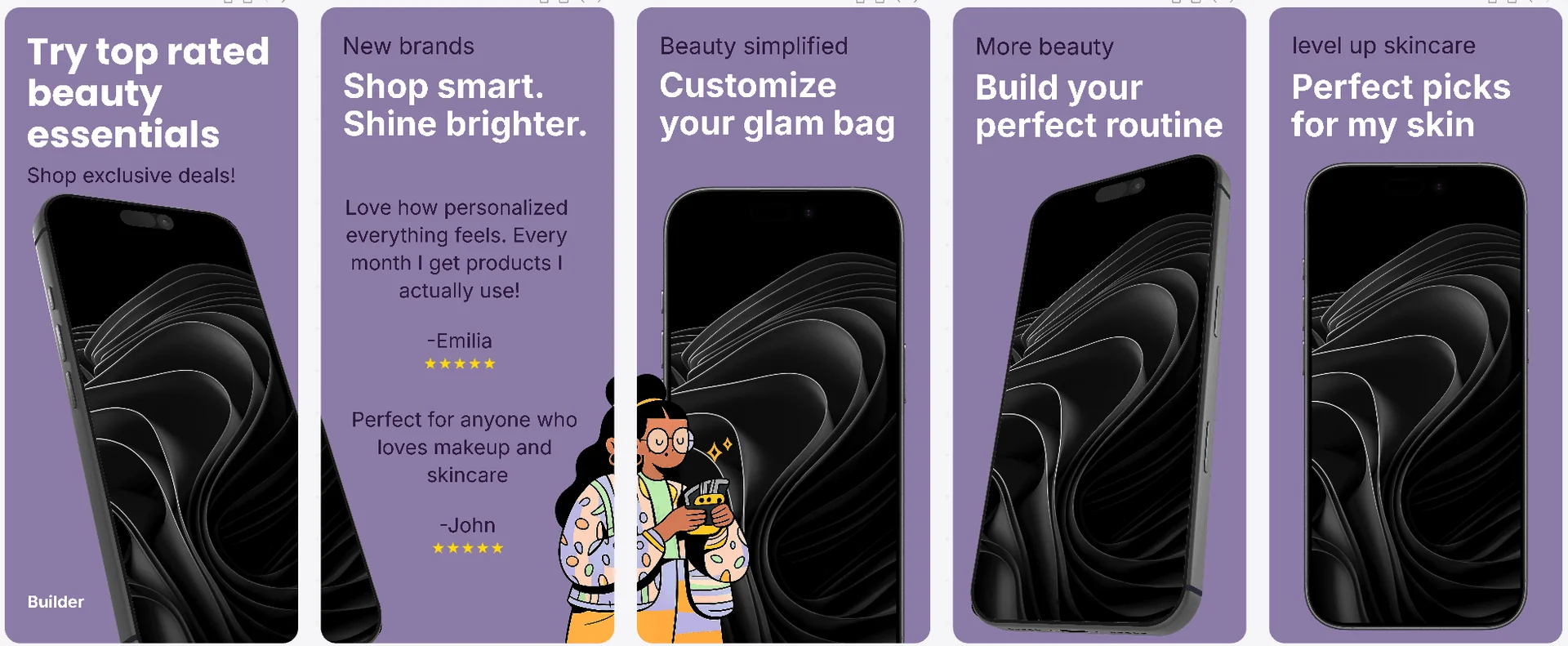
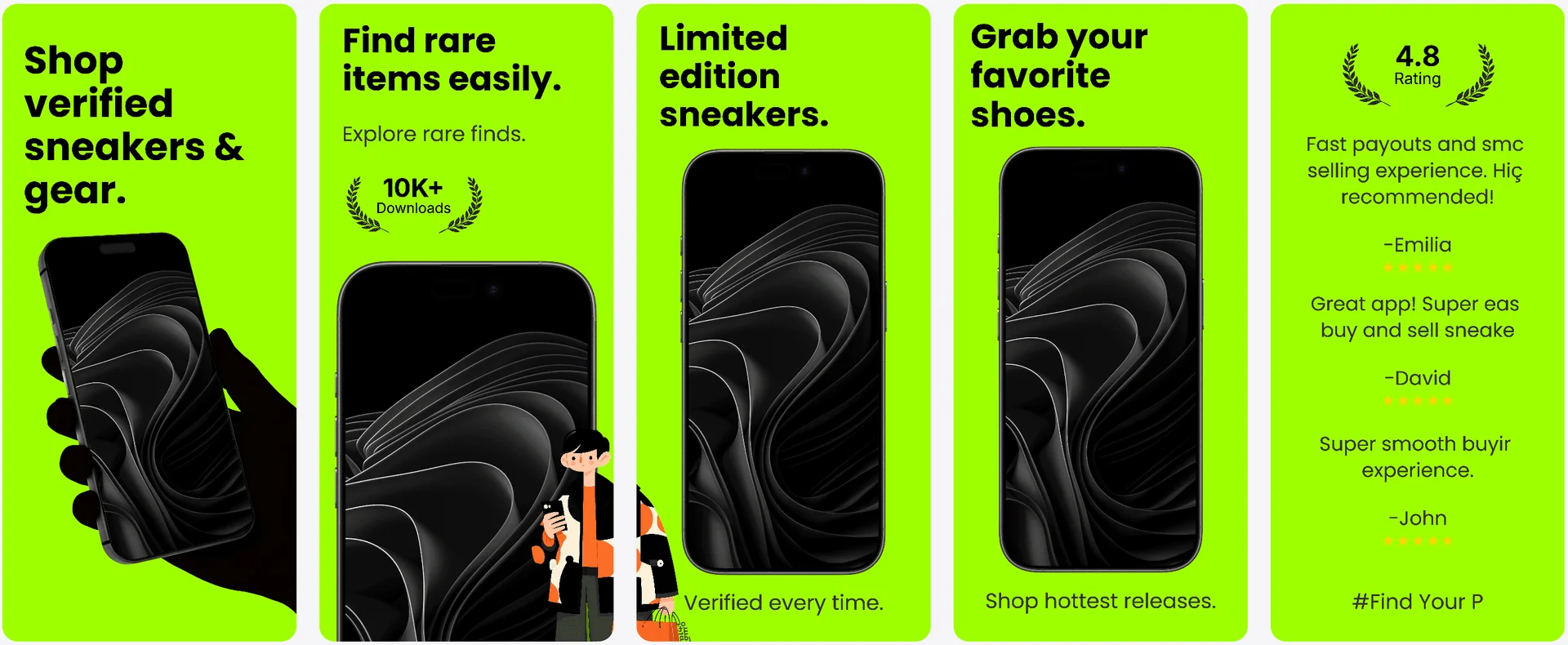
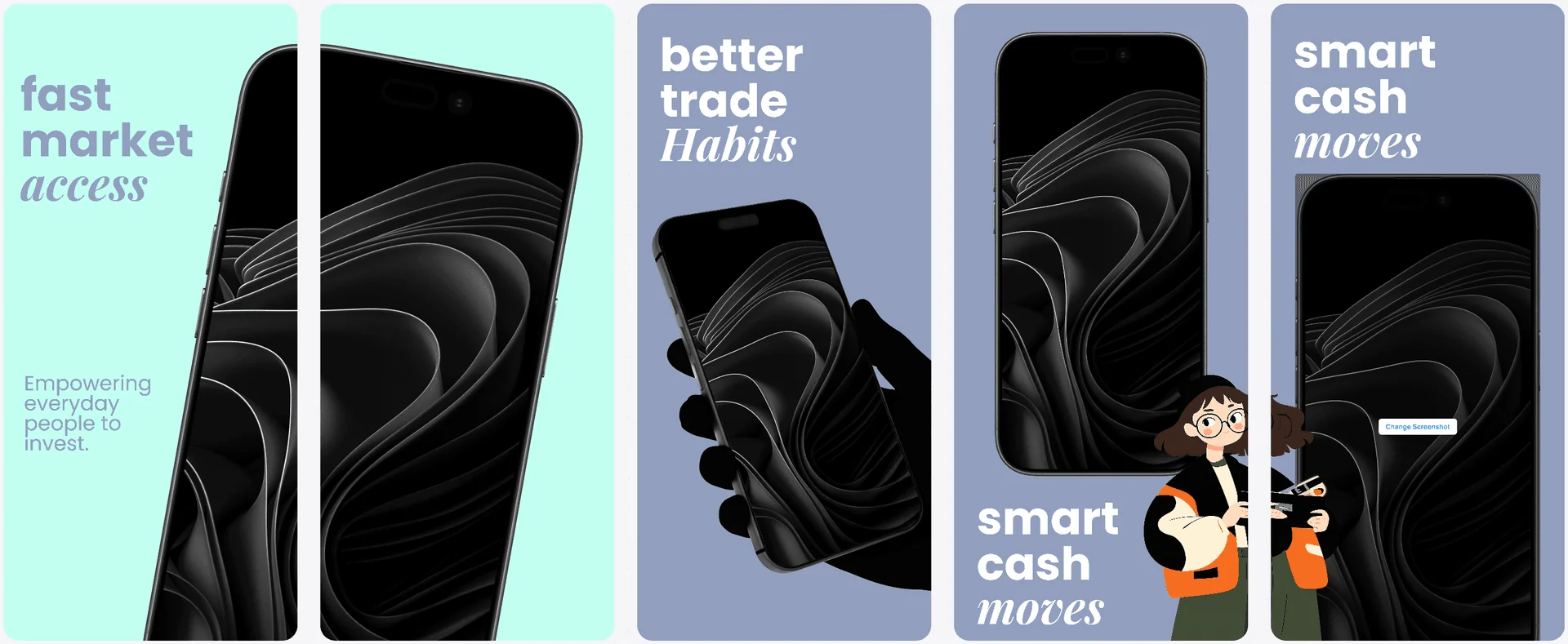
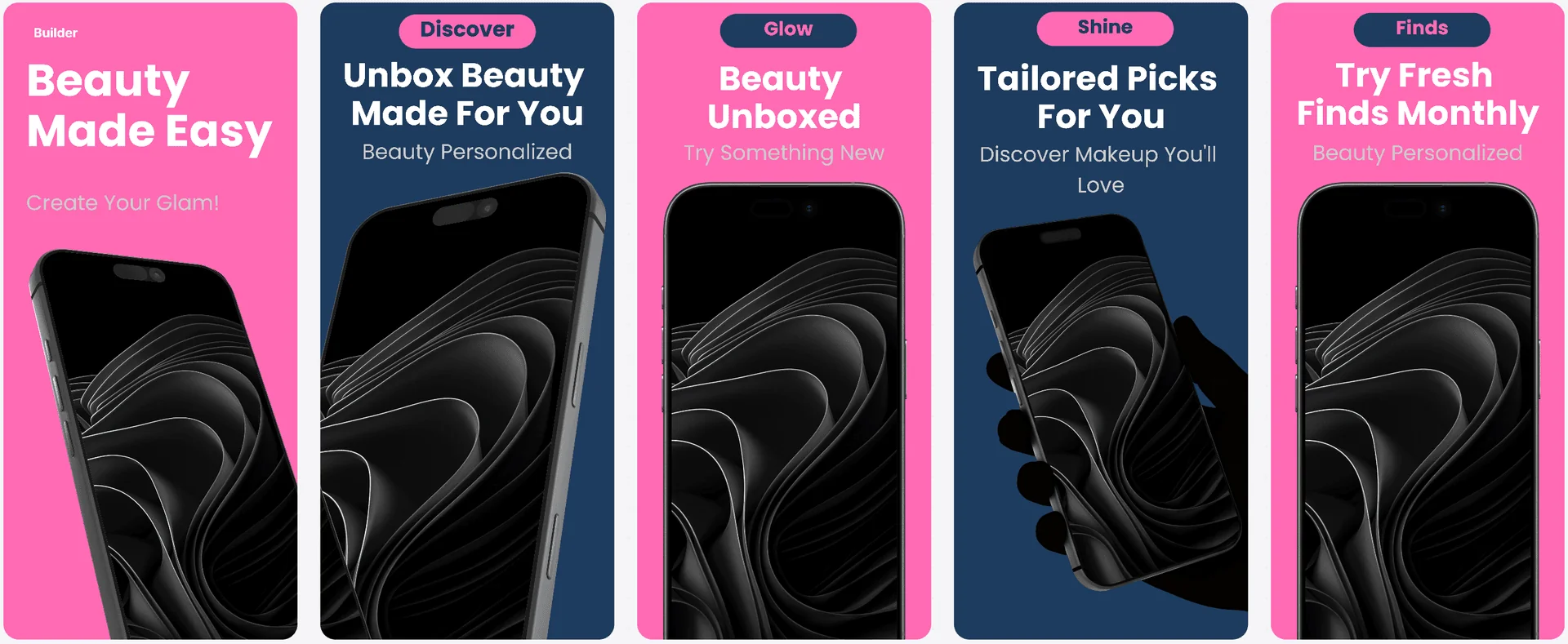
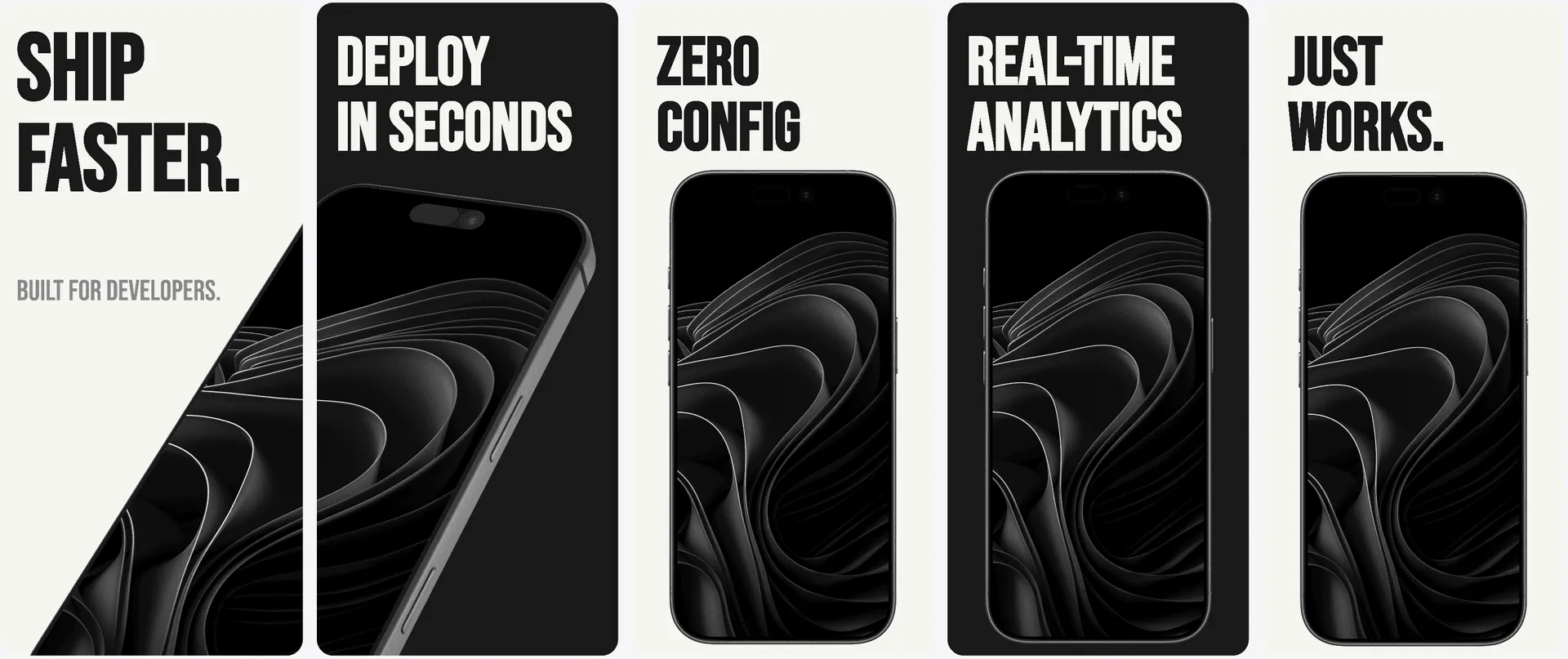
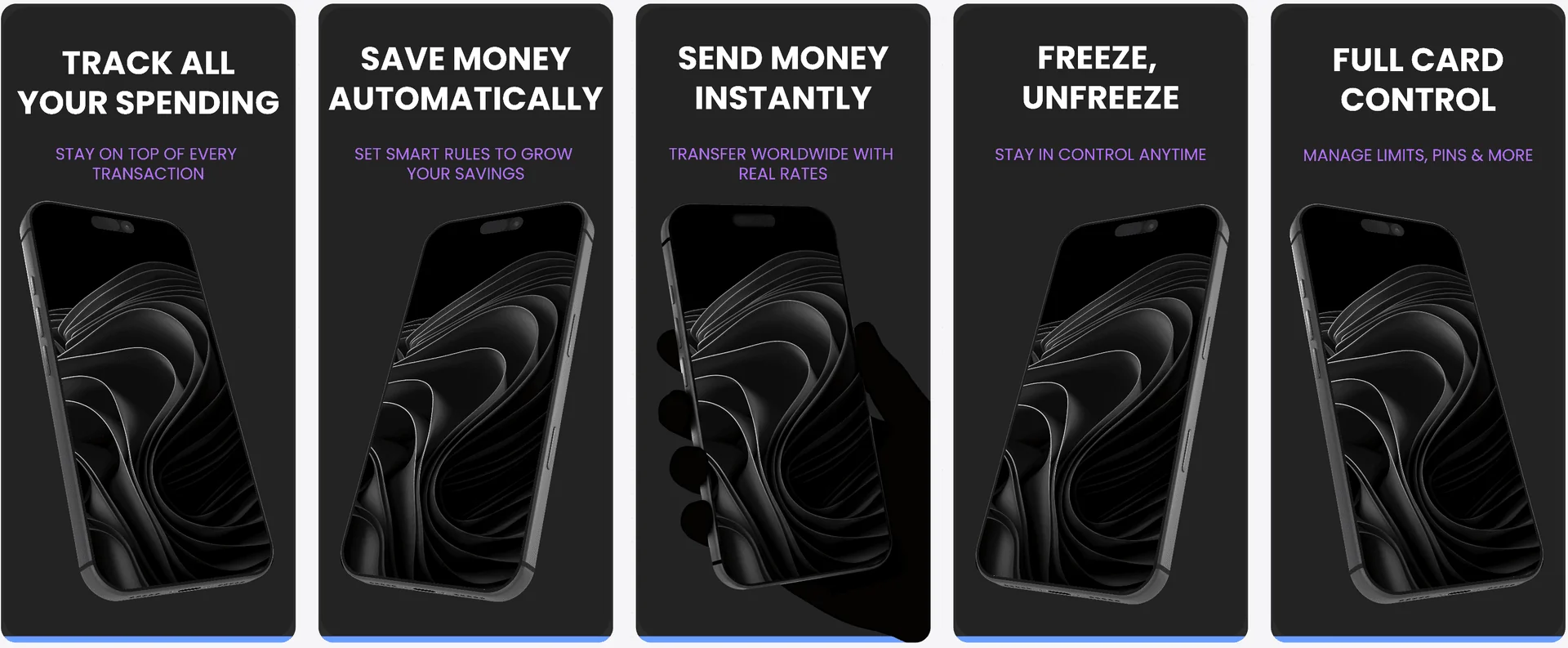
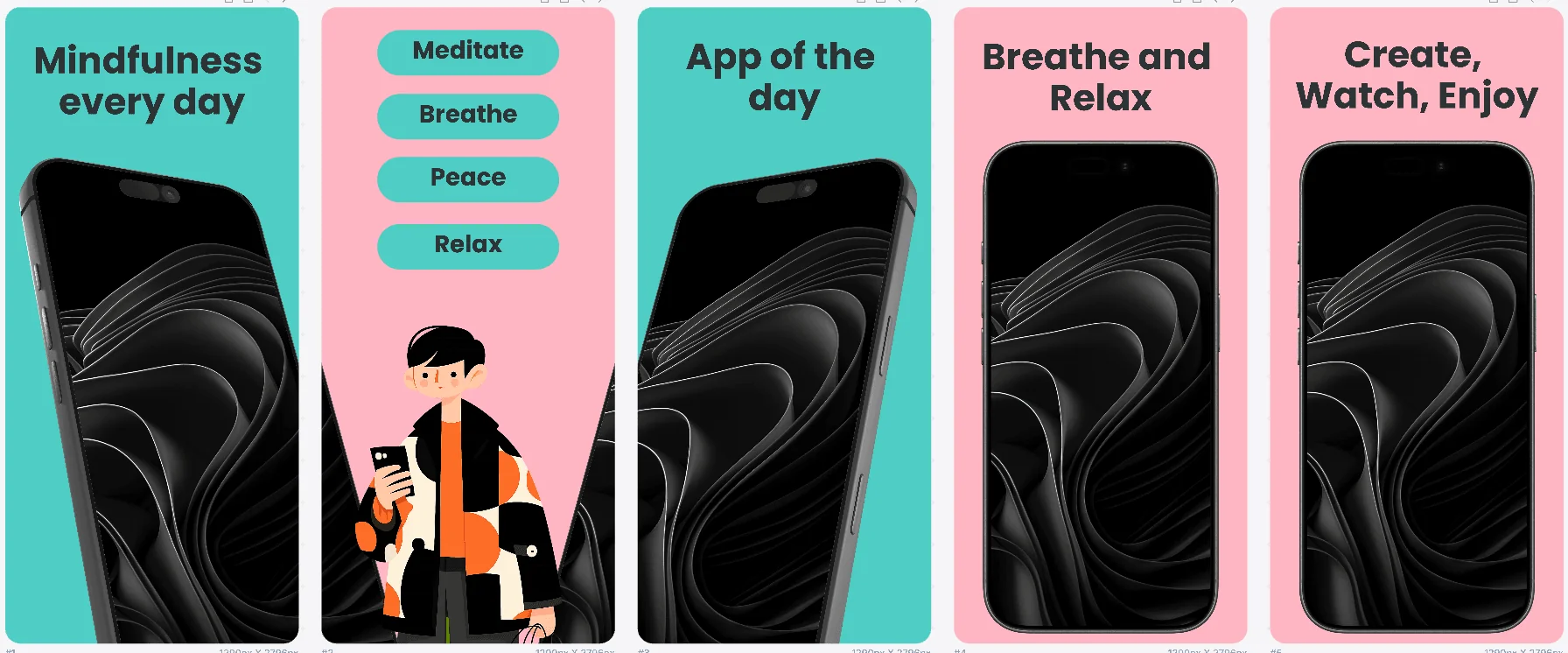
Template patterns tuned for Android.
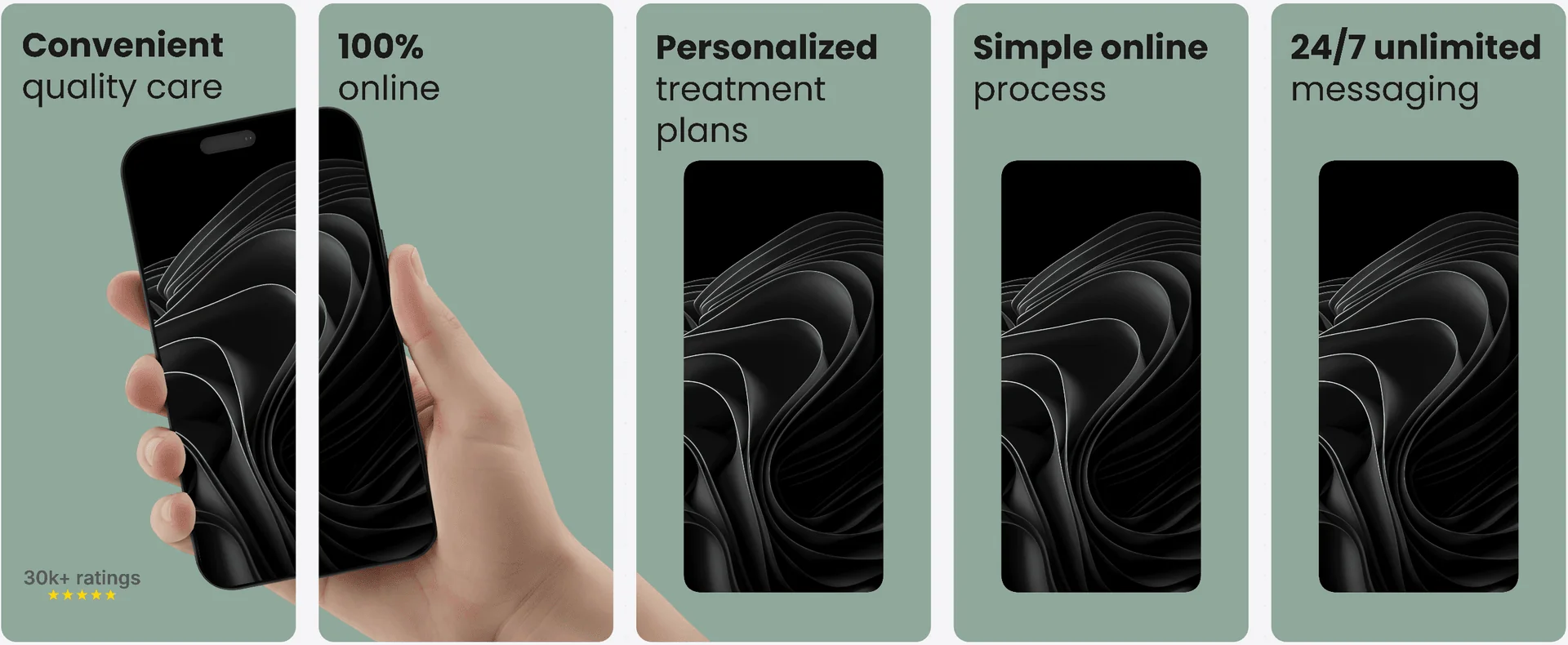
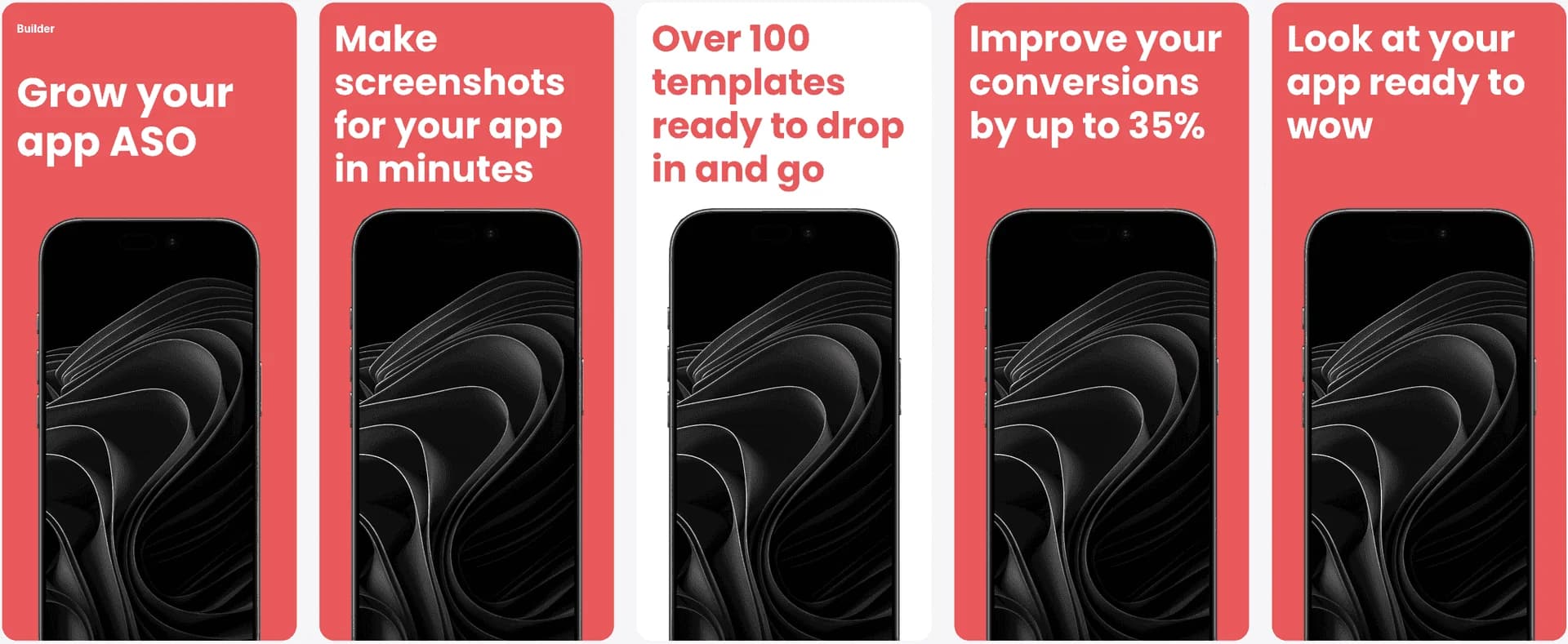
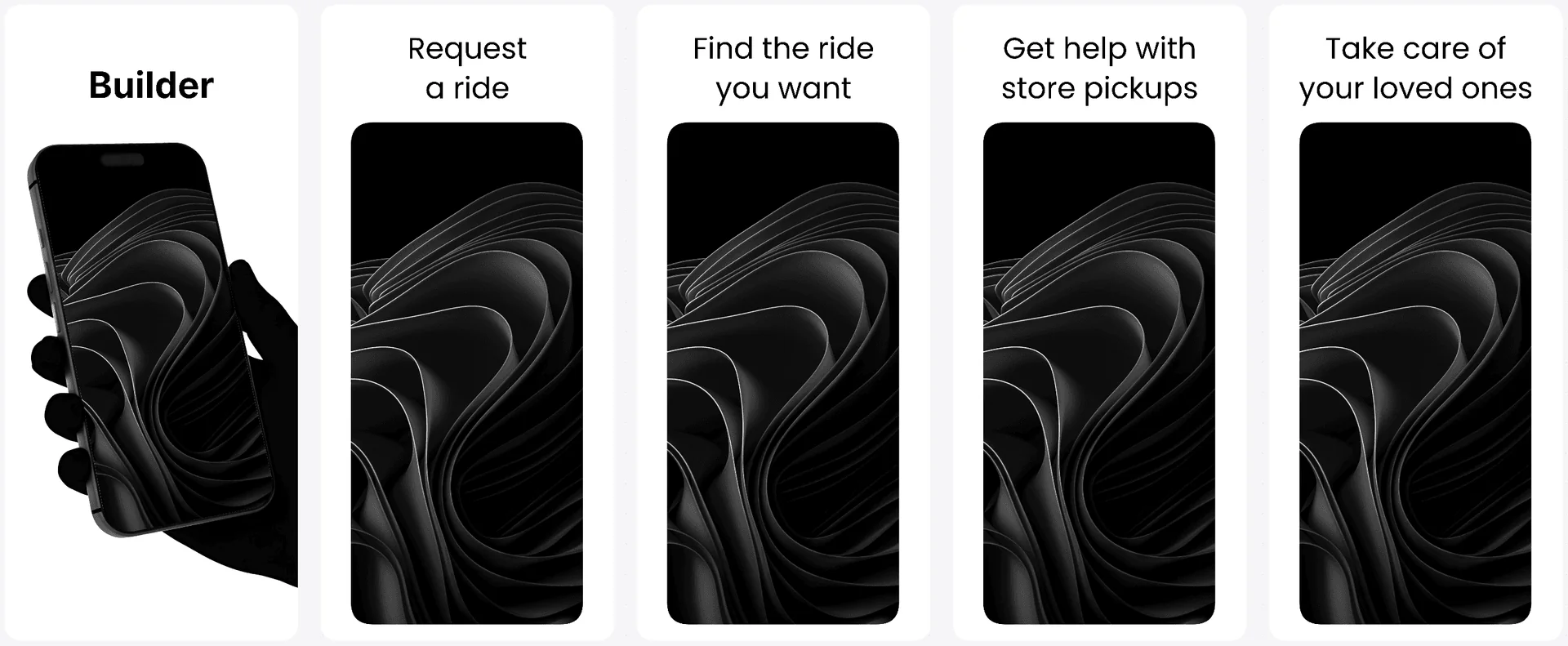
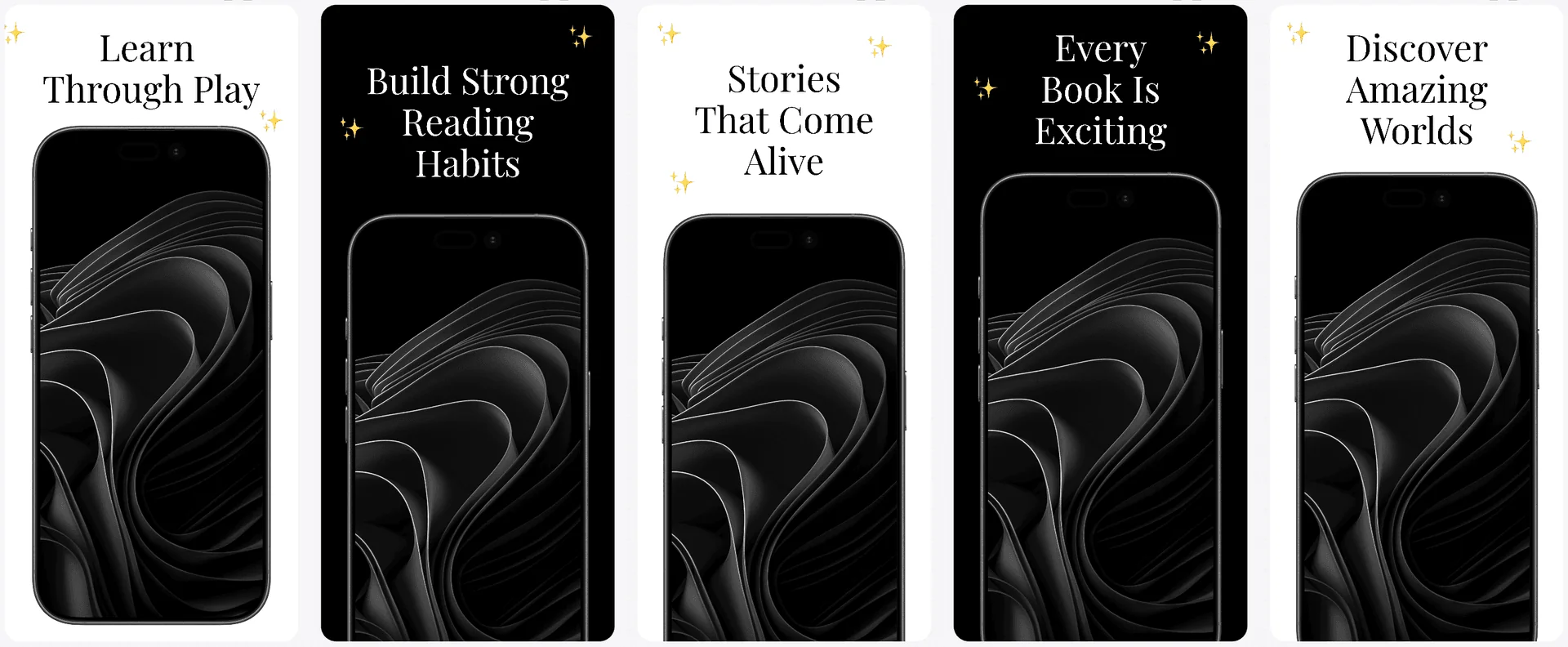
Use proven visual systems as a starting point, then tailor typography and layout for Play Store-first storytelling.
Browse Android-ready templates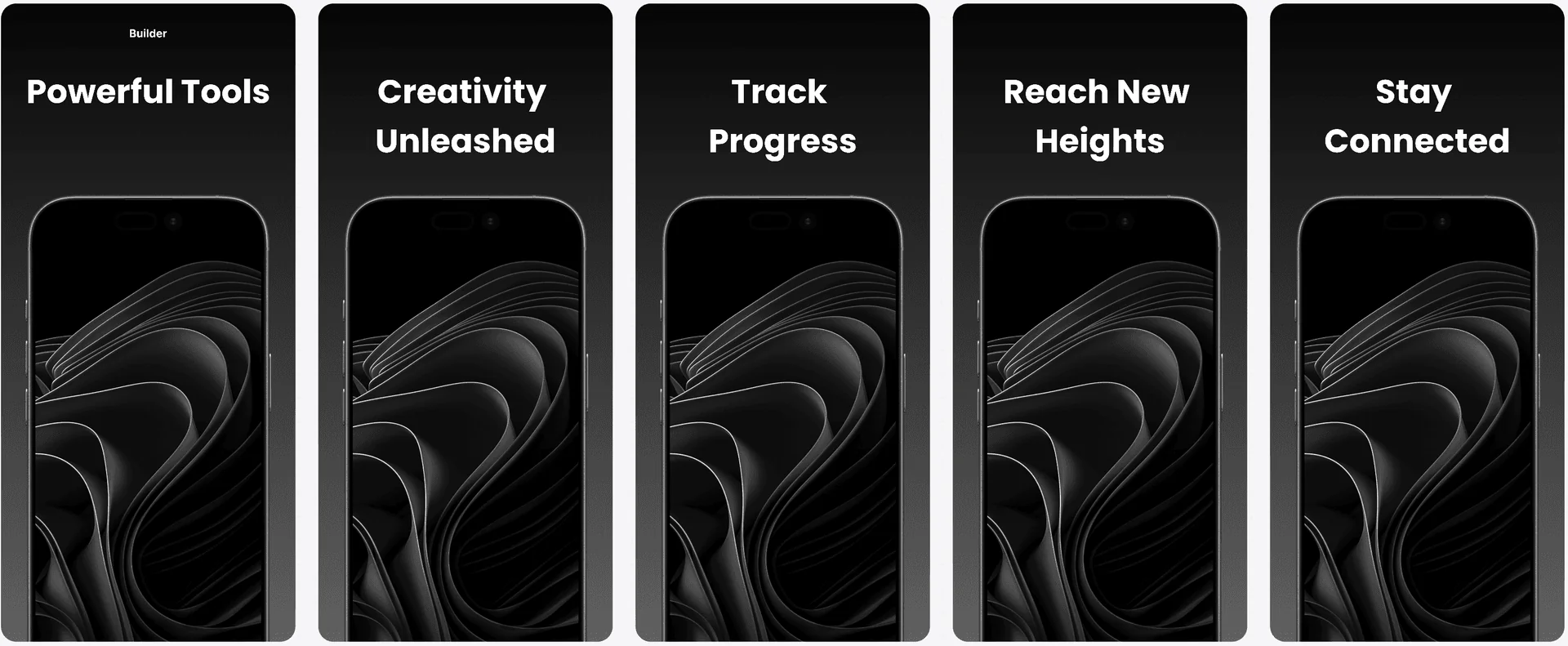
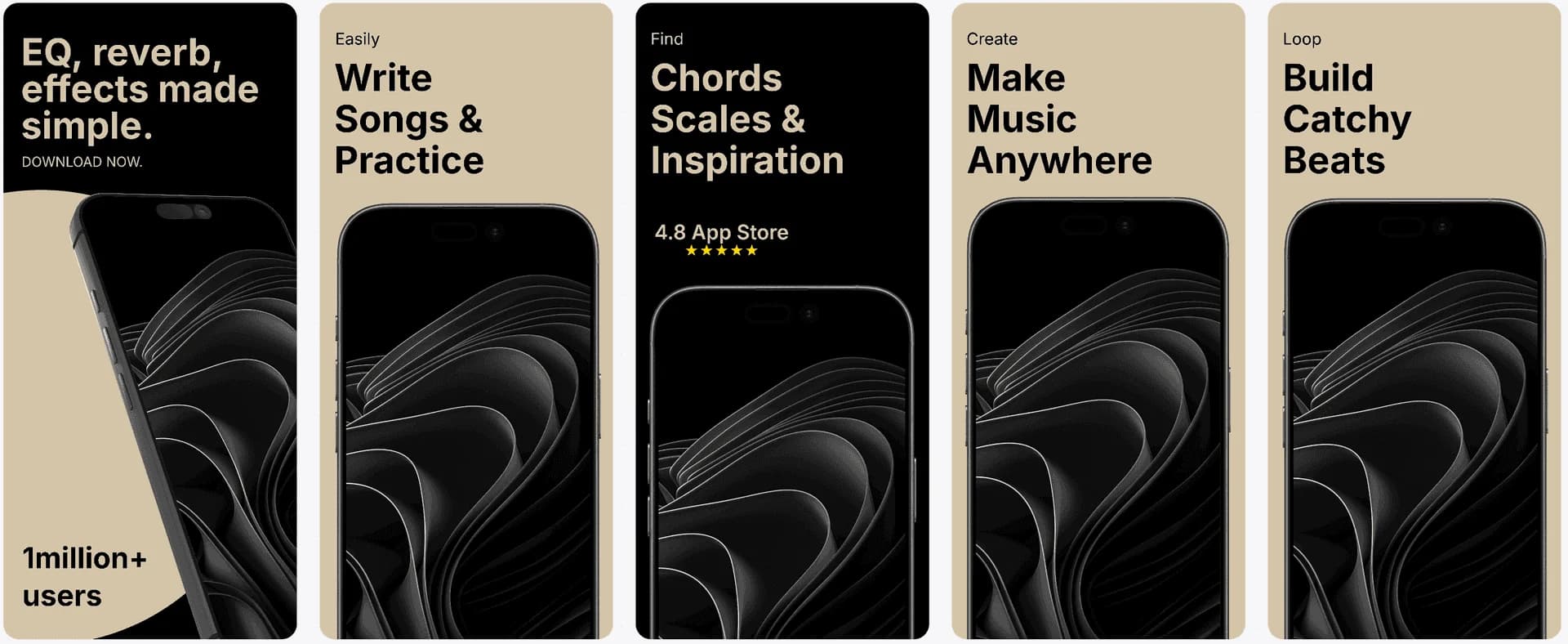
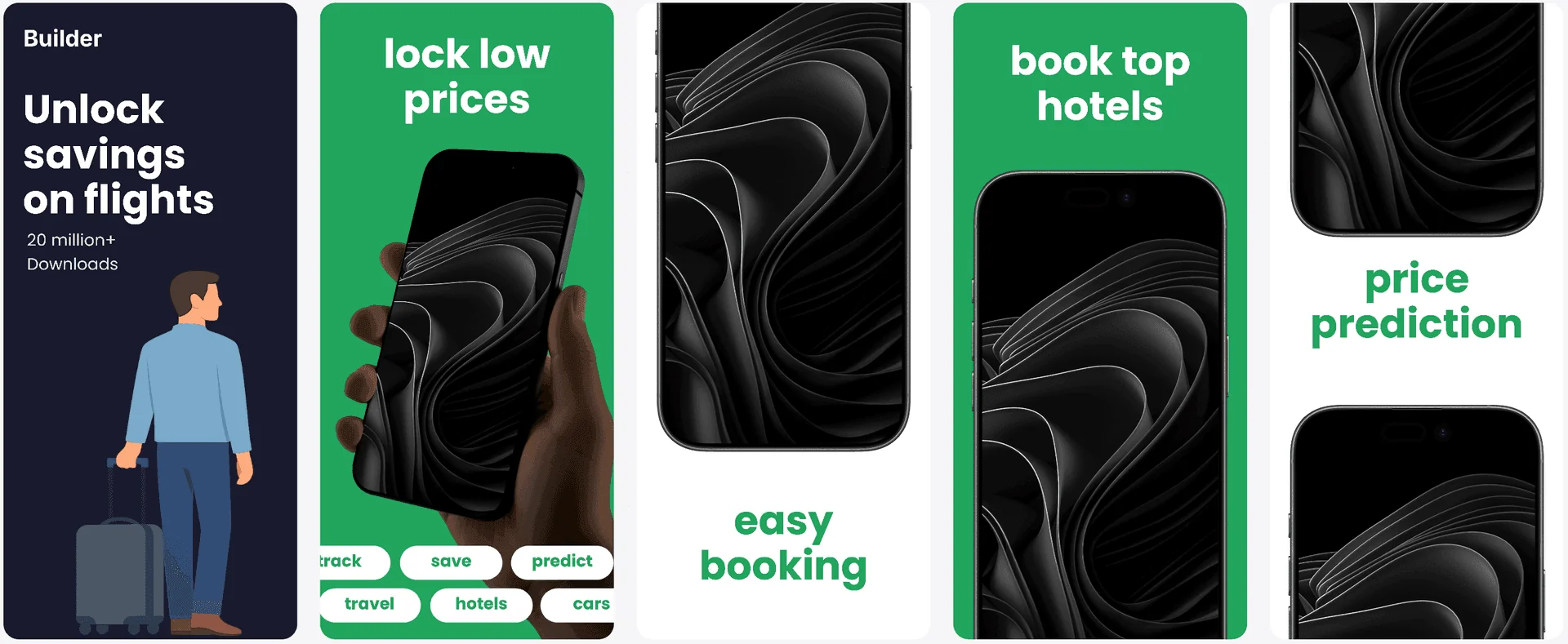
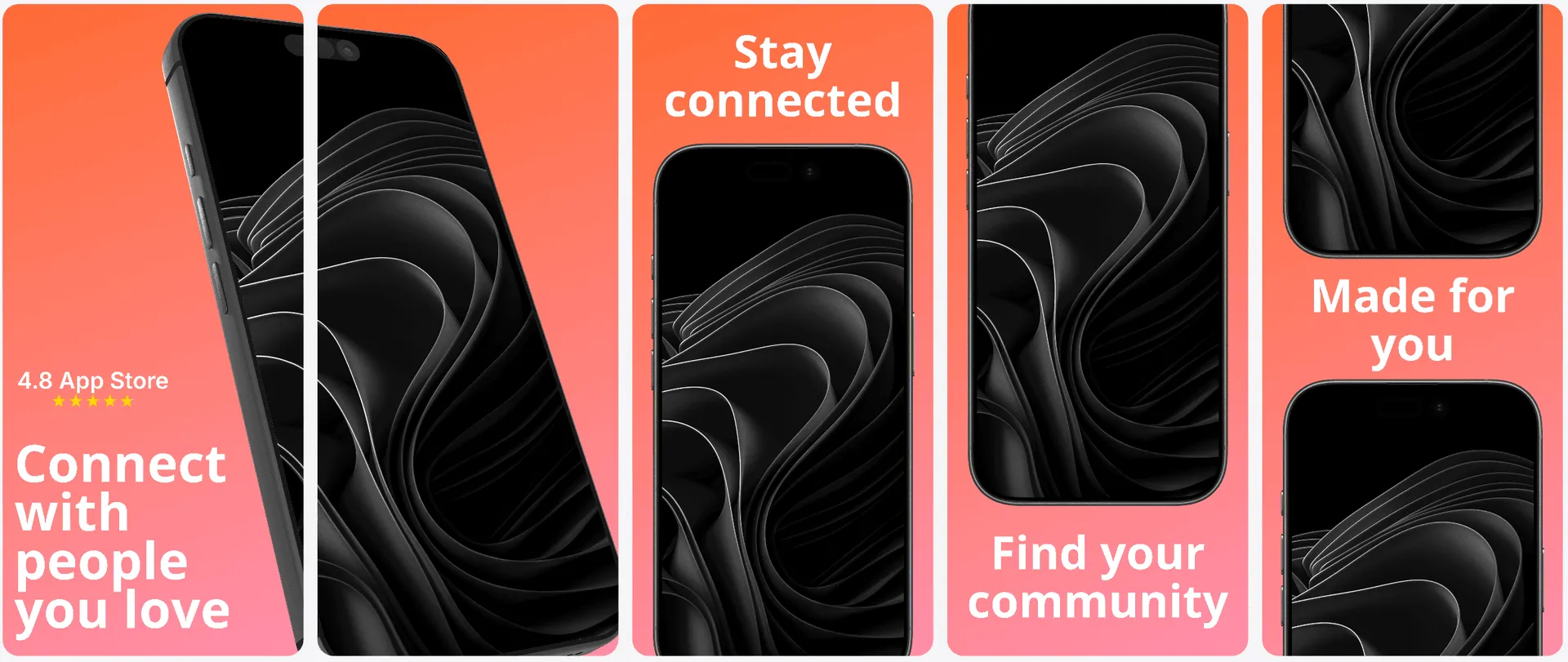

Localization
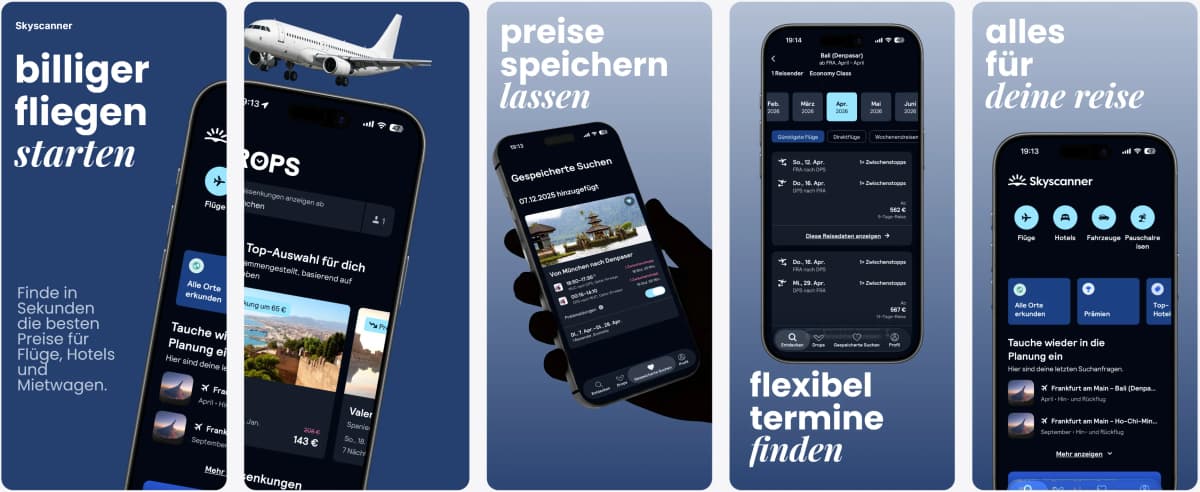
Scale Play Store localization quickly.
Translate screenshot messaging for global Android markets and preserve clean, readable layouts in every locale.
Supports major App Store and Play Store languages including Spanish, German, French, Japanese, Korean, Portuguese, and more.
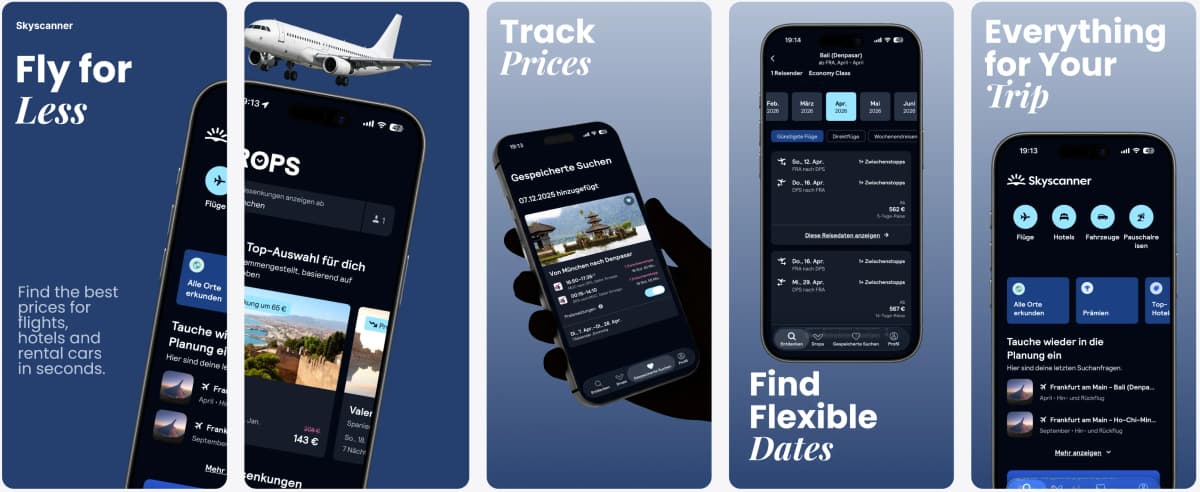
Visual Editor
Edit Android screenshots with full control.
Handle multiple Play Store device ratios in one editor and keep alignment, spacing, and hierarchy consistent.
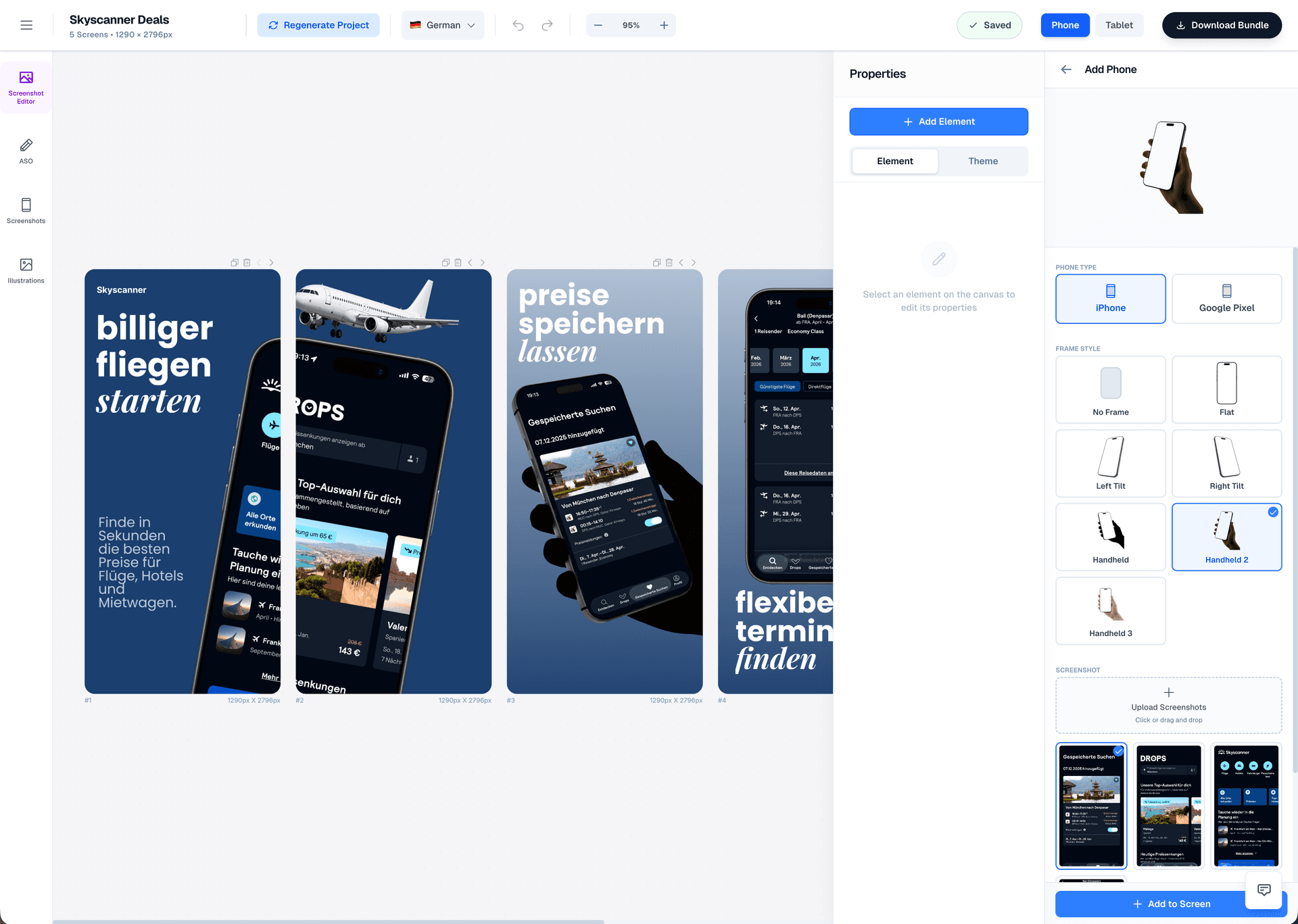
Drag & Drop Control
Intuitive interface with zoom controls and precise positioning for pills, badges, and text.
3D Device Frames
Showcase your app in iPhone, Pixel, or iPad frames and keep every slide visually consistent.
Smart Assets
Use pills, badges, ratings, and curated visual assets without external design tools.
The Challenge
Play Store screenshot generator: why are Android screenshots so inconsistent?
Android fragmentation makes Play Store screenshots harder than they should be. Different device sizes, aspect ratios, and UI densities can turn one layout into three different problems. If you build manually, you waste time resizing. If you rely on AI-only tools, you lose visual consistency.
AppLaunchFlow solves this by treating Android screenshots as a system. You choose a base layout, then the editor adapts typography and spacing for each size while preserving your visual hierarchy. That means your message stays clear on phones, tablets, and even Chromebook listings.
Google Play also surfaces screenshots in search results and recommendations, so the first visual impression impacts both ranking and trust. A clear, benefit-led first slide helps users decide faster in competitive categories where feature parity is high.
You still get full control over typography, color, and framing, but you never have to start from scratch. This is how you ship Play Store updates fast without sacrificing polish.
When your product evolves quickly, you can keep screenshots updated alongside releases. The system lets you edit once and export across all target Android sizes in a single pass.
Features
How Play Store screenshots work with AppLaunchFlow
Everything you need to create professional app store screenshots.
Comparison
Why choose AppLaunchFlow for Play Store?
Most Play Store screenshot makers force you to choose between speed and brand control. AppLaunchFlow bridges that gap so Android listings look premium without slowing your release cycle.
| Criteria | Manual tools | AI-only tools | AppLaunchFlow |
|---|---|---|---|
| Device diversity | Manual resizing per device size | Auto outputs that ignore hierarchy | Adaptive layouts with preserved hierarchy |
| Localization | Expensive, manual reflow | Auto-translate, poor layout | Translation with layout-aware adjustment |
| Brand control | High control, low speed | Low control, generic output | High control with AI draft speed |
| Play Store readiness | Multiple exports and checks | Exports often need fixes | Sized and named for Play Console |
Deep Dive
Play Store screenshot strategy for Android growth
Android users encounter your screenshots across phones, tablets, and sometimes Chromebooks. A single story must scale across all those contexts, which is why AppLaunchFlow keeps layout rules consistent even as device sizes change.
Teams that align their screenshots with feature graphics and short descriptions see stronger listing cohesion. AppLaunchFlow makes that alignment easy so your listing feels like a single, focused message rather than a collection of assets.
Last updated: January 22, 2026
Facts
How It Works
Create Play Store screenshots in three steps
Get started in minutes with our simple workflow
Upload Android screenshots
Import your app screens or UI captures. AppLaunchFlow detects key UI areas to help build a clear narrative.
Generate and refine
Let AI propose layouts and captions, then fine-tune spacing, colors, and hierarchy so the screenshots feel uniquely yours.
Export for Google Play
Download images sized for Play Store requirements and publish directly in Play Console.
Related
Expand Beyond Google Play Screenshots
Create iOS screenshot sets optimized for App Store conversion.
iOS teams
Create iPad screenshot sets sized for the App Store tablet listing.
iPad apps
Design macOS App Store screenshots with desktop device frames.
macOS apps
Generate fast screenshot drafts and refine them with full control.
Fast iteration
Frequently asked questions.
Everything you need to know about play store screenshot generator
Sources
Citations & references
Google Play Console screenshot guidelines
Screenshots should accurately represent your app and highlight unique features.
View sourceApple App Store Product Page guidelines
Highlights how screenshots should showcase features and content.
View sourceLaunch your next Play Store update faster
AppLaunchFlow gives you a Play Store screenshot generator that keeps quality high while cutting production time. Build a reusable screenshot system and update it whenever your app changes.
Whether you are launching in a new category or refreshing an existing listing, the workflow keeps your visuals consistent, readable, and optimized for Android discovery channels.
With a reusable system, you avoid the common trap of outdated screenshots that no longer match your latest UI, keeping trust high for first-time visitors.
No credit card required