App Store Screenshot
Generator.
AppLaunchFlow is the Screenshot Design System for iOS launches — AI generates, you refine, and your App Store screenshots ship fast.
1,400+
app developers
40,000+
screenshots generated
Design Patterns
Conversion-tested iOS patterns.
Start from proven template structures used by high-performing App Store listings and adapt them to your product story.
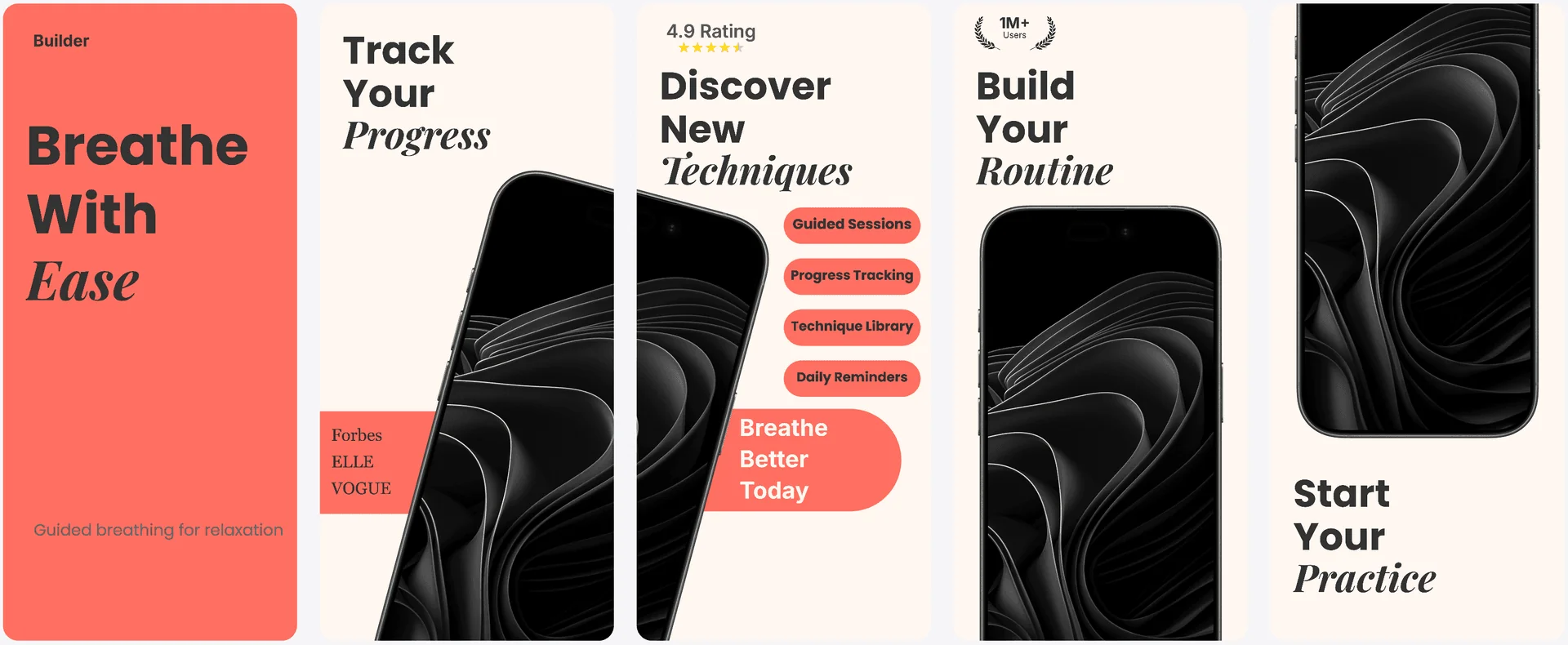
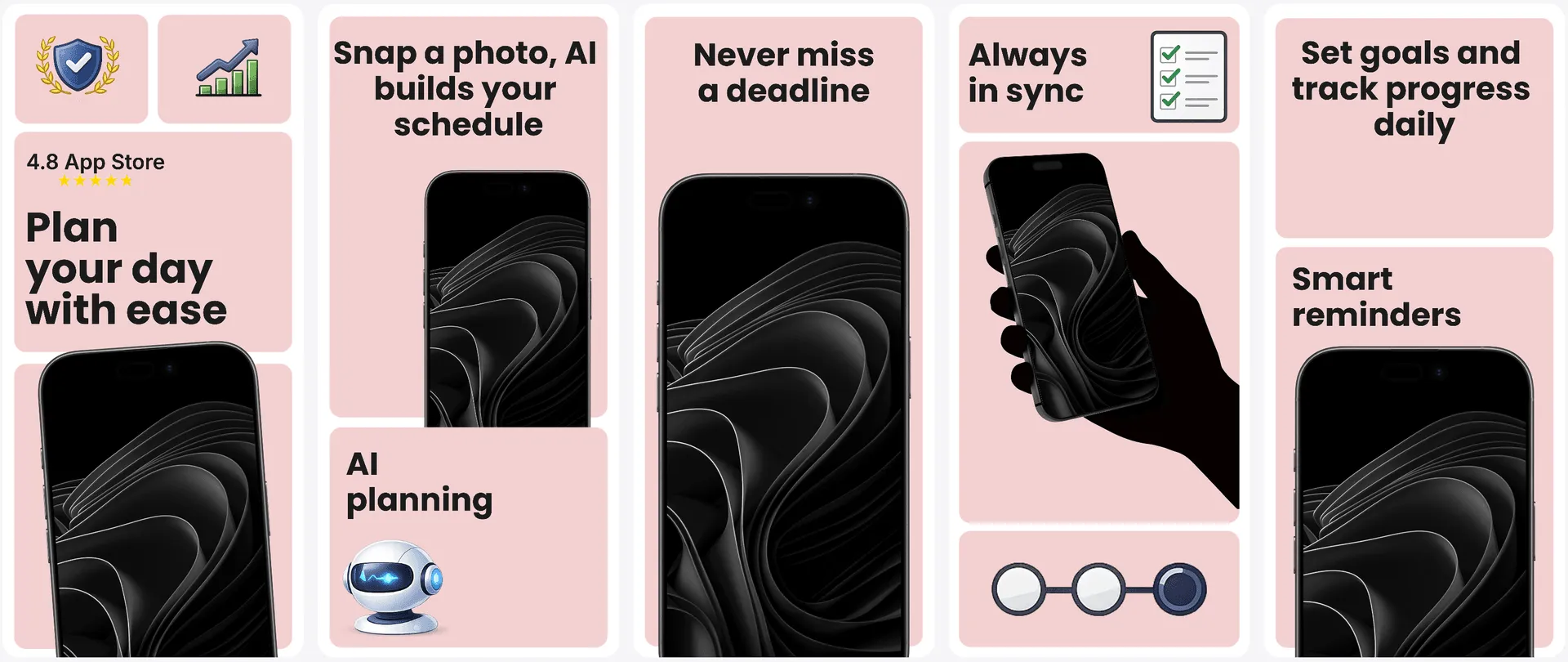
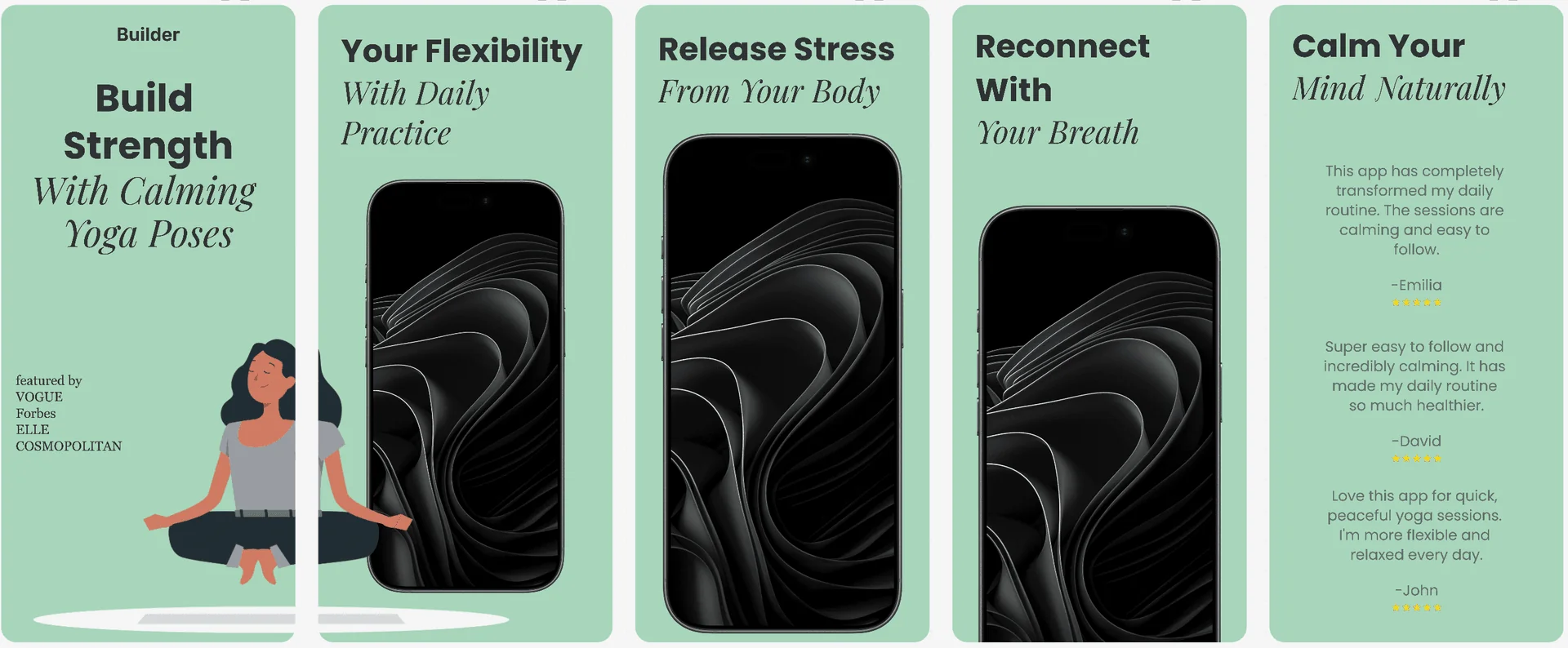
Explore all screenshot templates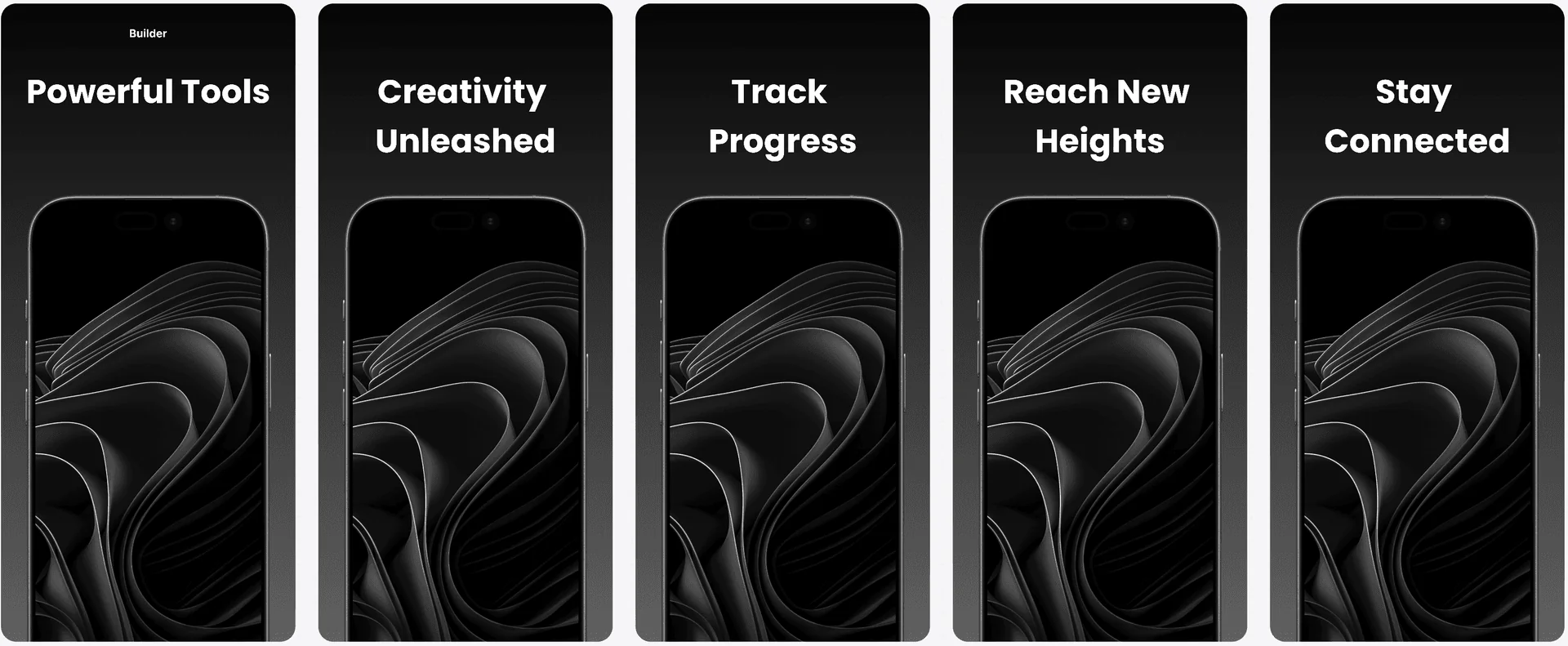
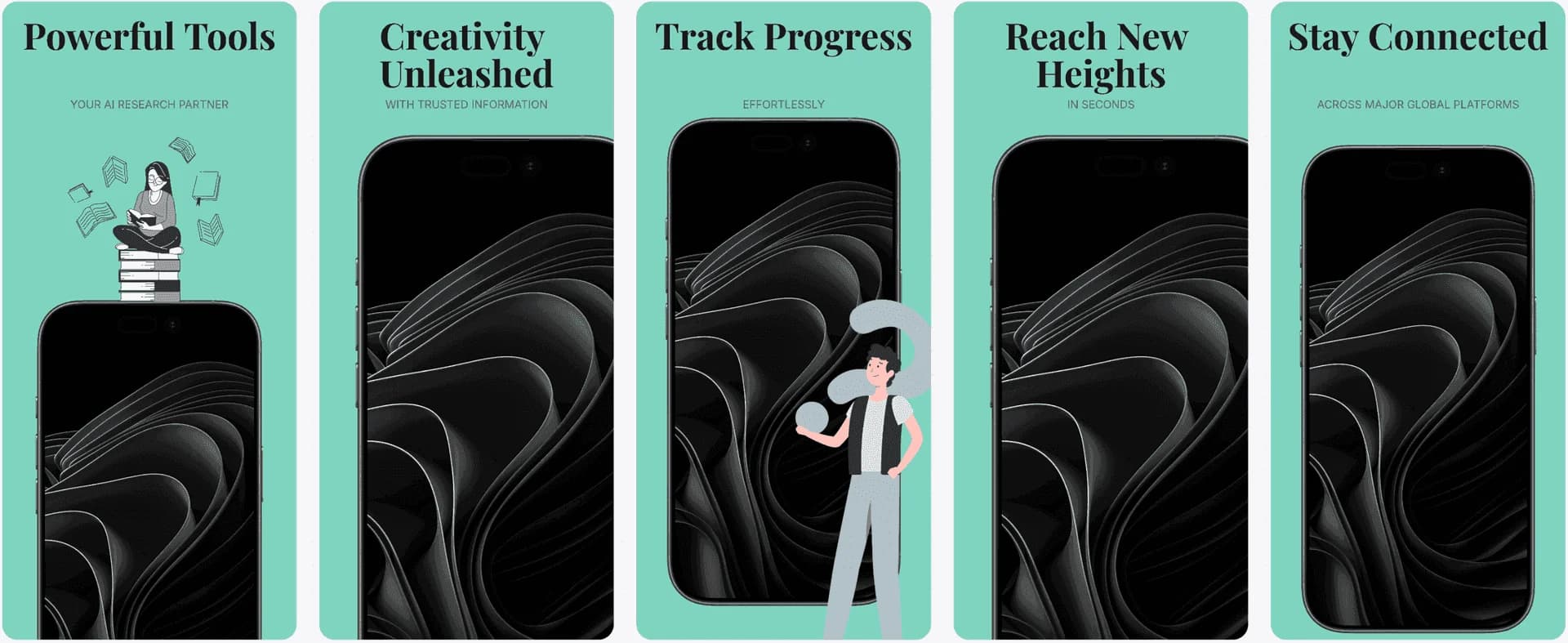
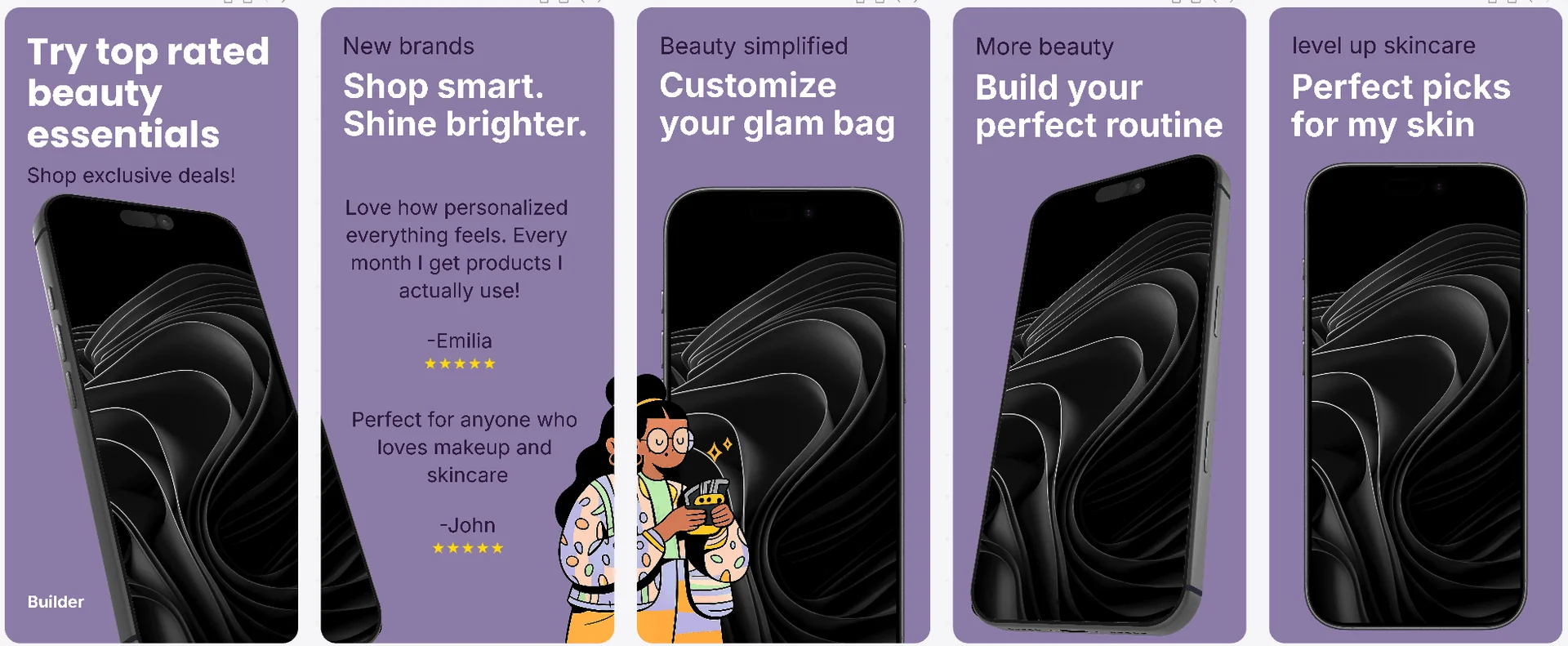
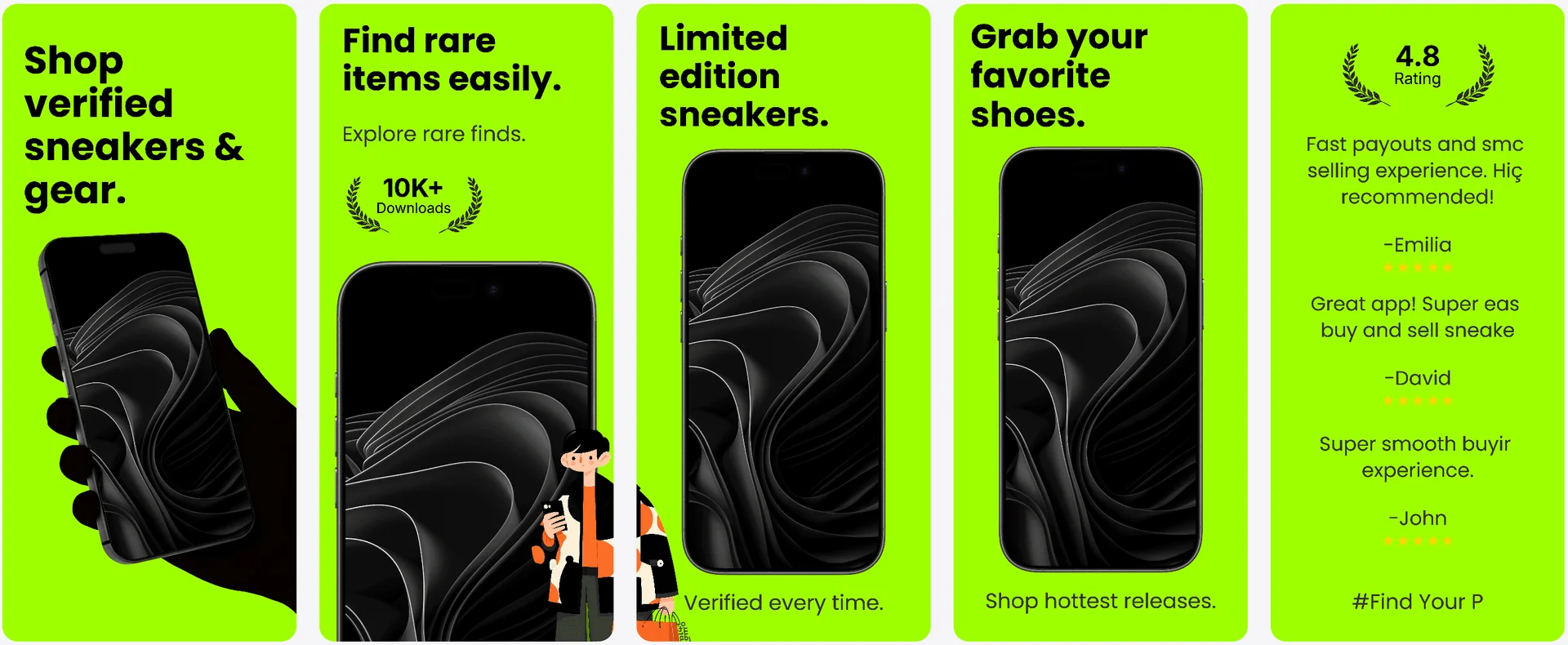
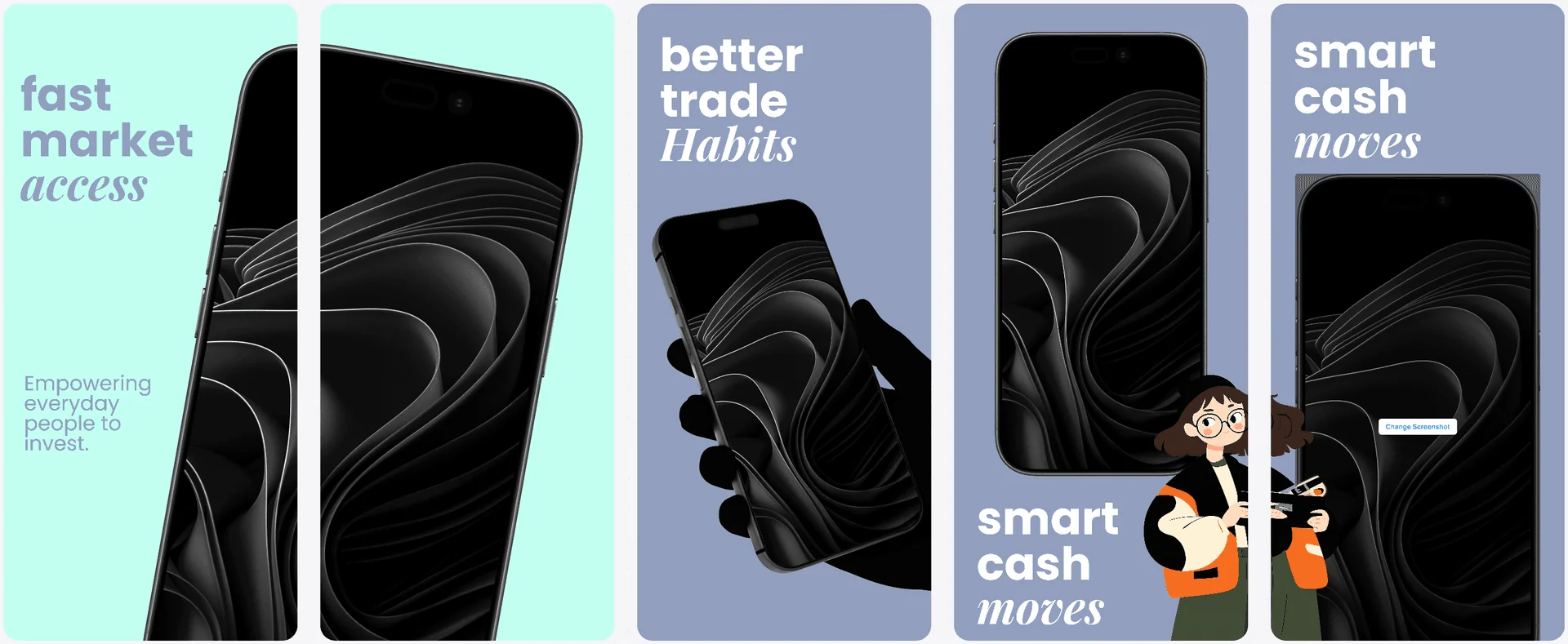
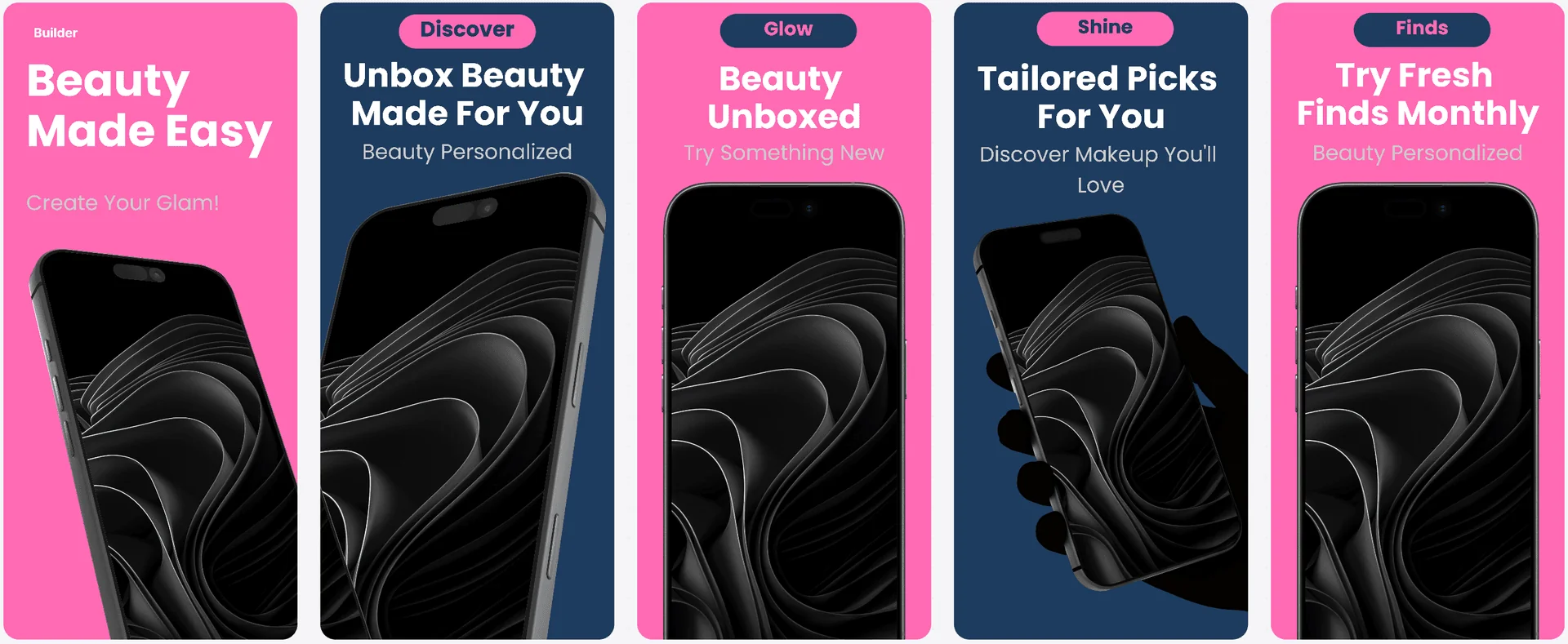
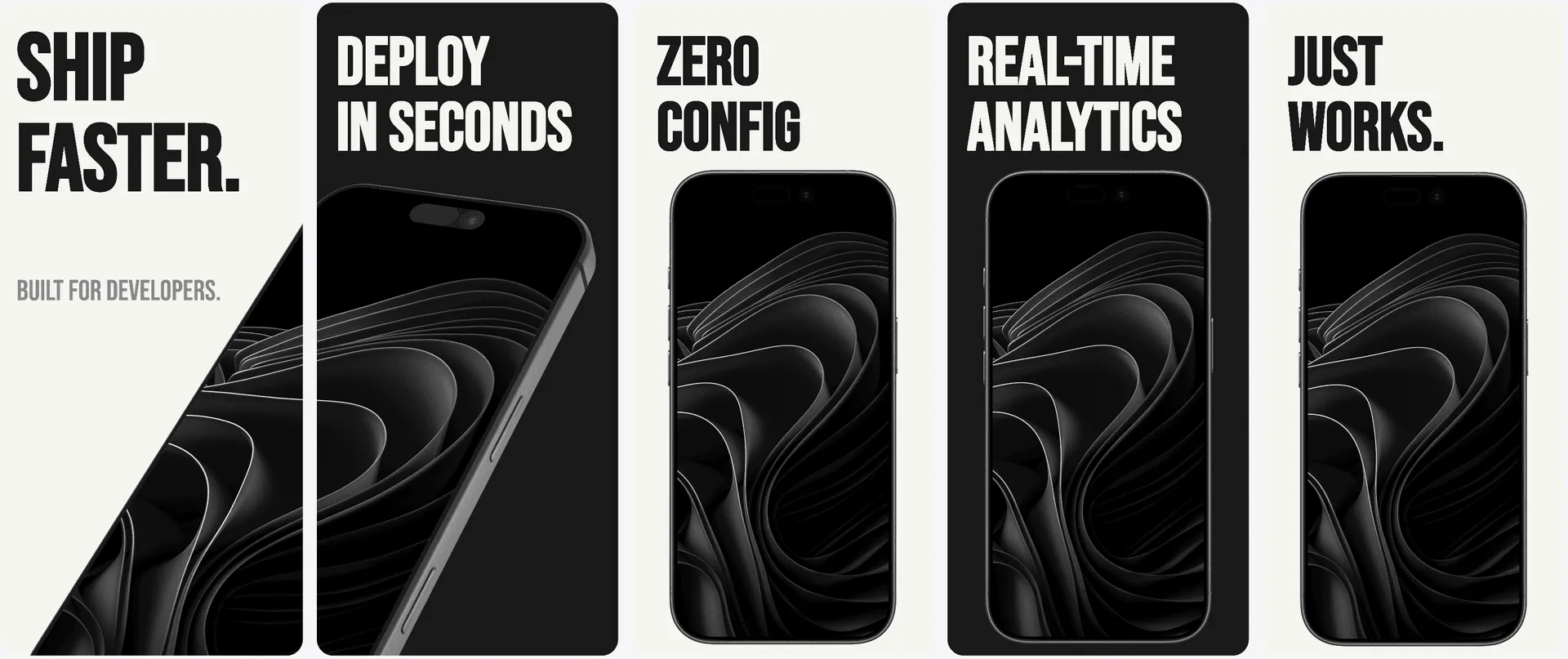
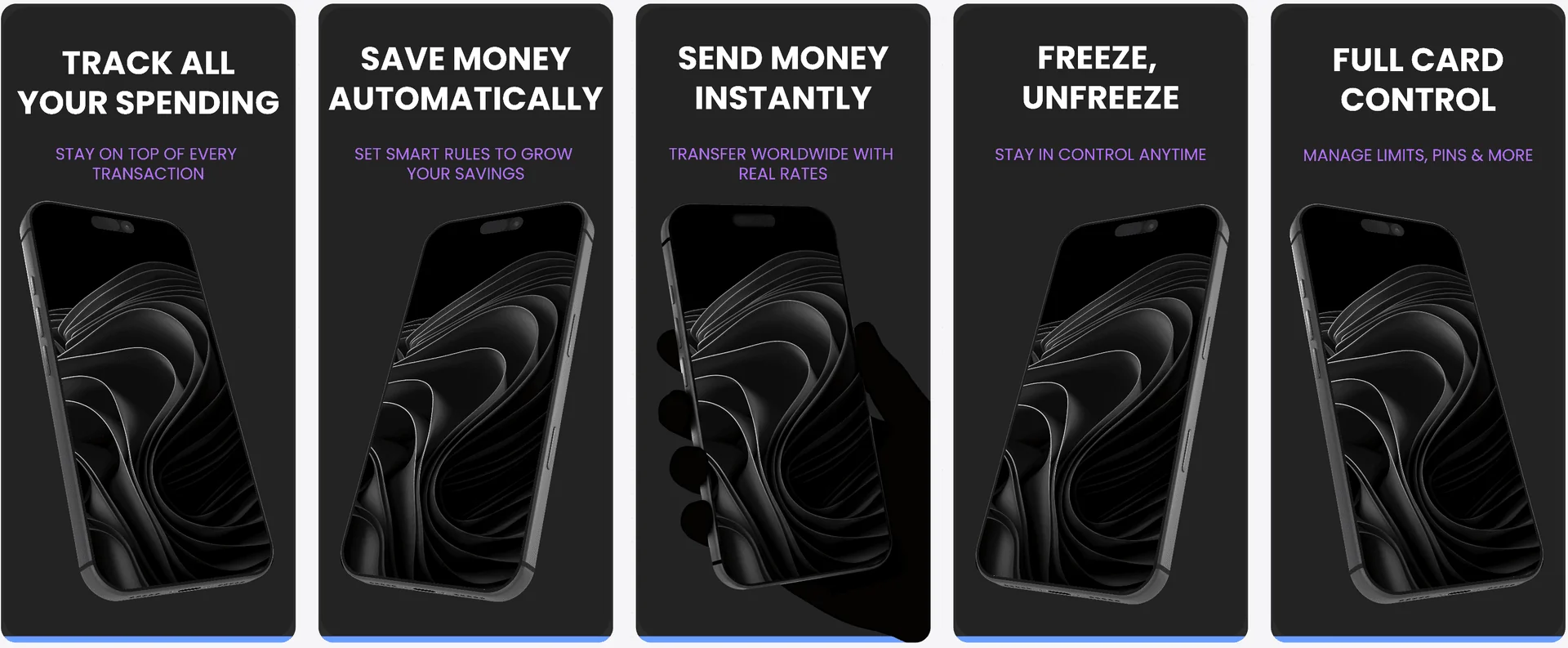
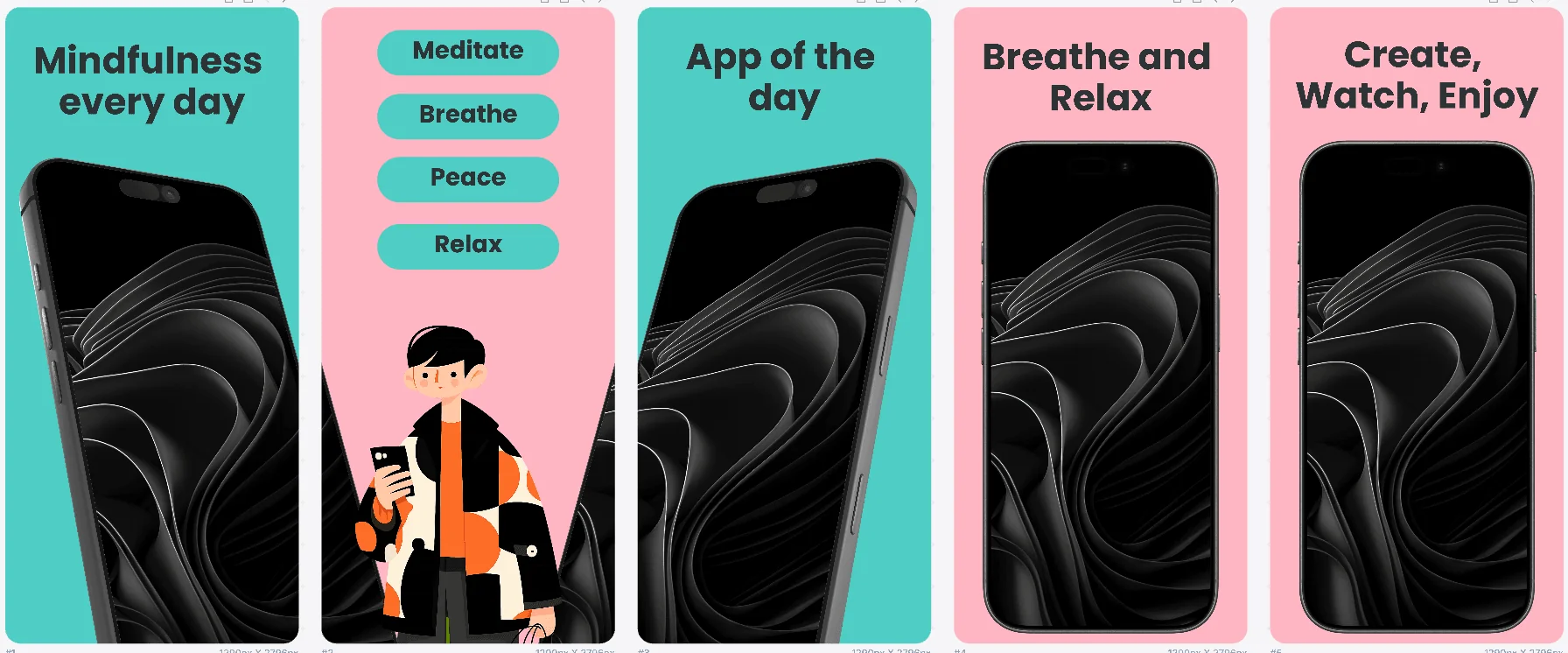
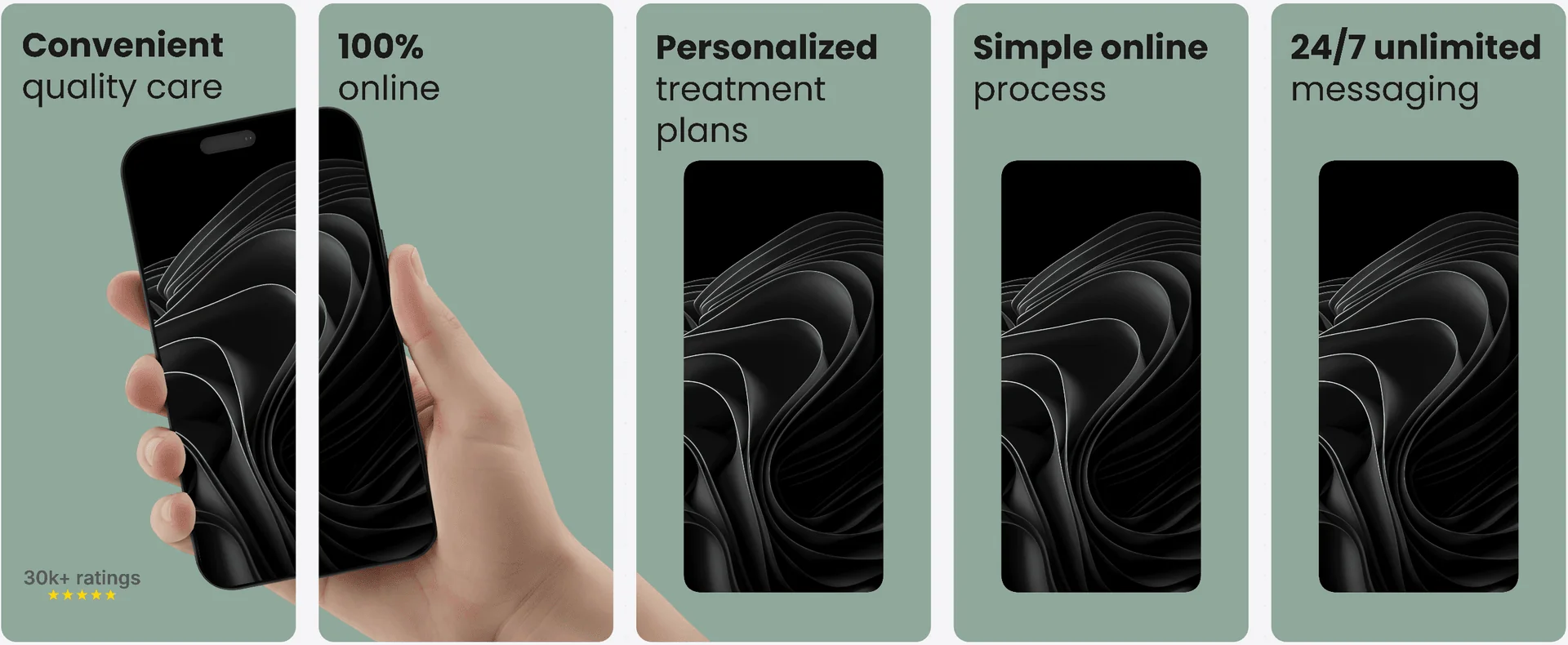
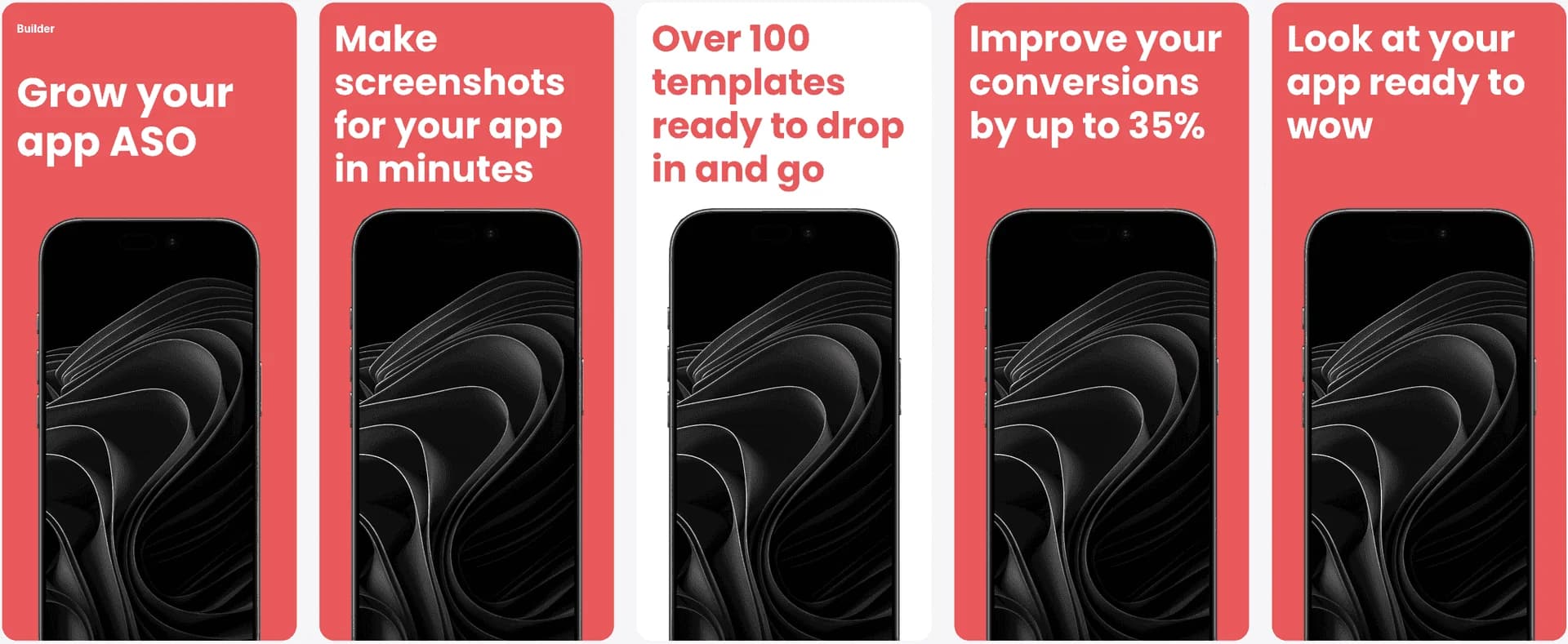
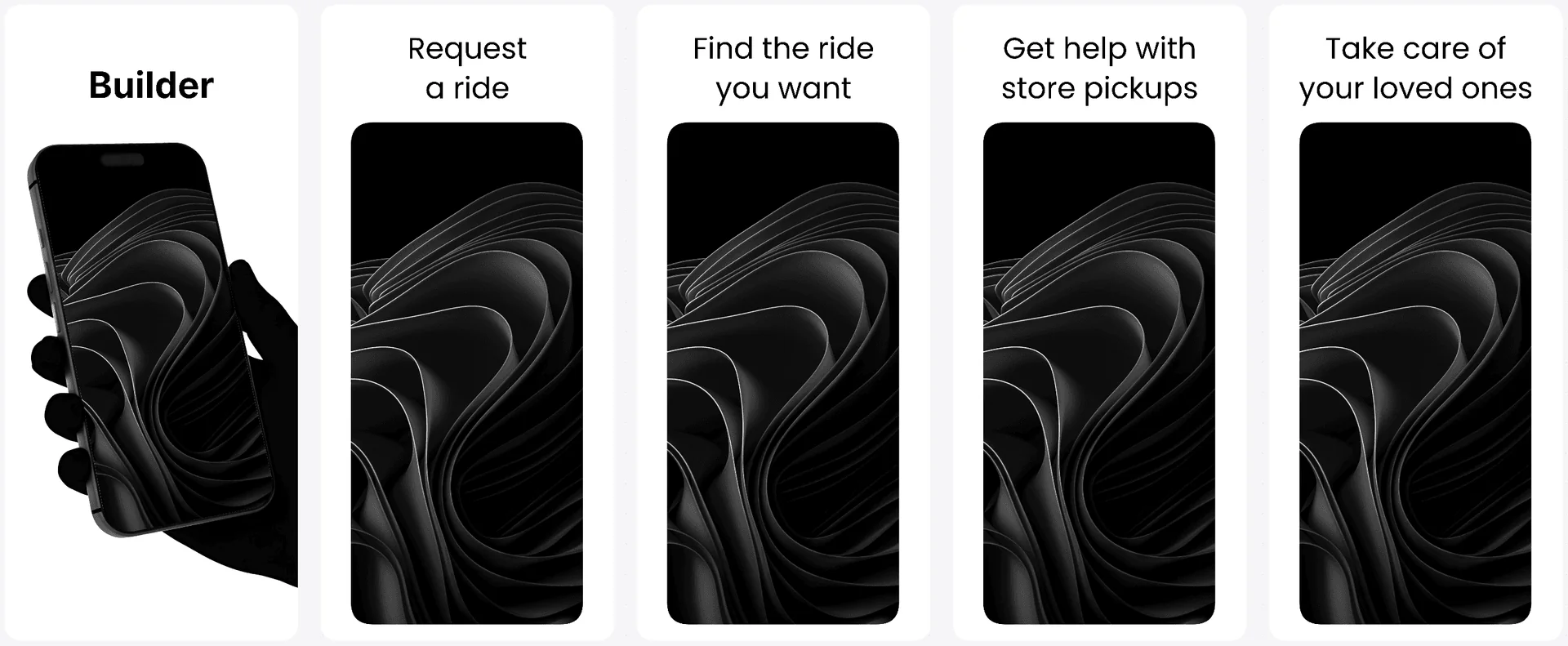
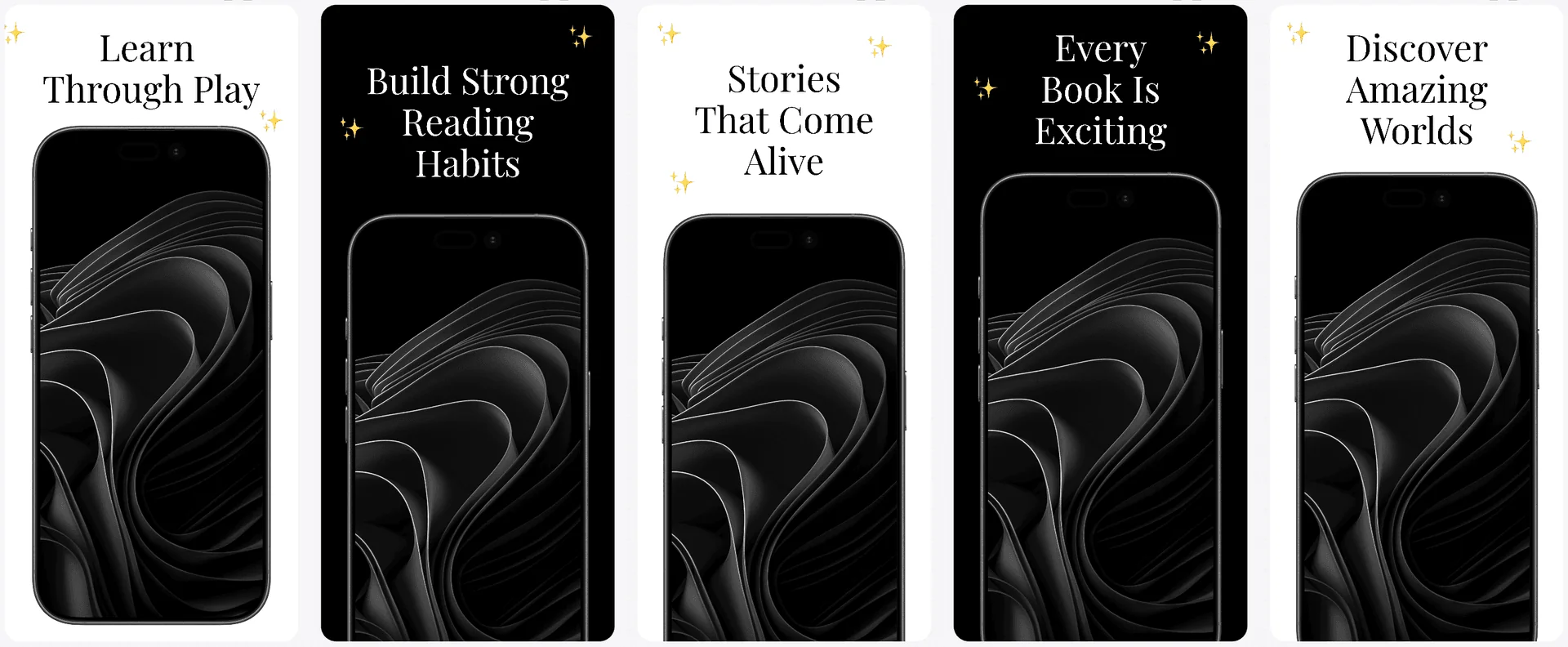
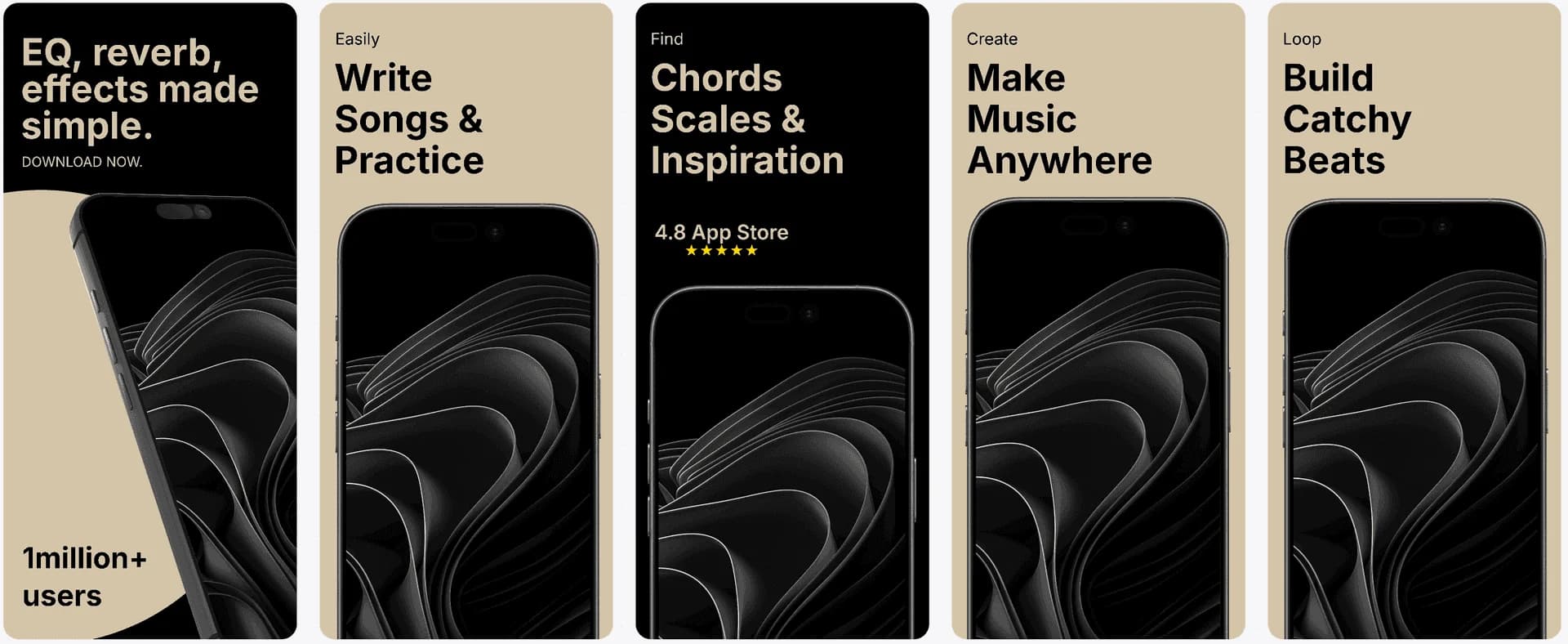
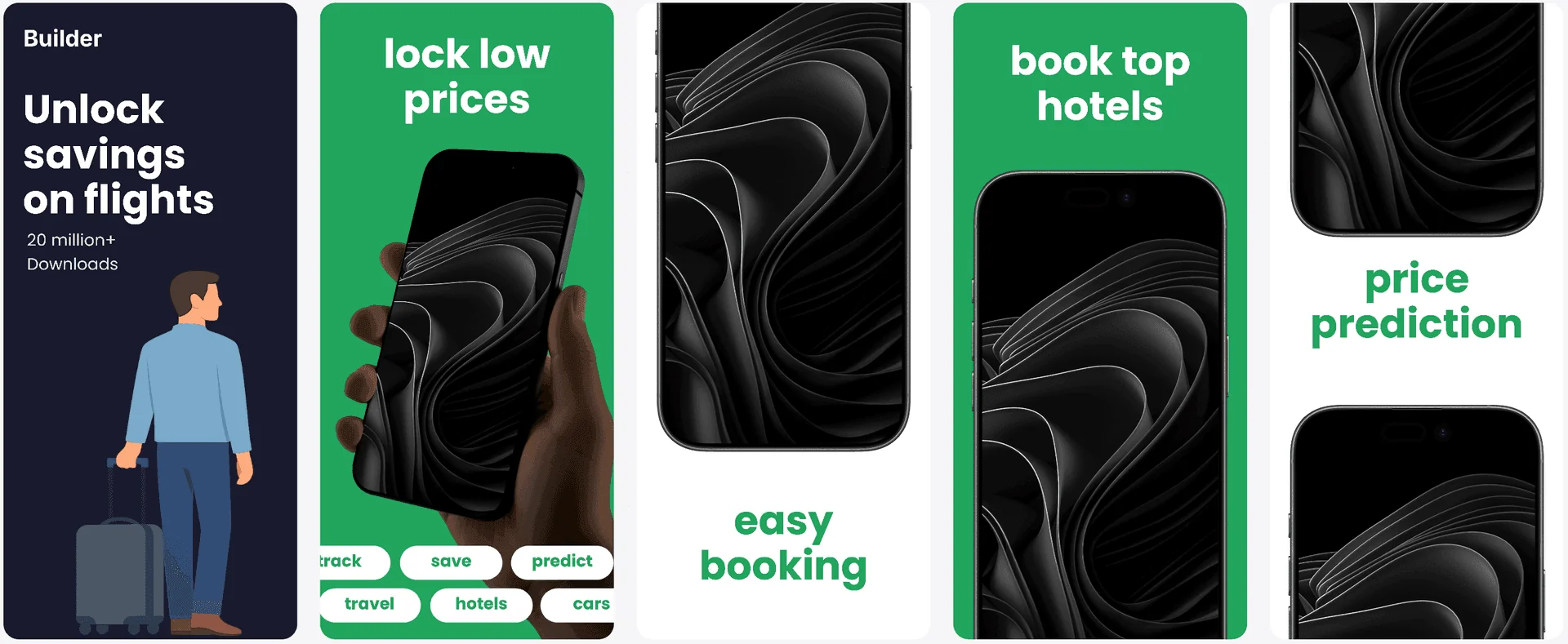
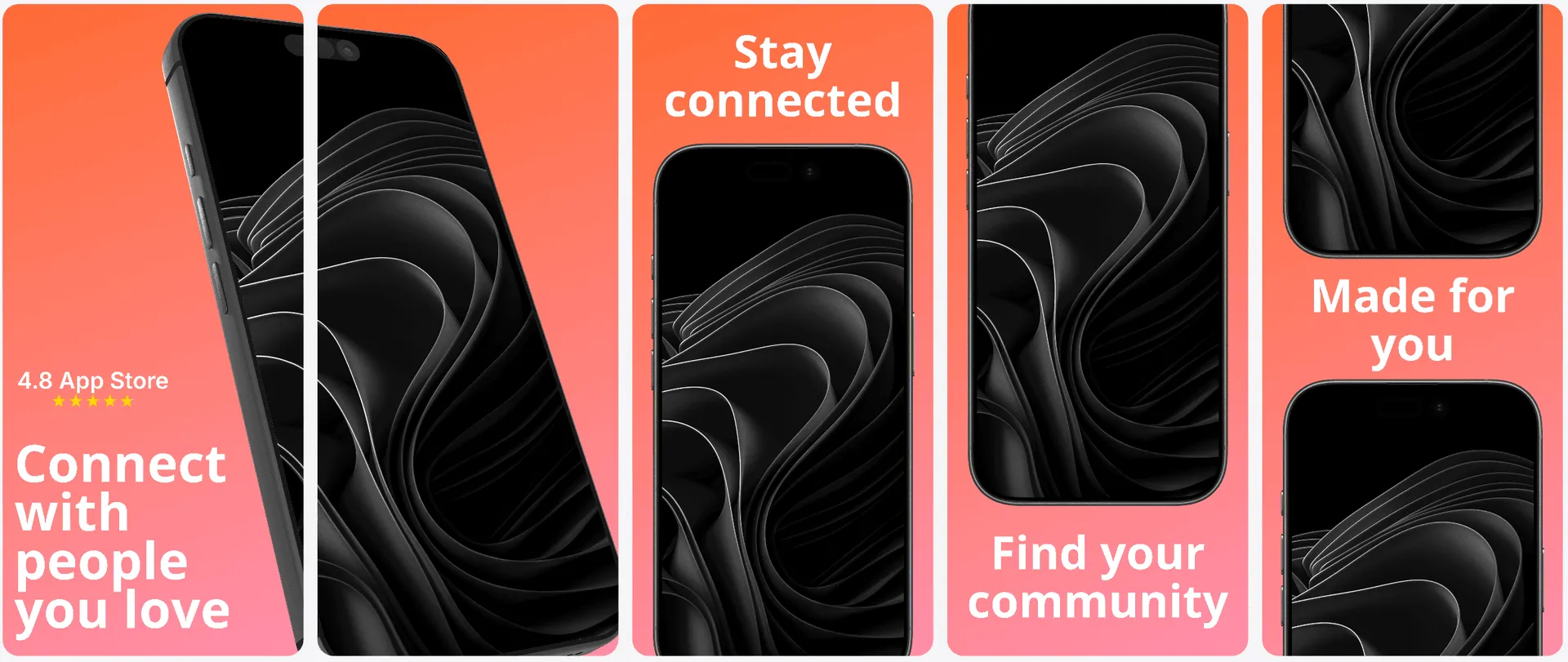

The Challenge
App Store screenshot generator: why are iOS screenshots so hard to get right?
App Store screenshots are your silent sales team. They must explain the app quickly, follow iOS size requirements, and still look premium. That is a lot to juggle if you are a developer, a small team, or a founder with limited design resources. Many tools either feel too manual or too automated, leaving you stuck between slow production and low-quality output.
AppLaunchFlow solves the speed-versus-control problem. Instead of forcing you into a rigid AI output, our editor gives you a guided starting point. The AI proposes structure, captions, and visual balance, while you keep full control over colors, typography, and layout. This lets you iterate fast without sacrificing polish.
Because the system understands iOS screenshot formats, it keeps your 6.7", 6.5", and 5.5" sets consistent. You can export ready-to-upload files for App Store Connect and keep the same visual story across device sizes.
Visual Editor
Design iOS screenshot narratives fast.
Use the same editor workflow from the main landing page to keep iPhone screenshot production fast, precise, and repeatable.
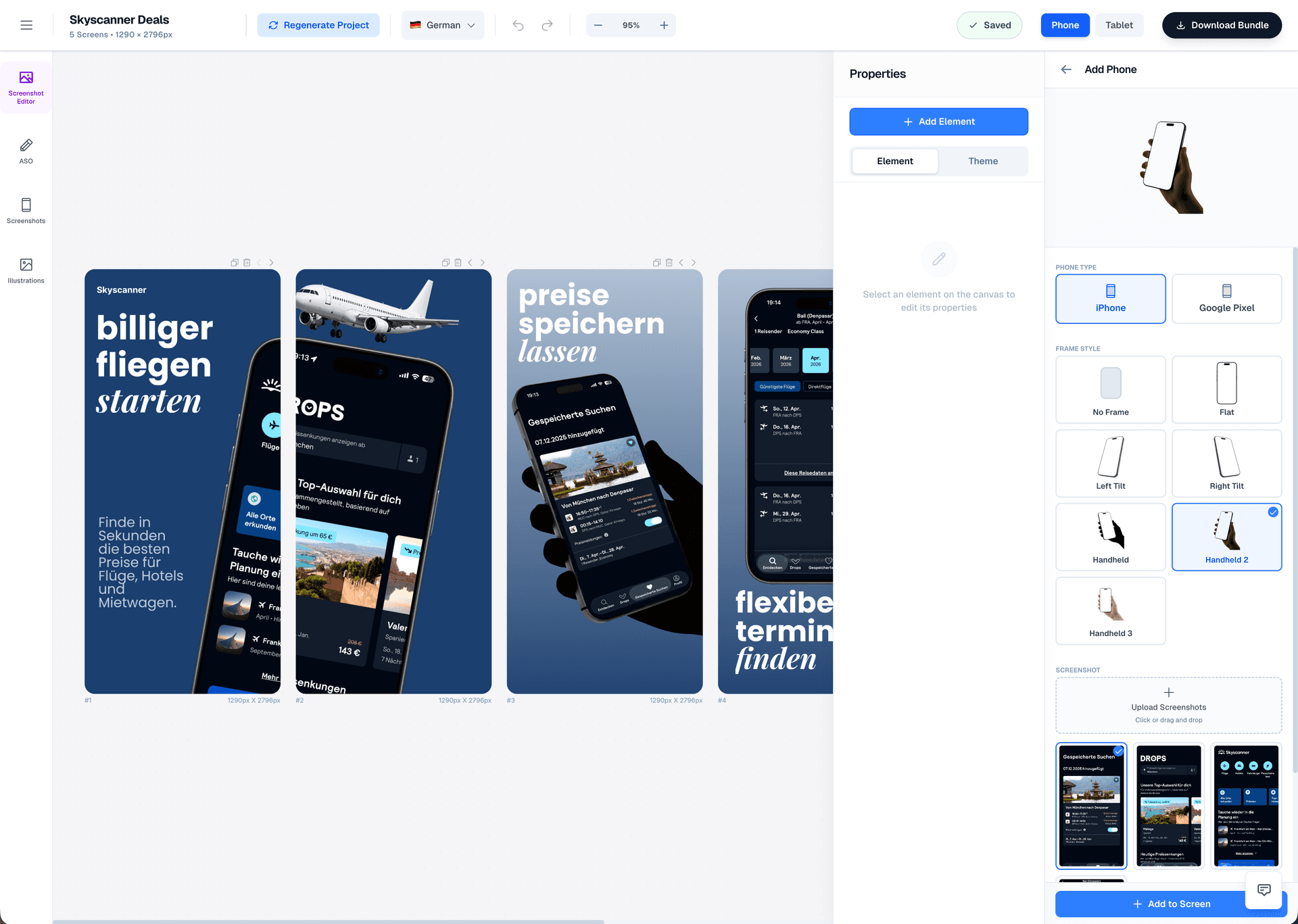
Drag & Drop Control
Intuitive interface with zoom controls and precise positioning for pills, badges, and text.
3D Device Frames
Showcase your app in iPhone, Pixel, or iPad frames and keep every slide visually consistent.
Smart Assets
Use pills, badges, ratings, and curated visual assets without external design tools.
Features
How App Store screenshots work with AppLaunchFlow
Everything you need to create professional app store screenshots.
Localization
Localize your App Store visuals.
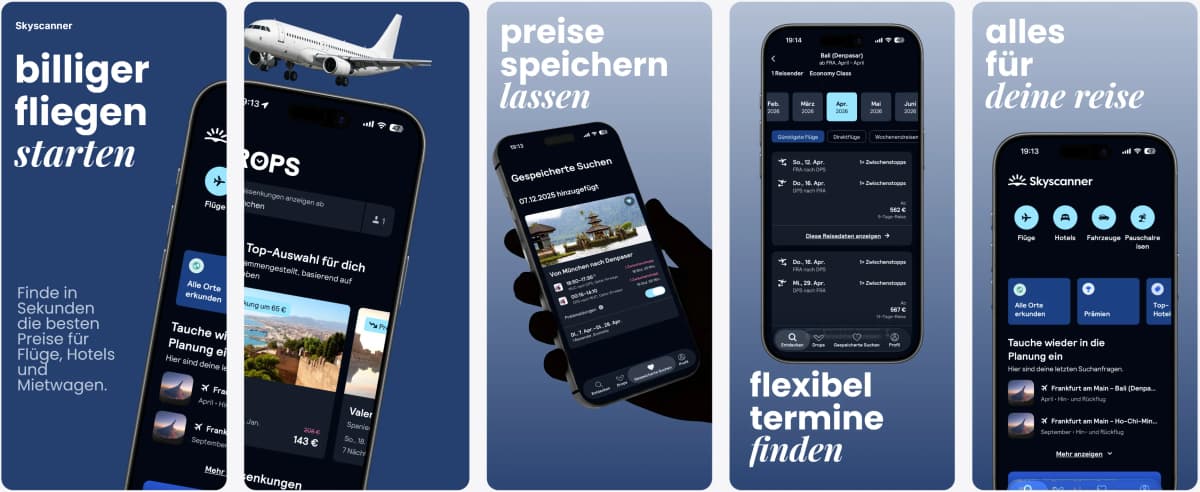
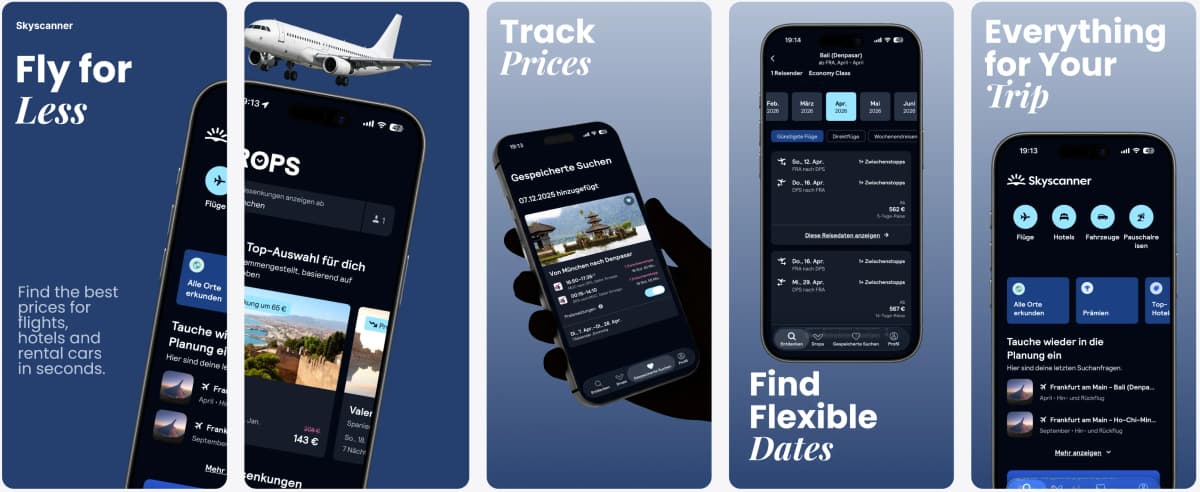
Translate iOS screenshot copy and keep layouts readable across languages without redesigning each slide.
Supports major App Store and Play Store languages including Spanish, German, French, Japanese, Korean, Portuguese, and more.
Deep Dive
App Store screenshot best practices for iOS teams
High-performing iOS screenshots follow a clear narrative: lead with the primary benefit, prove it with a UI moment, then reinforce credibility. AppLaunchFlow helps you map this narrative across all screenshot slots so users understand the value before they ever read the description.
Because iOS users often browse multiple apps quickly, consistency is critical. A predictable visual rhythm and typography scale makes your listing feel premium and trustworthy, which can translate into higher conversion rates.
Comparison
Why choose AppLaunchFlow over other options?
App store screenshot tools fall into two camps: traditional design software that is powerful but slow, and AI-only generators that are fast but generic. AppLaunchFlow combines the speed of AI with the control of a pro editor so you are never forced to compromise.
| Criteria | Manual tools | AI-only tools | AppLaunchFlow |
|---|---|---|---|
| Speed to first draft | Hours of manual layout and copywriting | Minutes, but often needs a full redo | Minutes with editable structure and copy |
| Design control | Full control, but requires design skill | Minimal control, outputs feel templated | Full control with guided, fast starting points |
| Localization | Manual text replacement and reflow | Auto-translate with weak layout adjustment | Auto-translate plus layout-aware resizing |
| Consistency across sizes | Manual resizing for each device size | Inconsistent scaling | Preset iOS sizes with consistent rules |
Last updated: January 22, 2026
Facts
How It Works
Create App Store screenshots in three steps
Get started in minutes with our simple workflow
Import your app screens
Upload your raw iPhone captures or connect existing assets. AppLaunchFlow extracts layout hints and surfaces key UI moments so you can build a clear narrative quickly.
Customize with AI + editor
Generate an initial layout and caption set, then refine typography, spacing, and color. The AI gives you a fast draft, the editor gives you control.
Export for App Store Connect
Download your final screenshots in the exact iOS sizes required, ready to upload in App Store Connect with zero extra edits.
Related
Next Steps For iOS Listing Work
Build Android screenshot sets for Google Play device diversity.
Android teams
Create iPad screenshot sets sized for the App Store tablet listing.
iPad apps
Design macOS App Store screenshots with desktop device frames.
macOS apps
Generate fast screenshot drafts and refine them with full control.
Fast iteration
Frequently asked questions.
Everything you need to know about app store screenshot generator
Sources
Citations & references
Apple App Store Product Page guidelines
Apple recommends using available screenshot slots to highlight features and content.
View sourceGoogle Play screenshot guidelines
Screenshots should accurately represent your app and highlight unique features.
View sourceStoreMaven research on screenshot impact
Industry research shows screenshots can influence a majority of install decisions.
View sourceStart creating App Store screenshots today
If you want an app store screenshot generator that balances speed and quality, AppLaunchFlow is built for you. Generate your first set in minutes and refine them until they feel launch-ready.
Once your system is in place, future updates are quick: swap in new UI screens, adjust a couple of captions, and keep your listing aligned with your latest features.
No credit card required