App Screenshot
Templates.
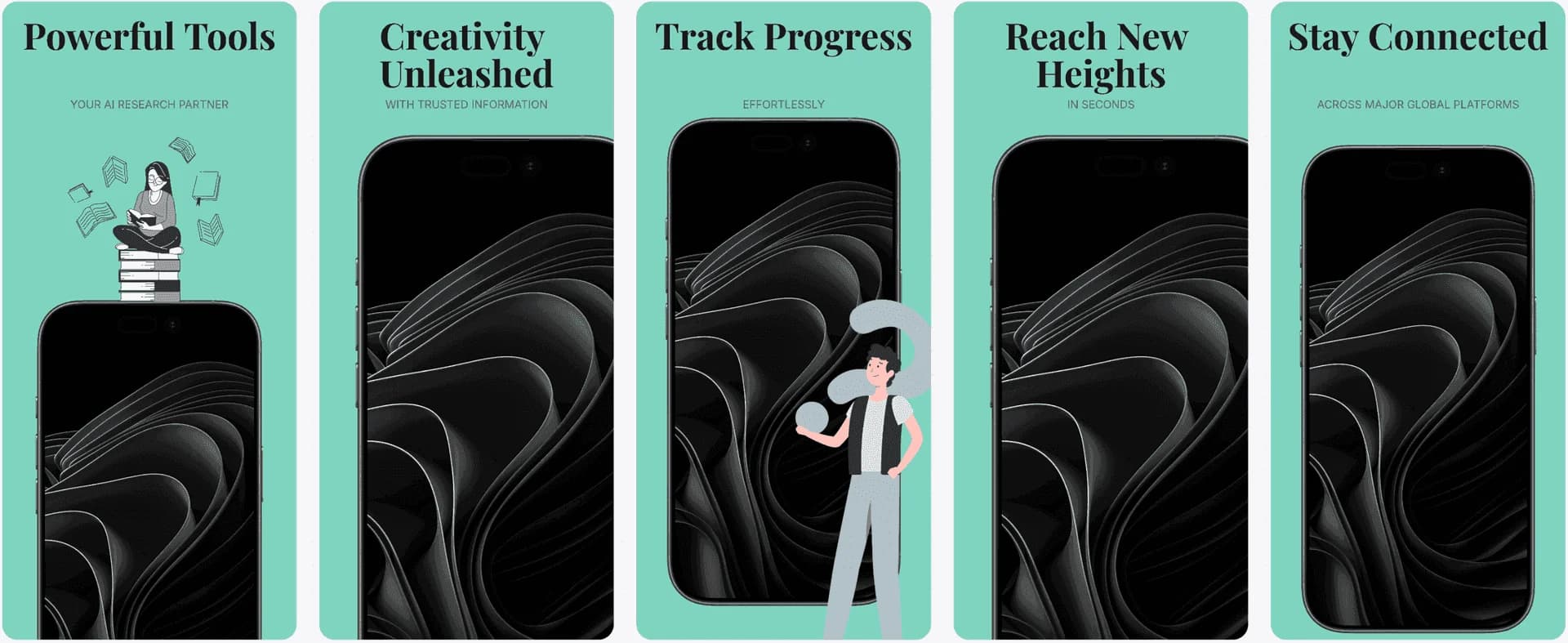
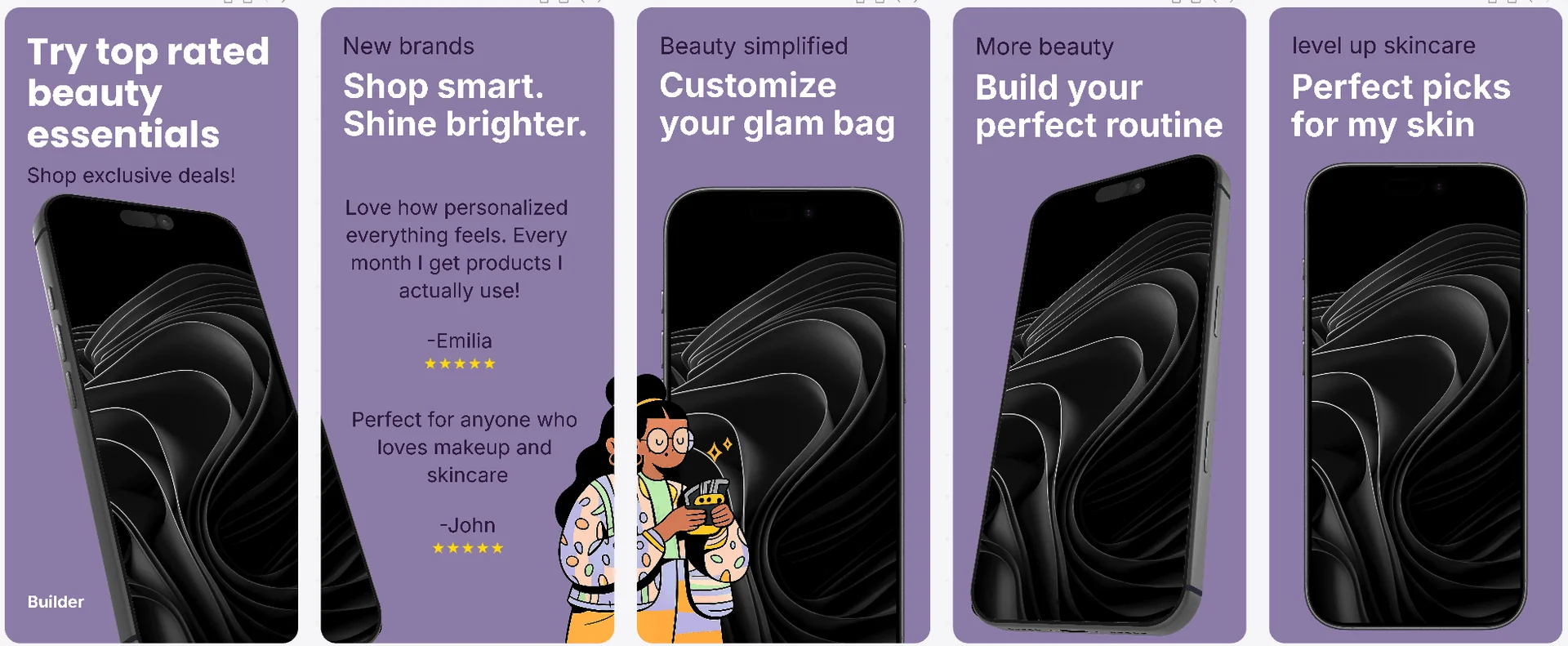
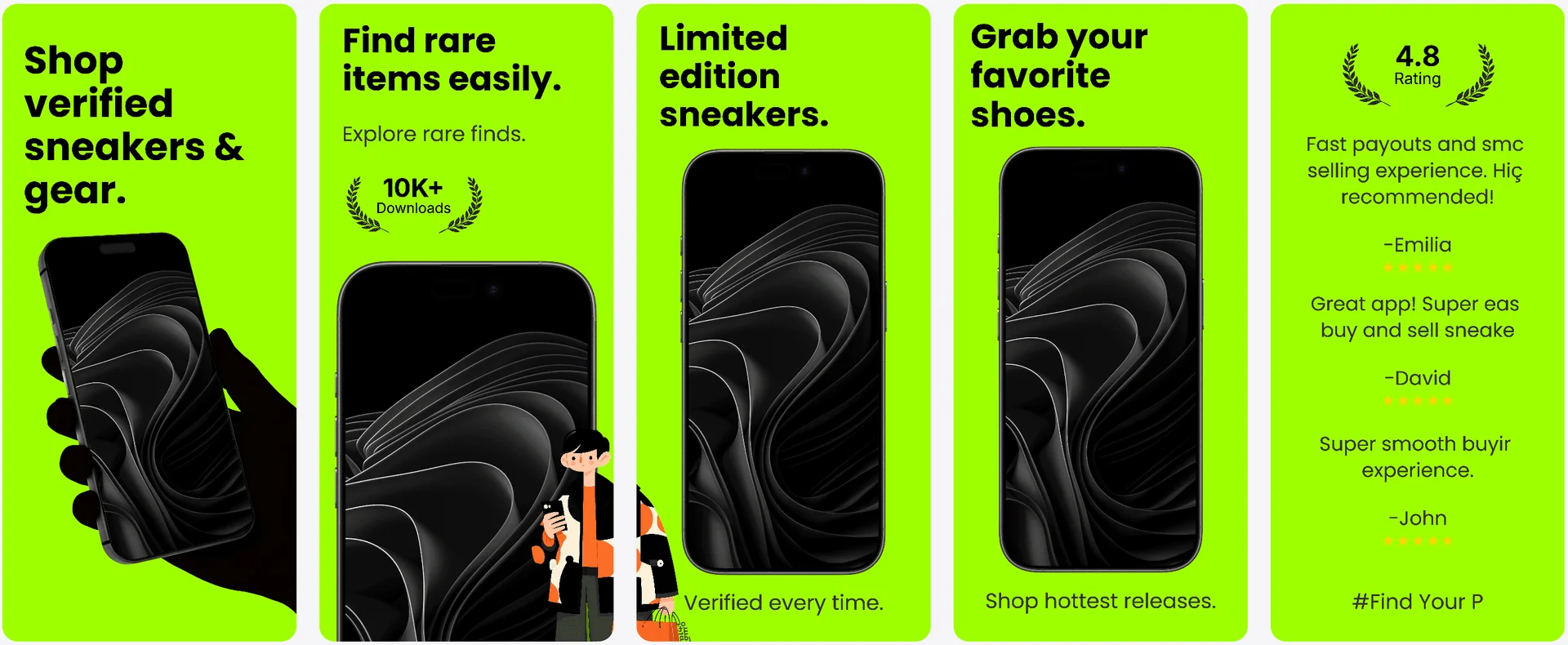
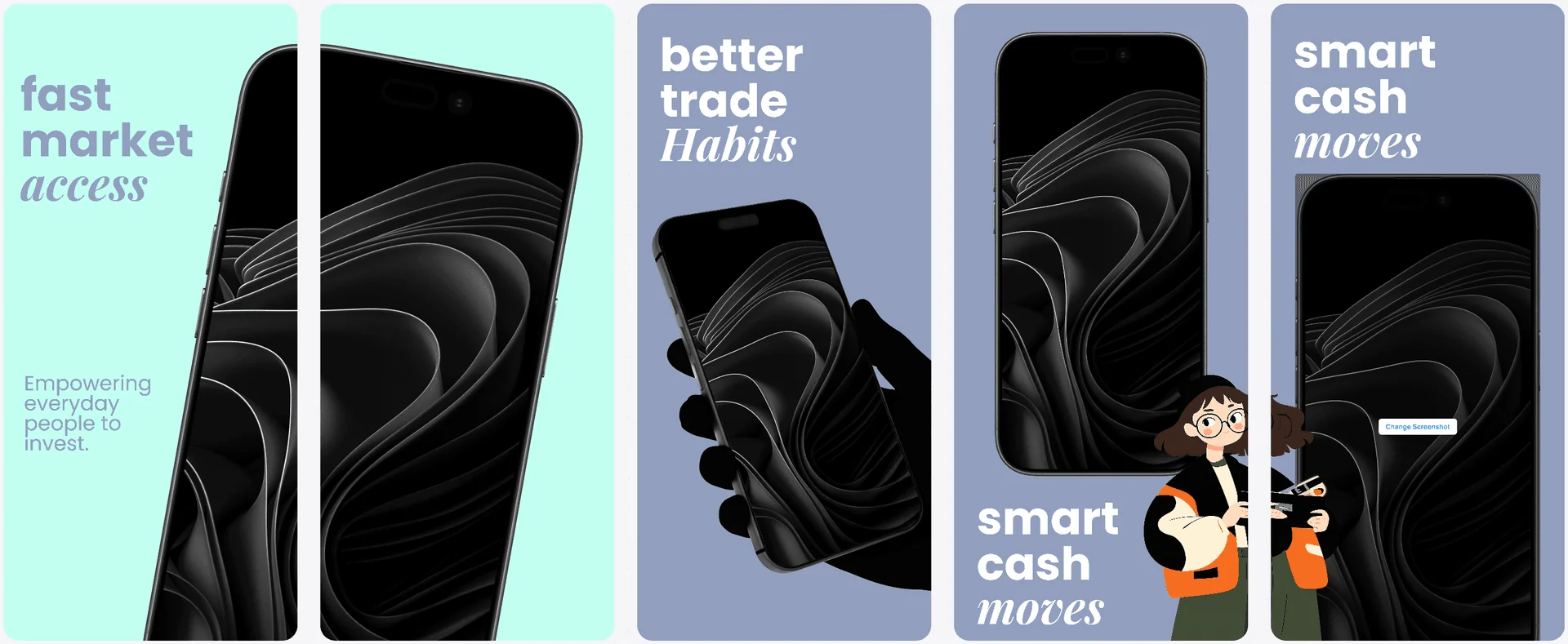
Start with proven layouts inside the Screenshot Design System and customize them with full control. AppLaunchFlow templates are built from real top-grossing app analysis.
Templates
Available templates
Ready to customize.
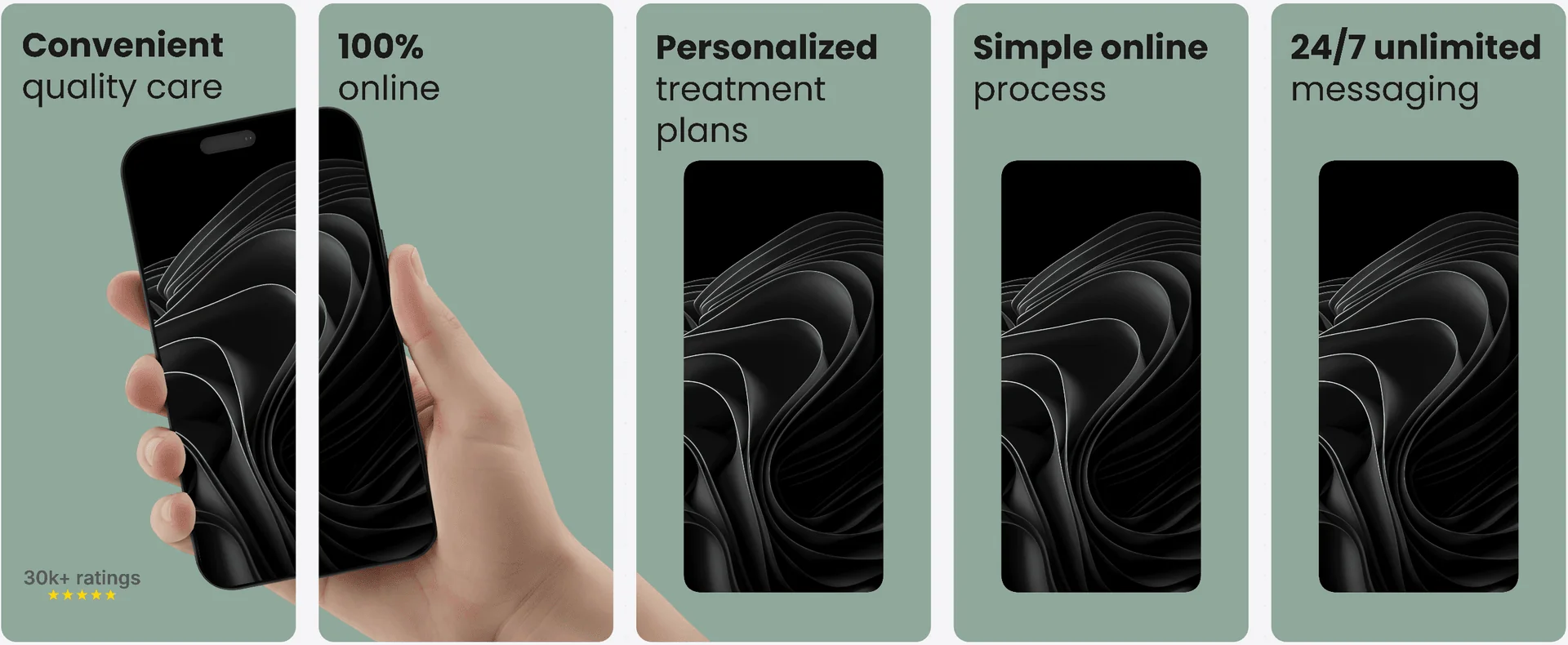
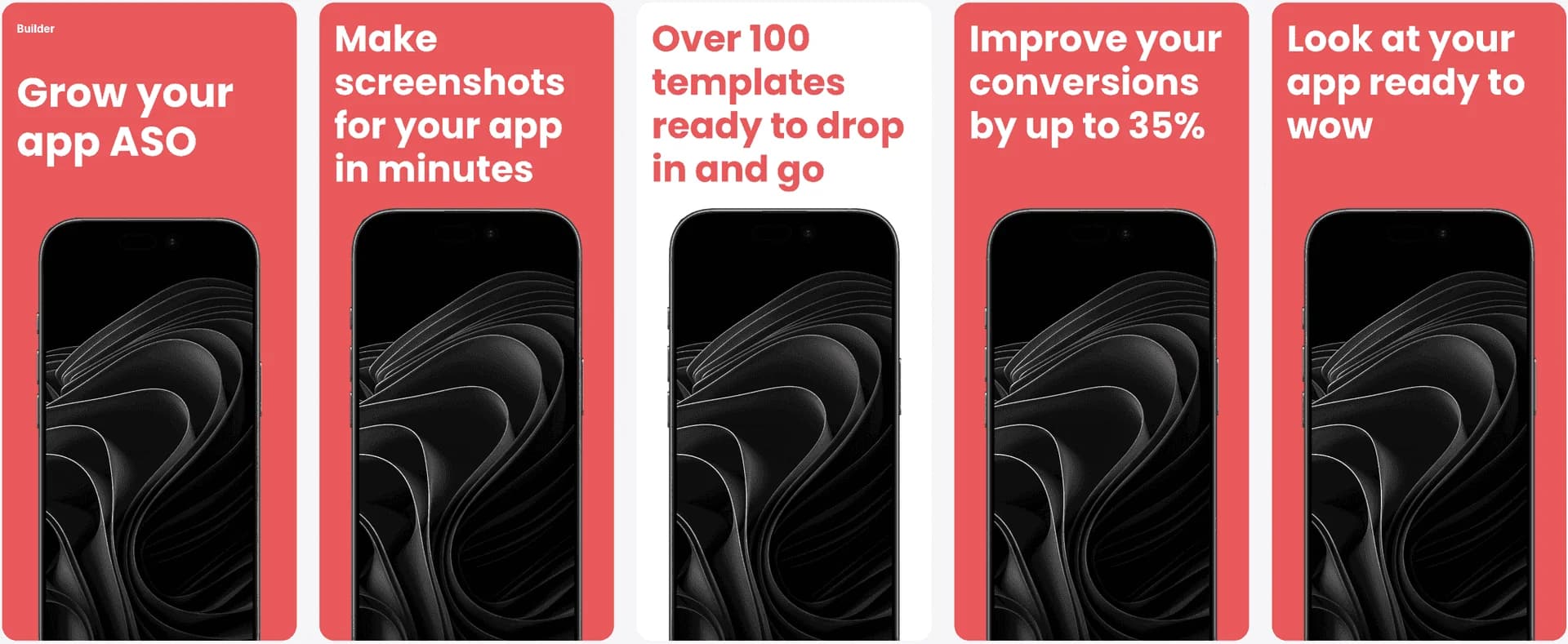
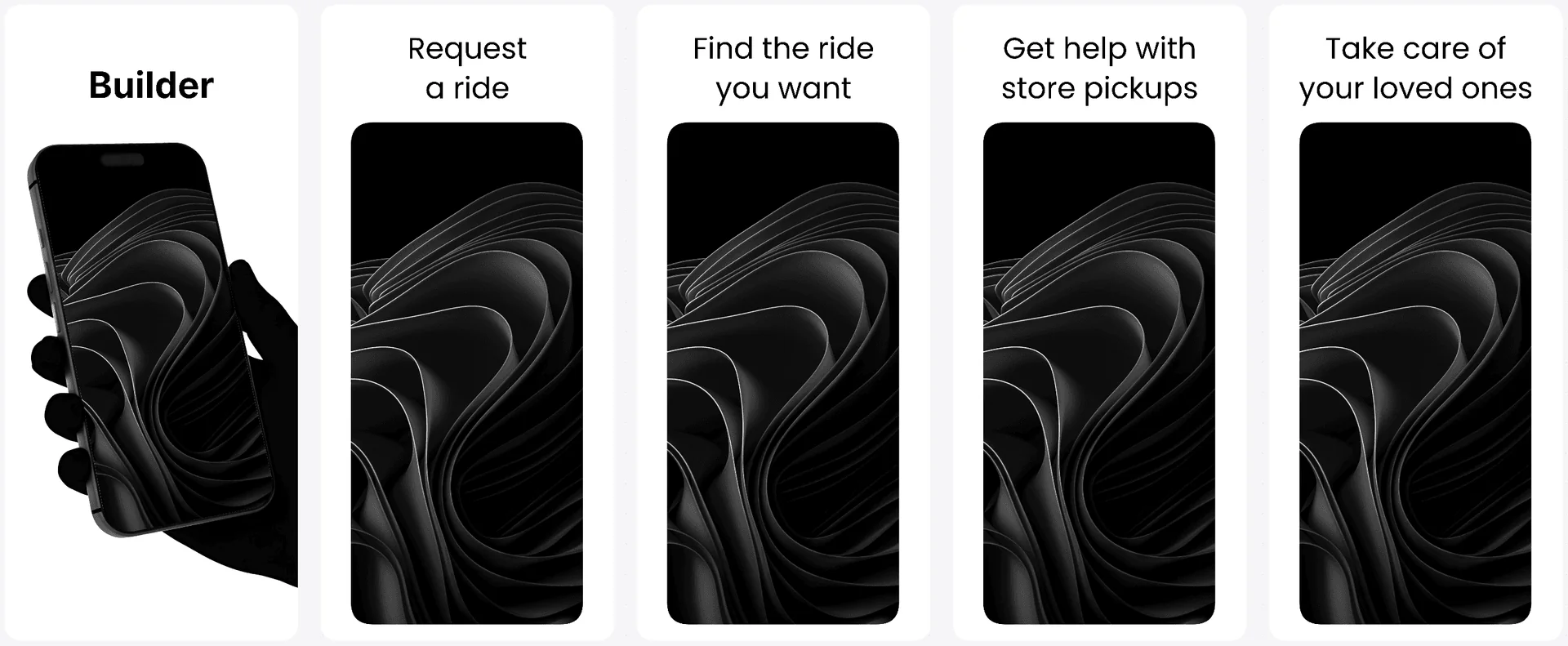
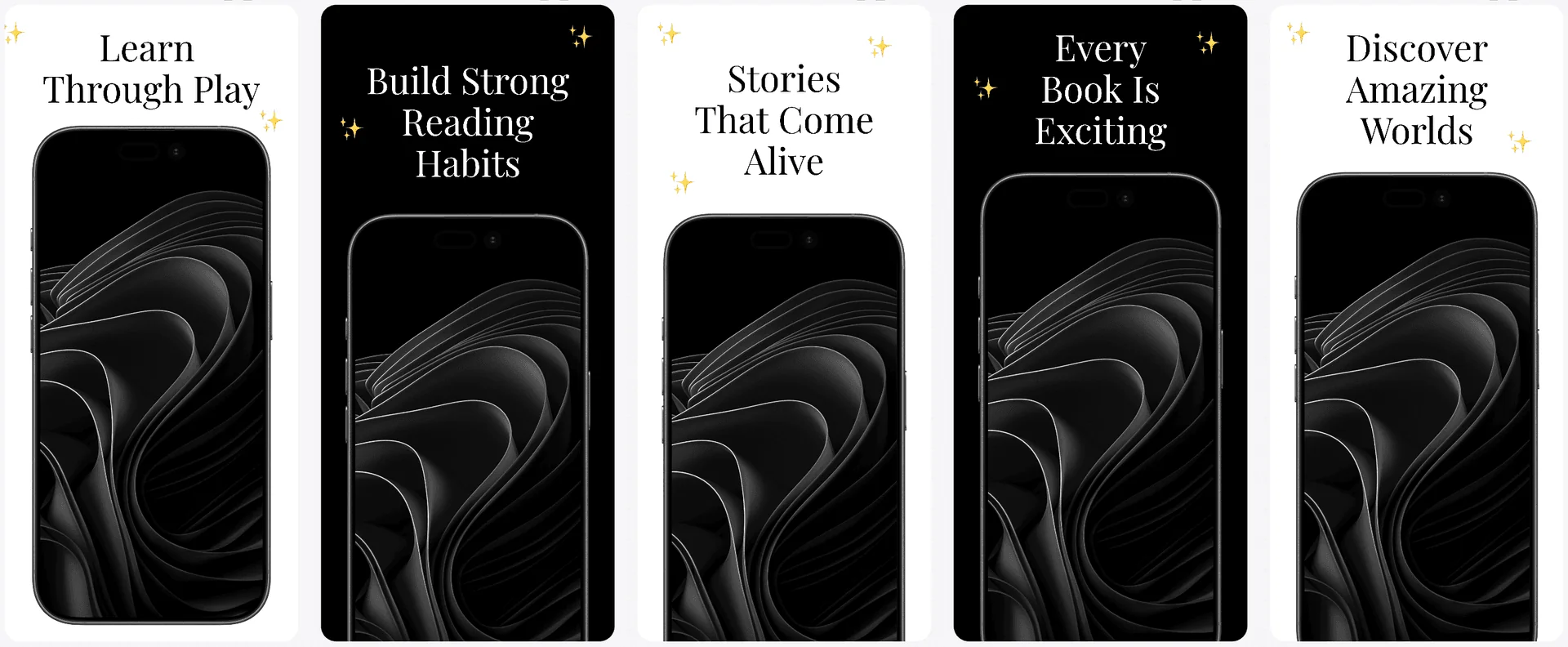
A curated set of styles based on real top-performing apps. Pick a look, then customize copy, colors, and layouts.
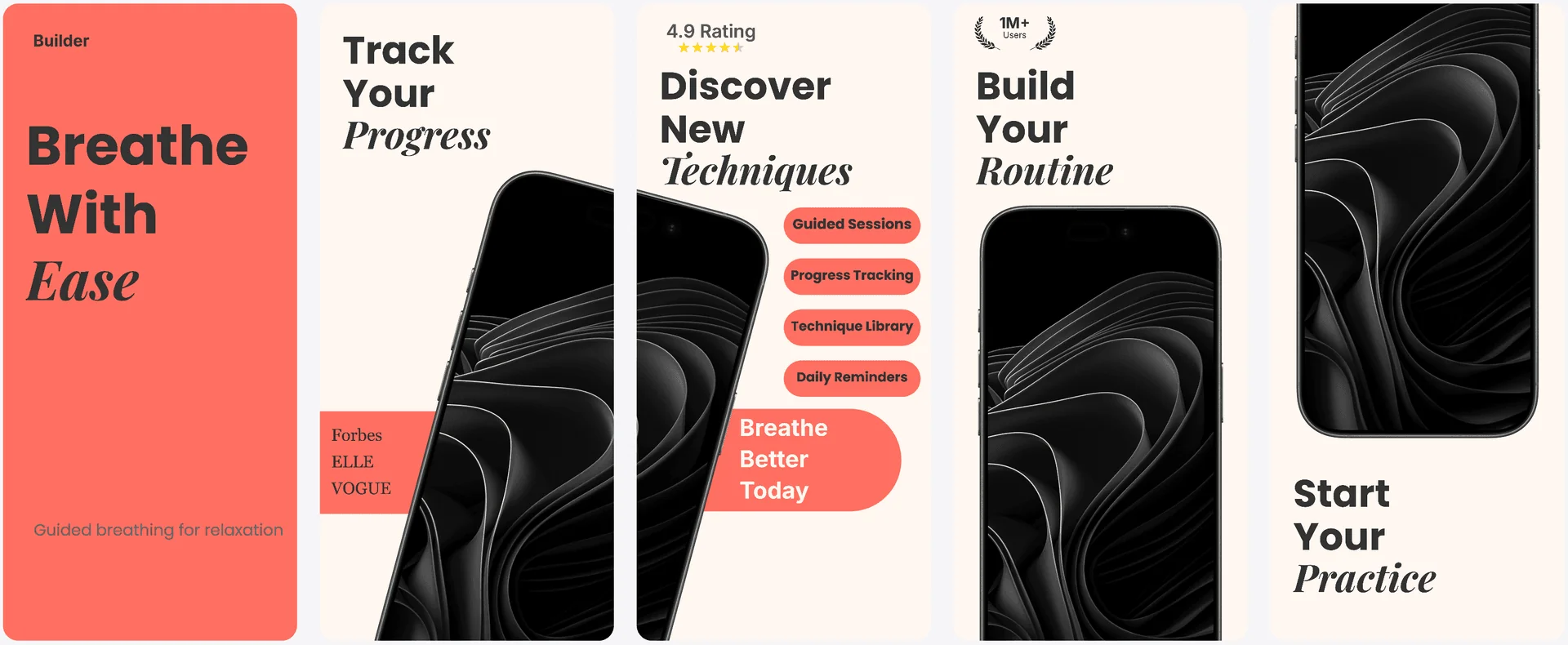
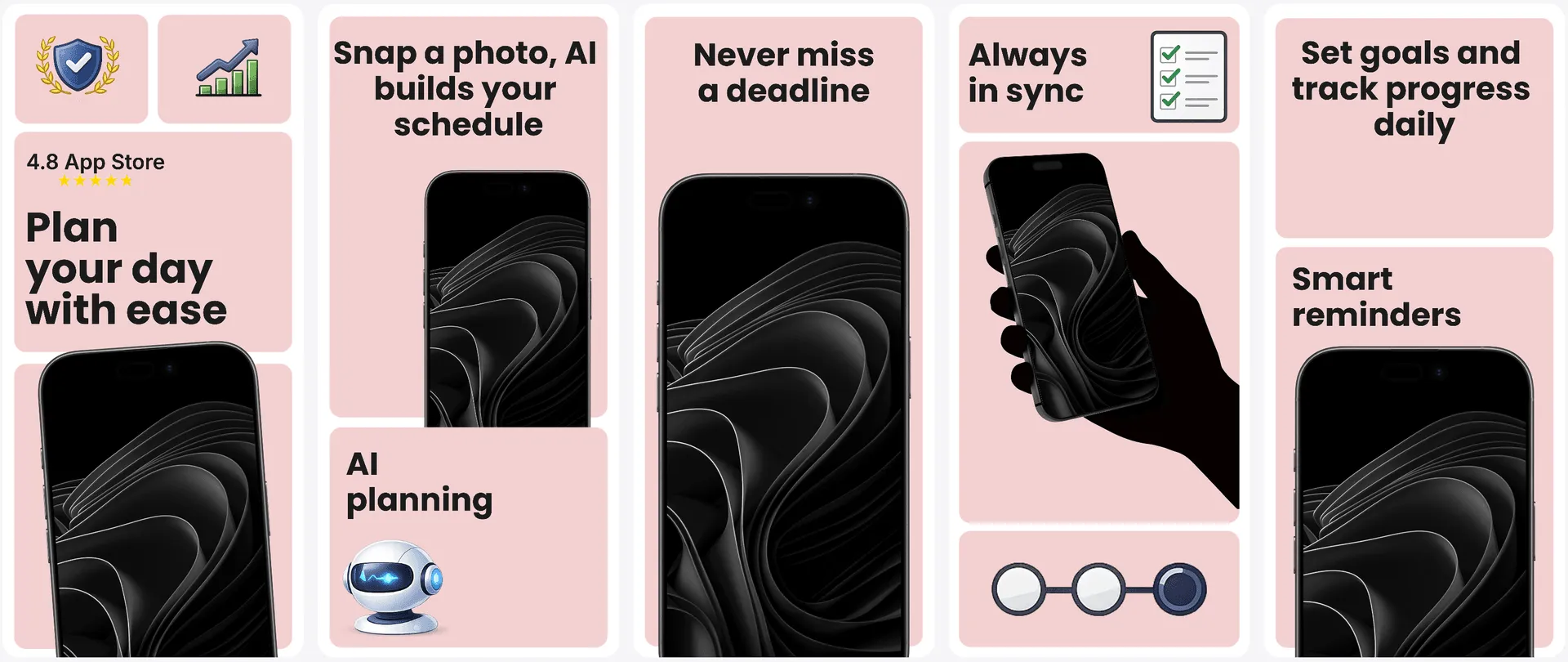
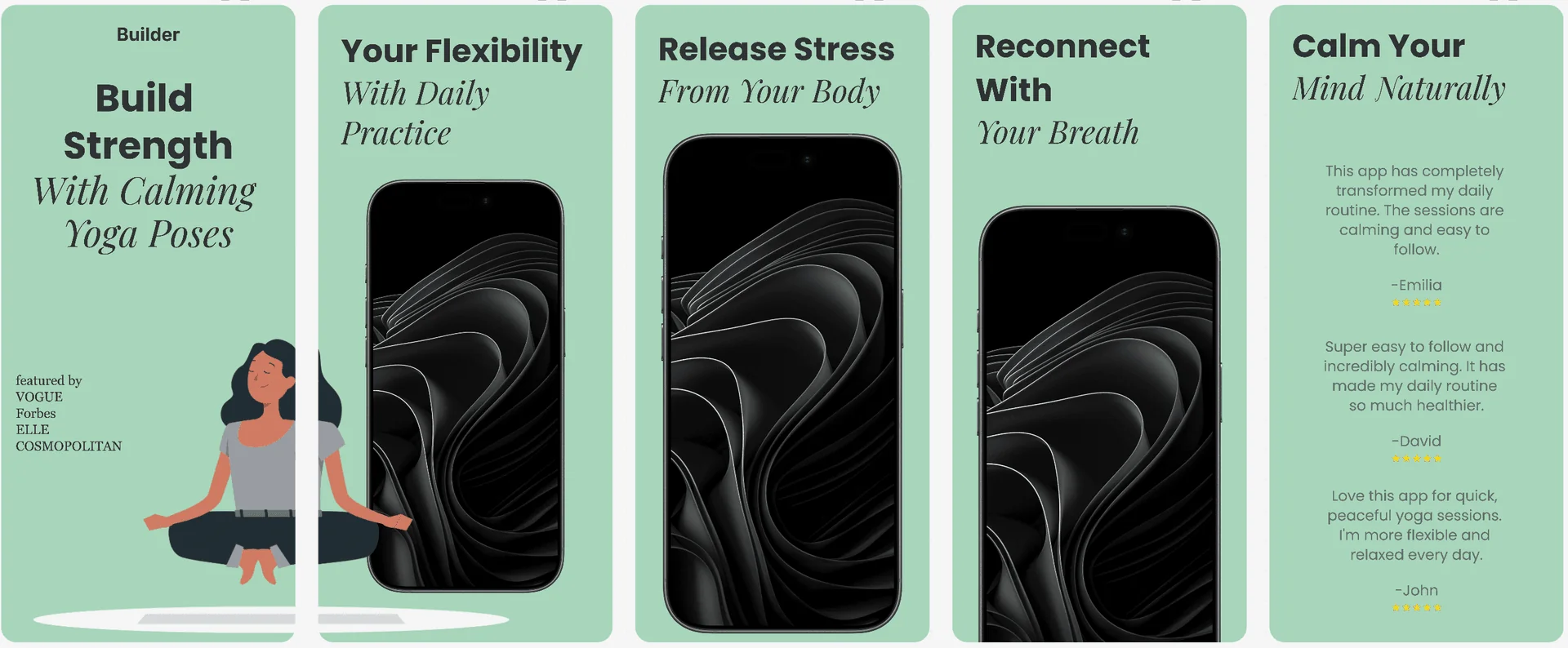
View real examples created with AppLaunchFlow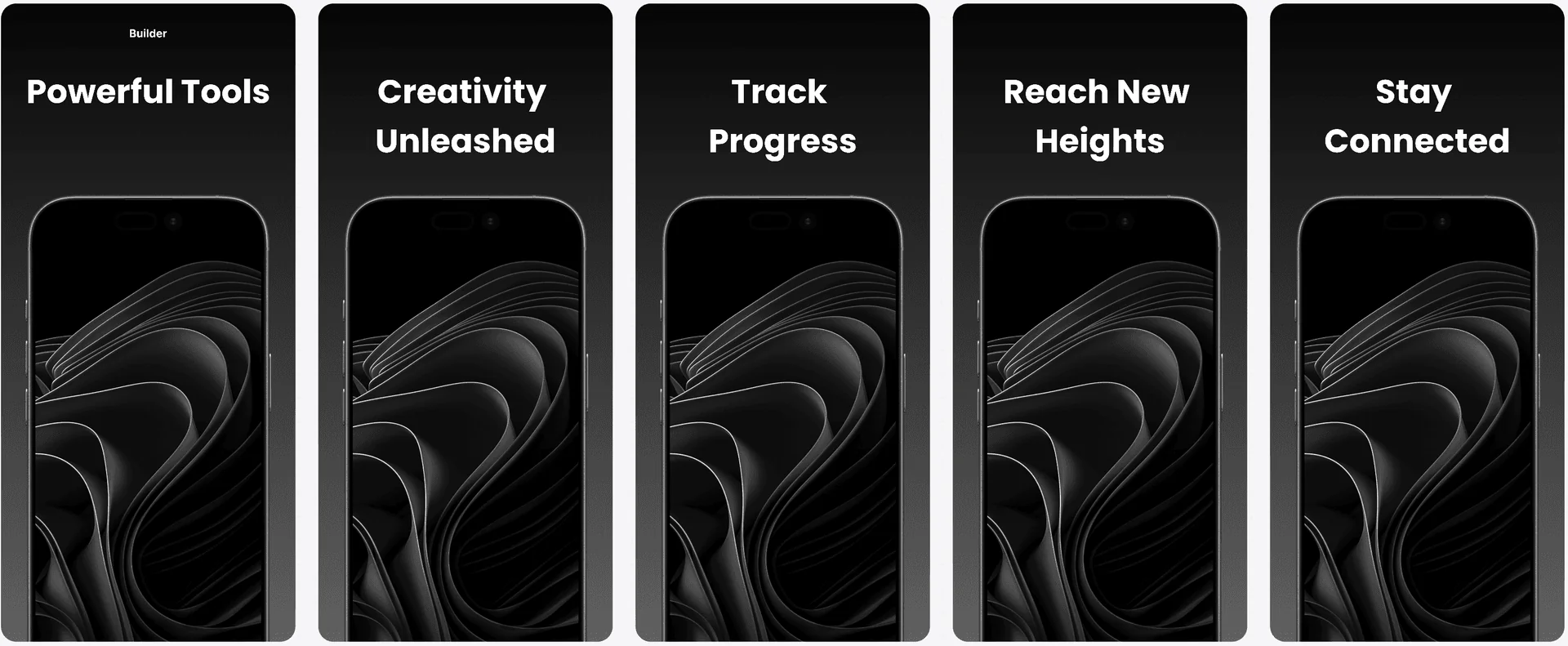
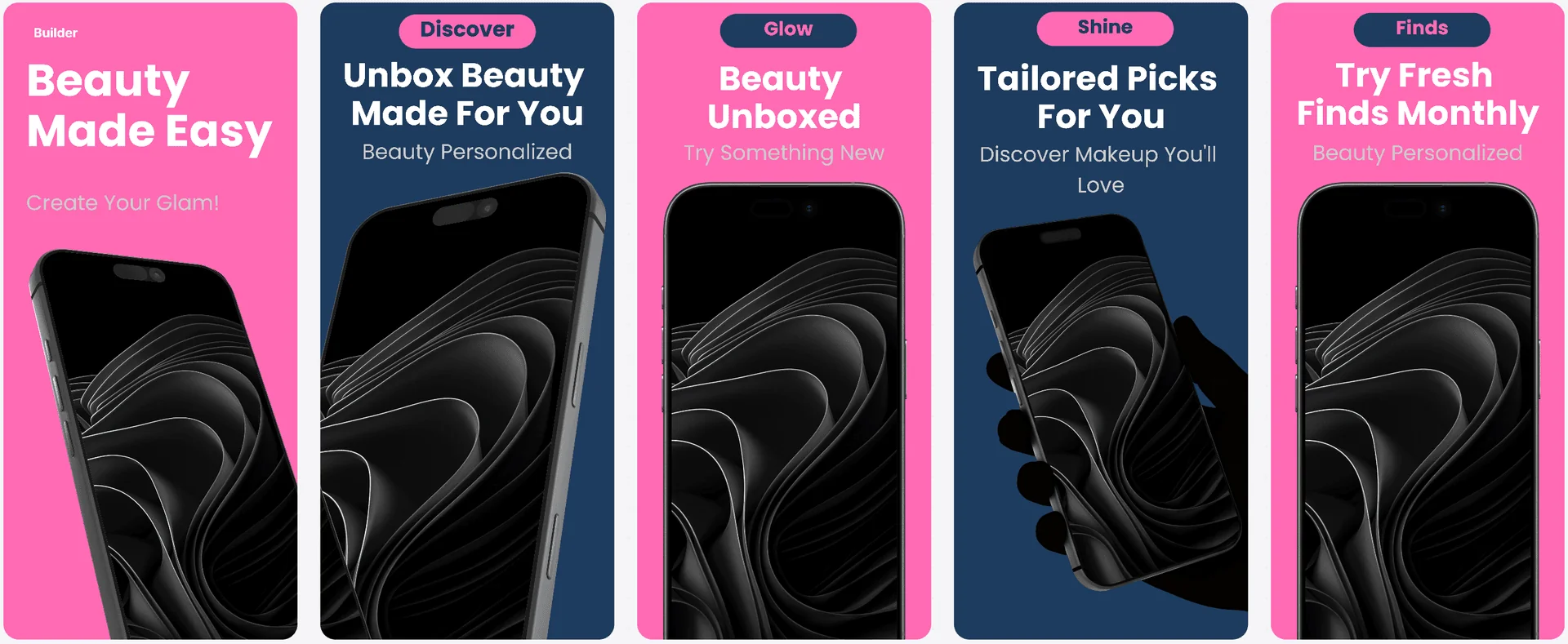
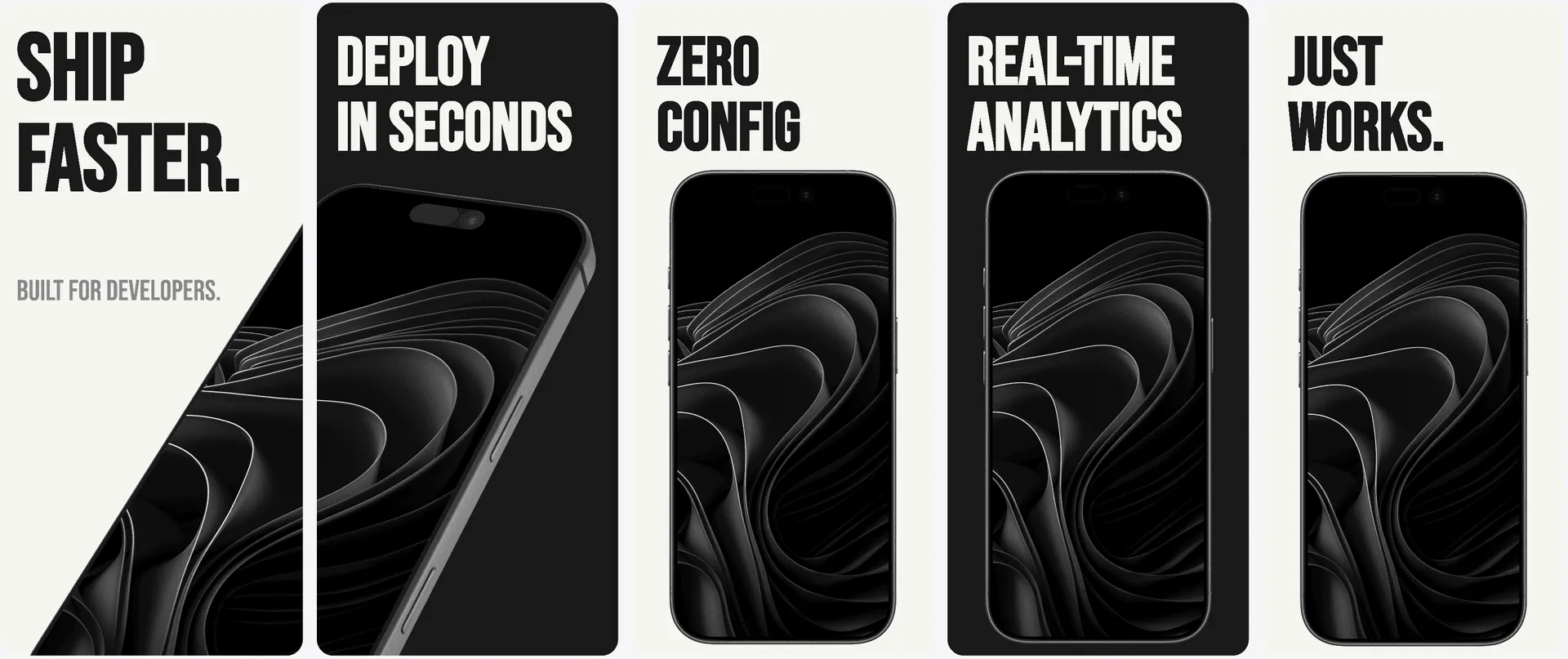
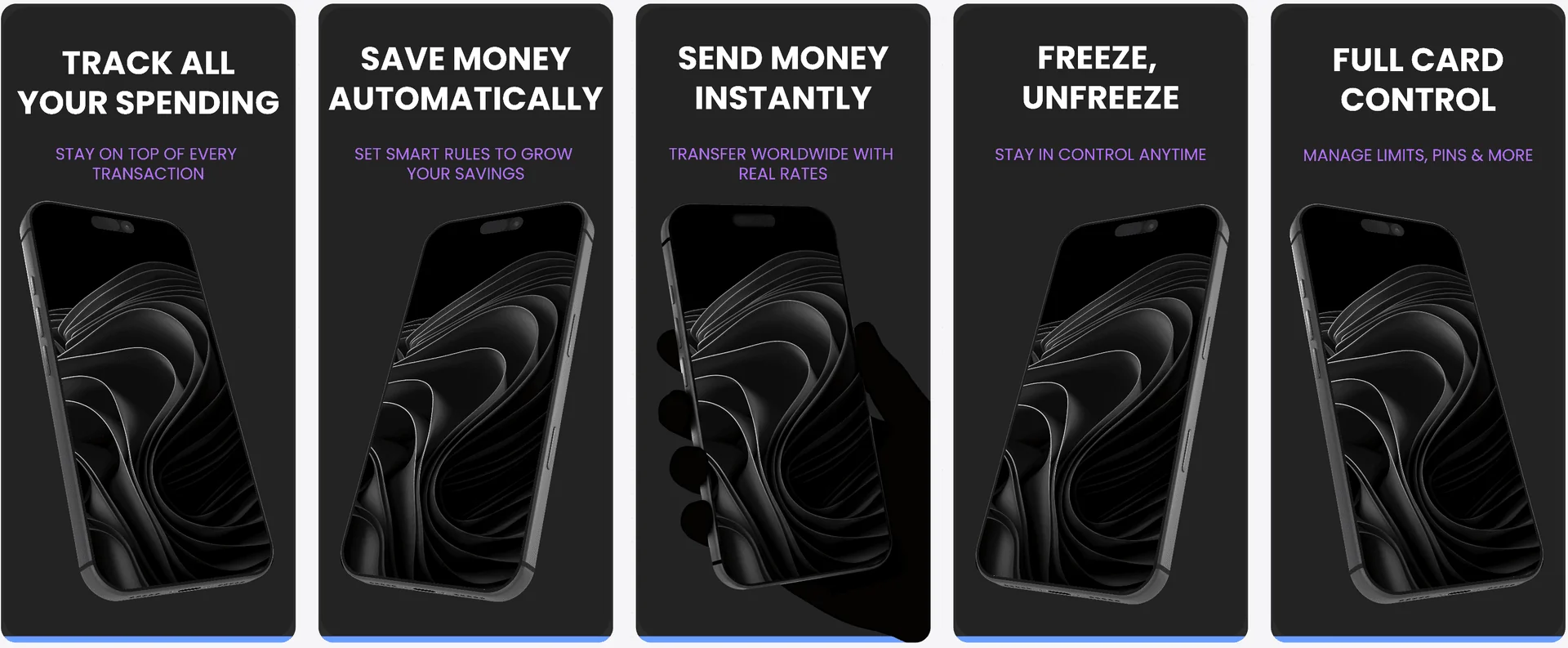
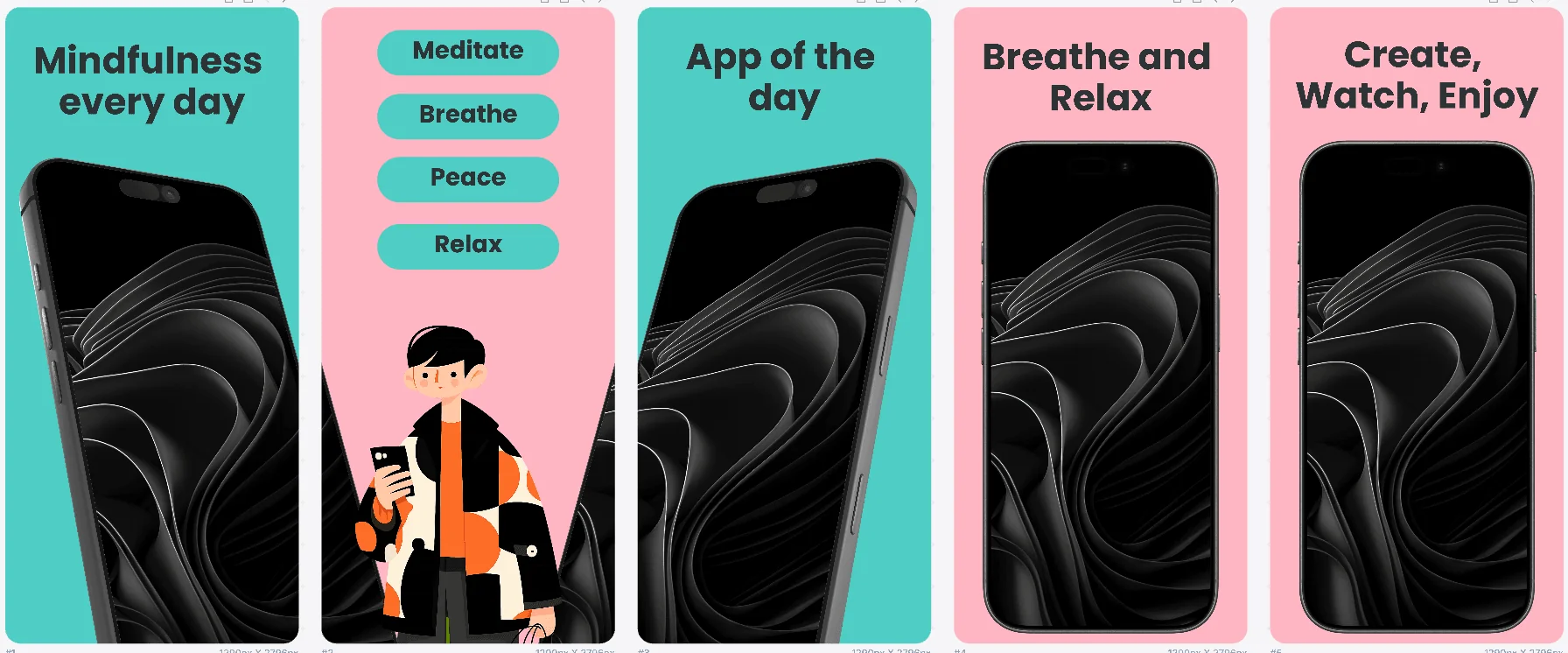
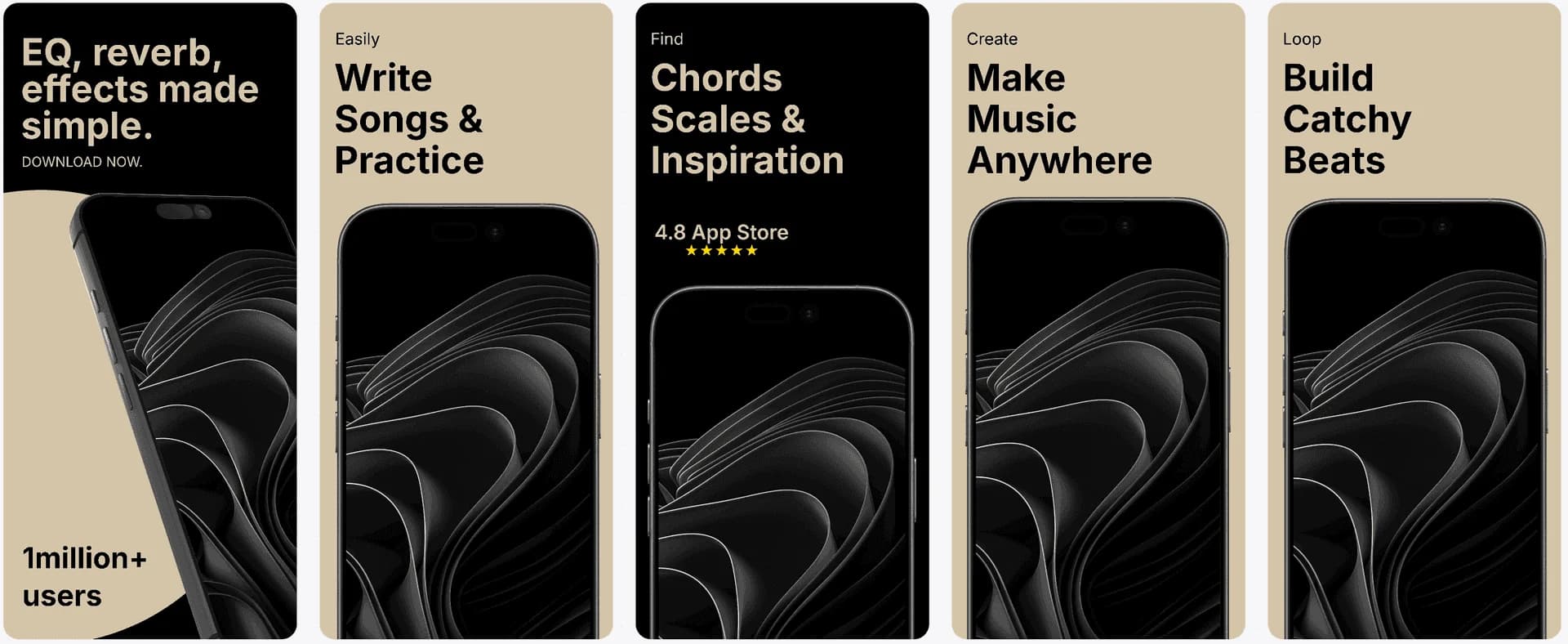
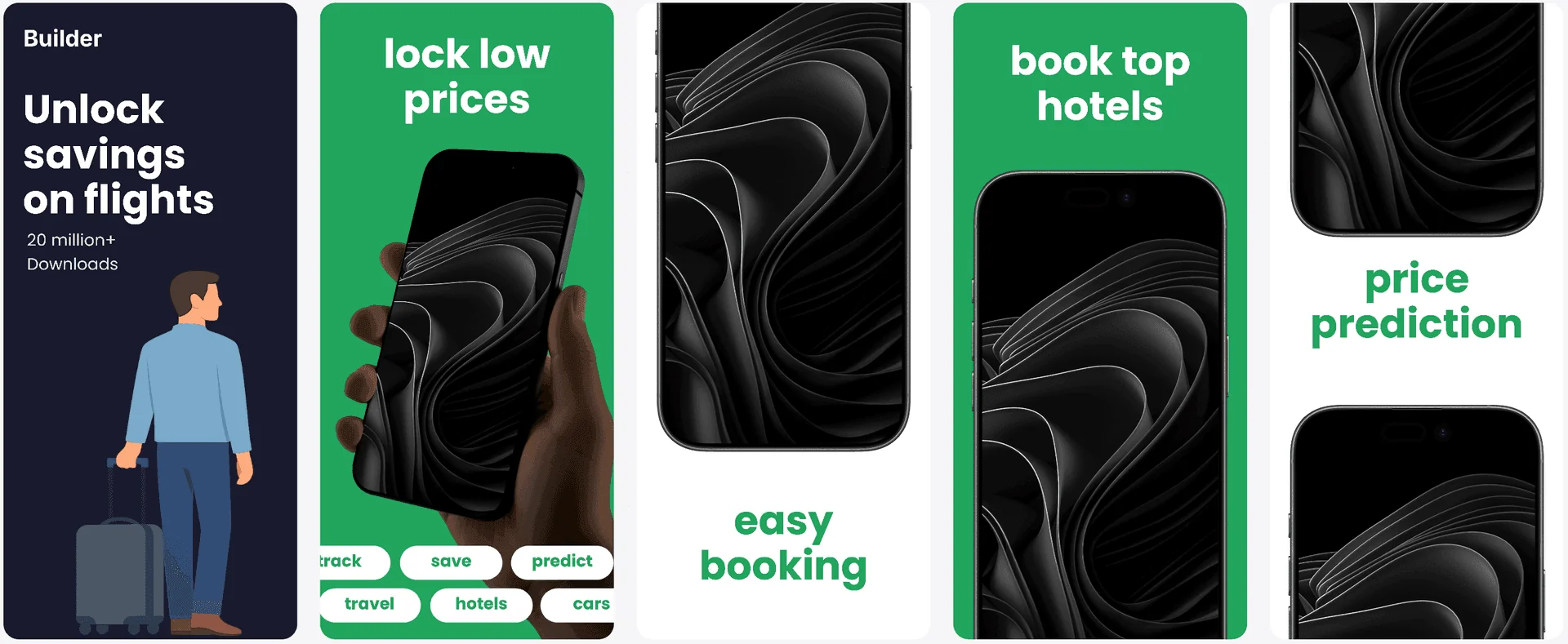
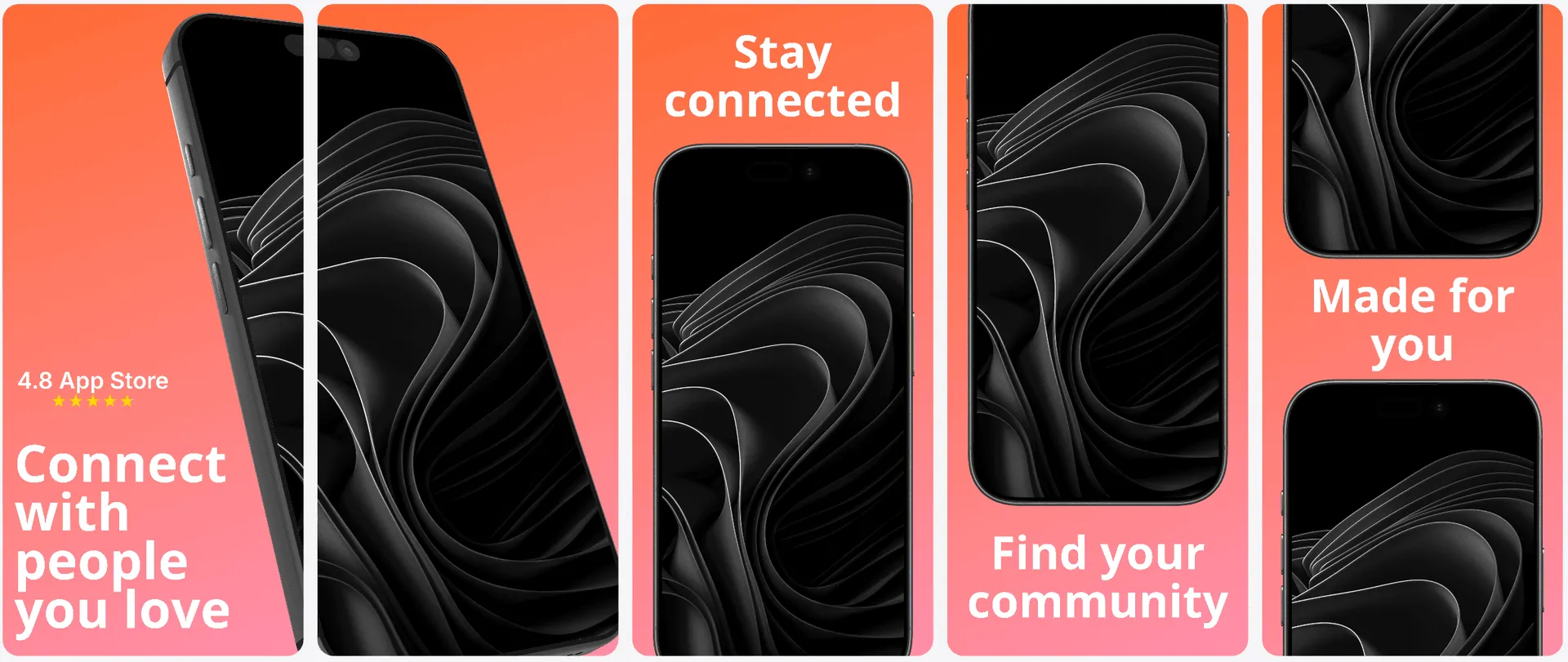

1,400+
app developers
40,000+
screenshots generated
Features
How screenshot templates work with AppLaunchFlow
Everything you need to create professional app store screenshots.
The Challenge
App screenshot templates: why do most templates feel generic?
Many template libraries prioritize quantity over quality. They offer dozens of options, but most are small variations of the same layout. That leads to screenshots that look templated rather than tailored.
AppLaunchFlow templates are structured around distinct messaging flows, so you can choose between benefit-first, feature-first, or social-proof-led sequences depending on your app’s positioning.
This approach helps you align visuals with your acquisition strategy, whether you are targeting early adopters or mainstream audiences.
AppLaunchFlow focuses on fewer, better templates. Each one is based on analysis of top-performing apps and structured to guide the viewer from value promise to feature proof. You can still change fonts, colors, and layout, but the core narrative structure is already optimized.
This makes it easy to ship a high-converting screenshot set quickly without losing individuality.
You can build a reusable screenshot system once, then adapt it for future updates and new markets without reinventing the structure each time.
Each template is built around readable typography scales and spacing rules, so even small edits keep the layout balanced.
Comparison
Templates that feel custom, not templated
AppLaunchFlow templates are designed for speed but built for customization. You get the best of both worlds: proven structure and full brand control.
| Criteria | Manual tools | AI-only tools | AppLaunchFlow |
|---|---|---|---|
| Template quality | Custom but time-intensive | Fast but generic | High-quality structure with customization |
| Brand alignment | High control | Low control | Full control with fast start |
| Consistency | Manual effort for each size | Inconsistent scaling | Multi-size templates with consistent structure |
| Iteration | Slow | Fast but limited | Fast and flexible |
Deep Dive
Choosing the right screenshot template
Templates are most effective when they fit your messaging style. AppLaunchFlow helps you choose between benefit-led, feature-led, or social-proof-driven layouts so the structure matches your acquisition strategy.
Once selected, templates become a repeatable system. You can reuse the same layout for updates, new features, or new regions while keeping your brand consistency intact.
Templates also help multi-person teams stay aligned. When several people contribute, a shared template keeps the outcome consistent.
If you launch multiple apps, templates let you reuse structure while customizing branding for each product.
Templates also reduce the risk of over-design. They keep the focus on messaging clarity instead of decorative elements.
If you want to test a new angle, you can duplicate a template and adjust only the headlines, keeping everything else consistent.
Templates also create consistency between screenshots and feature graphics when you reuse the same color and typography tokens.
For teams with limited time, templates provide a reliable path to polished assets without long design cycles.
Use templates to maintain design consistency when multiple people or agencies touch your assets over time.
Templates make it easy to maintain a premium look even when you are working under tight deadlines.
This also makes collaboration easier because everyone starts from the same baseline.
Consistency builds recognition and trust for returning users.
Last updated: January 22, 2026
Facts
How It Works
Use templates in three steps
Get started in minutes with our simple workflow
Pick a template
Browse the template gallery and select a layout that matches your category and messaging goal.
Customize your visuals
Swap in your screenshots, adjust colors and typography, and refine the copy to fit your brand.
Export for stores
Download files sized for iOS and Android, ready for App Store Connect and Play Console.
Related
Combine Templates With Other Launch Assets
Create iOS screenshot sets optimized for App Store conversion.
iOS teams
Build Android screenshot sets for Google Play device diversity.
Android teams
Create iPad screenshot sets sized for the App Store tablet listing.
iPad apps
Design macOS App Store screenshots with desktop device frames.
macOS apps
Frequently asked questions.
Everything you need to know about app screenshot templates
Sources
Citations & references
Apple App Store Product Page guidelines
Recommends using all screenshot slots to highlight features.
View sourceGoogle Play Console screenshot guidelines
Emphasizes accurate, feature-focused screenshots.
View sourceStoreMaven research on screenshot impact
Screenshots strongly influence install decisions.
View sourcePick a template and launch faster
Start with a conversion-tested template and customize it until it feels uniquely yours. AppLaunchFlow makes it easy to go from blank page to launch-ready screenshots.
Templates are also a great way to standardize your visual language across multiple apps or projects, keeping your brand recognizable at a glance.
With templates and AI together, you can experiment faster without sacrificing the polish users expect from top apps.
No credit card required