Free Screenshot
Generator.
Create professional app store screenshots for iOS and Android — completely free. AI generates layouts from your screenshots, you refine in the editor. No credit card required.
1,400+
app developers
40,000+
screenshots generated
No Catches
Why most free screenshot generators disappoint
Free tools often mean watermarks, limited templates, or stripped-down editors that force you into a paid plan before you can evaluate the output. You end up investing time into a workflow you cannot properly test.
AppLaunchFlow takes a different approach. The free tier gives you the same AI generation, the same templates, and the same editor as paid users. You also get a fully free ASO copy generator — no limits, no paywalls.
This means you can build your entire screenshot set, test different layouts and messaging, and see exactly how your App Store listing will look before spending anything.
Features
What you get for free
Everything you need to build professional screenshots — no credit card, no feature gates.
Design Patterns
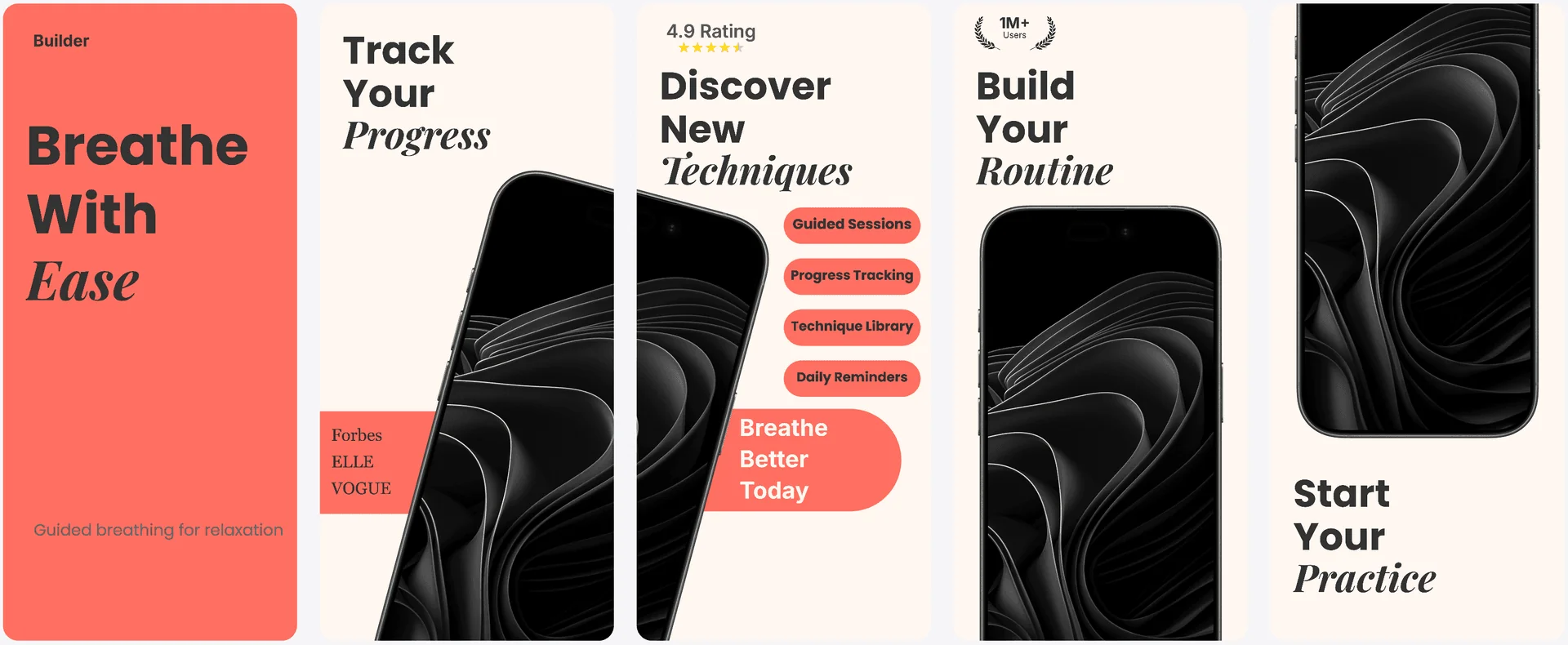
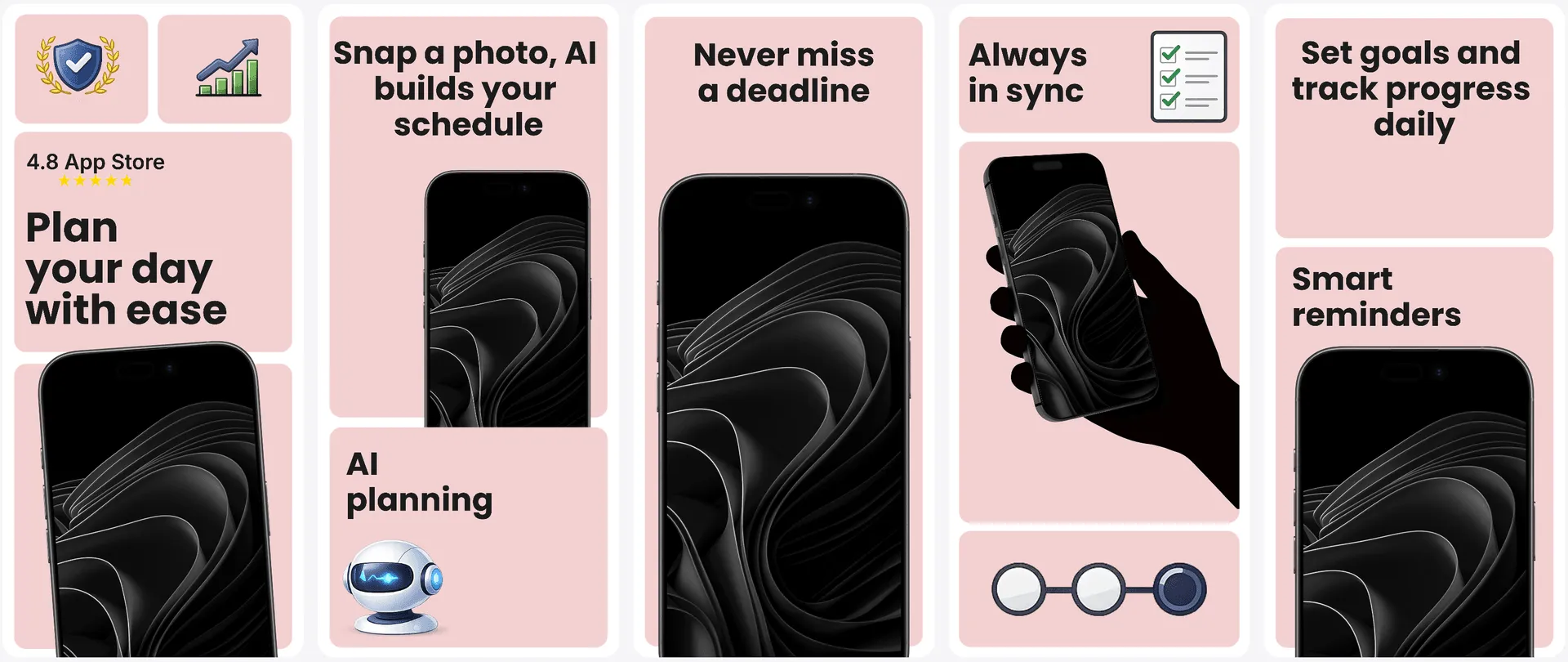
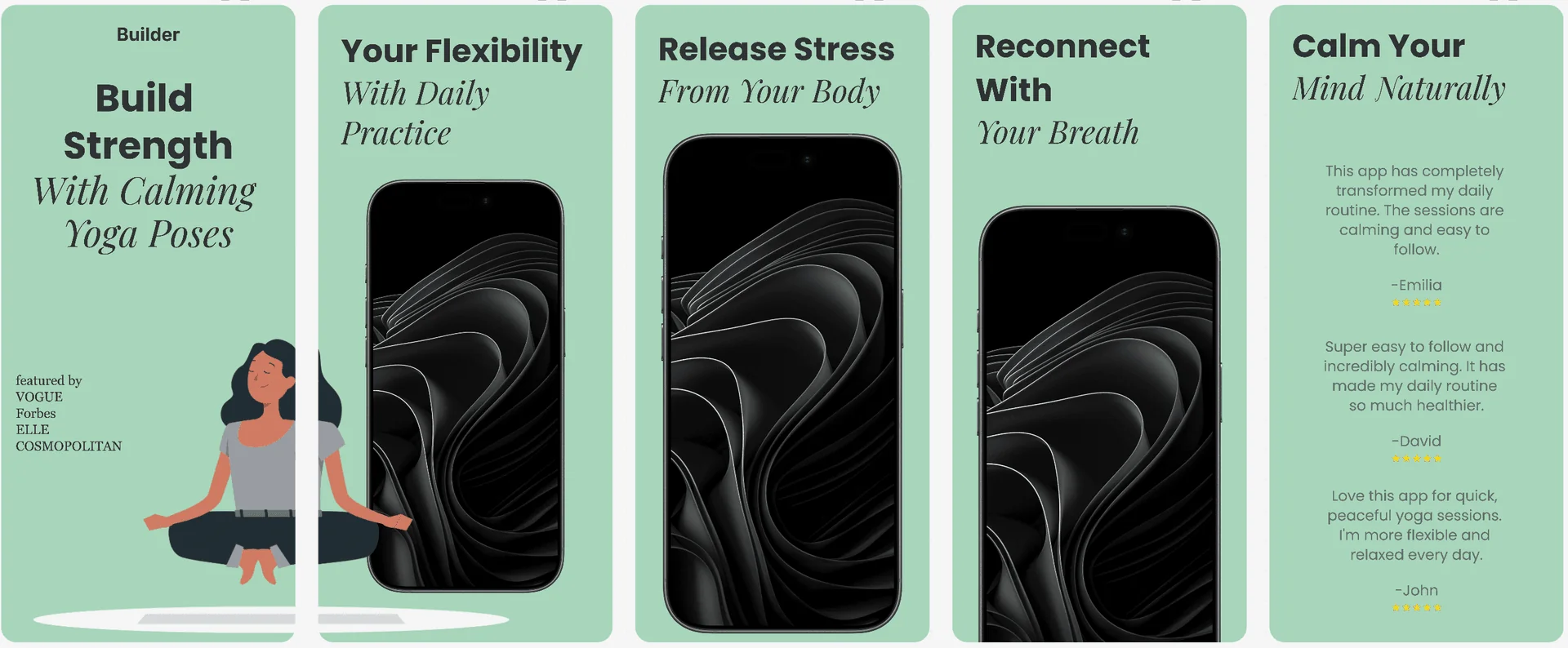
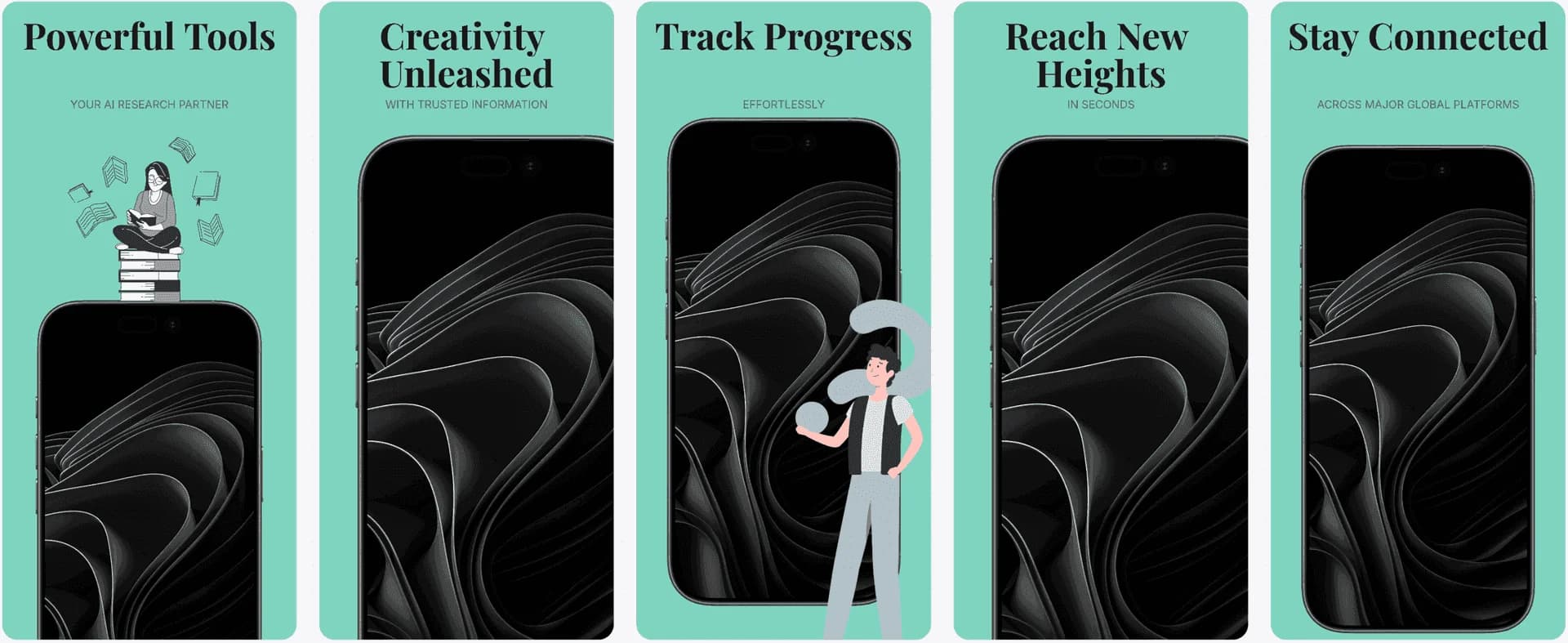
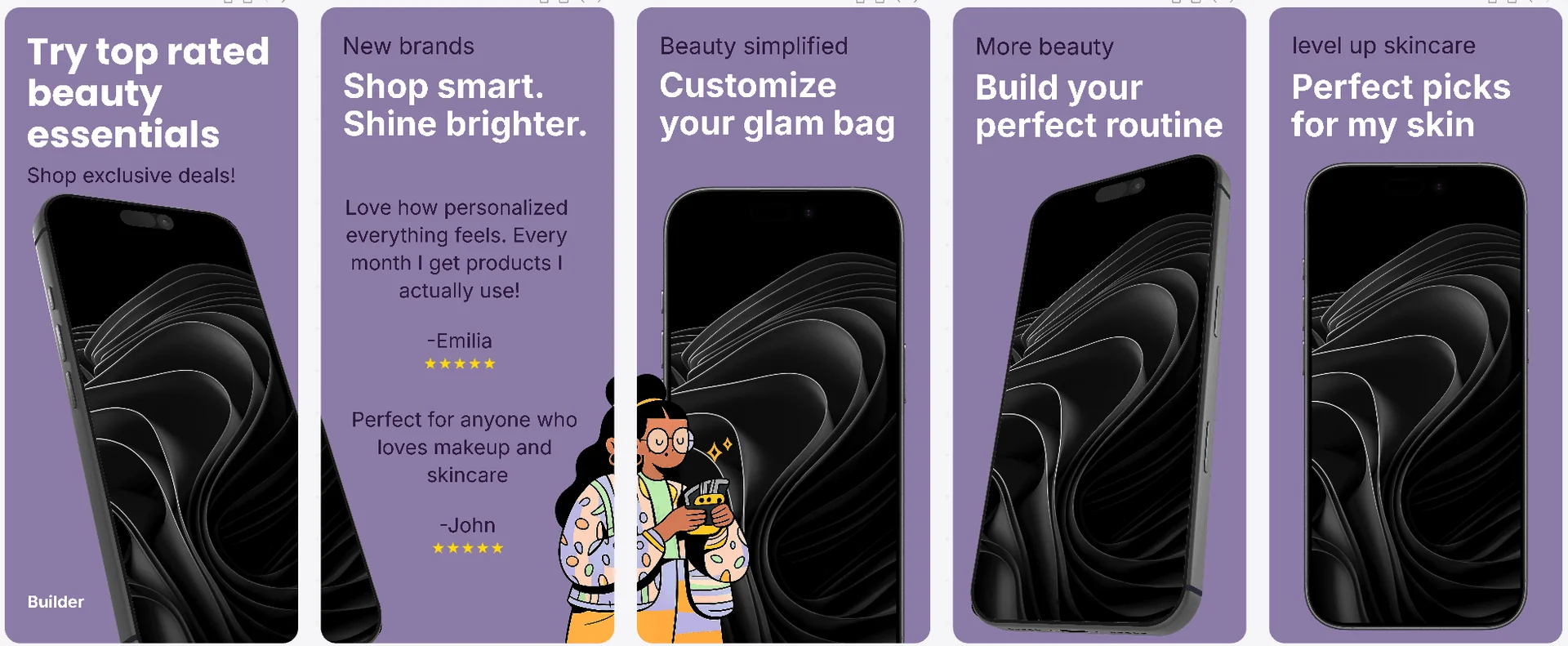
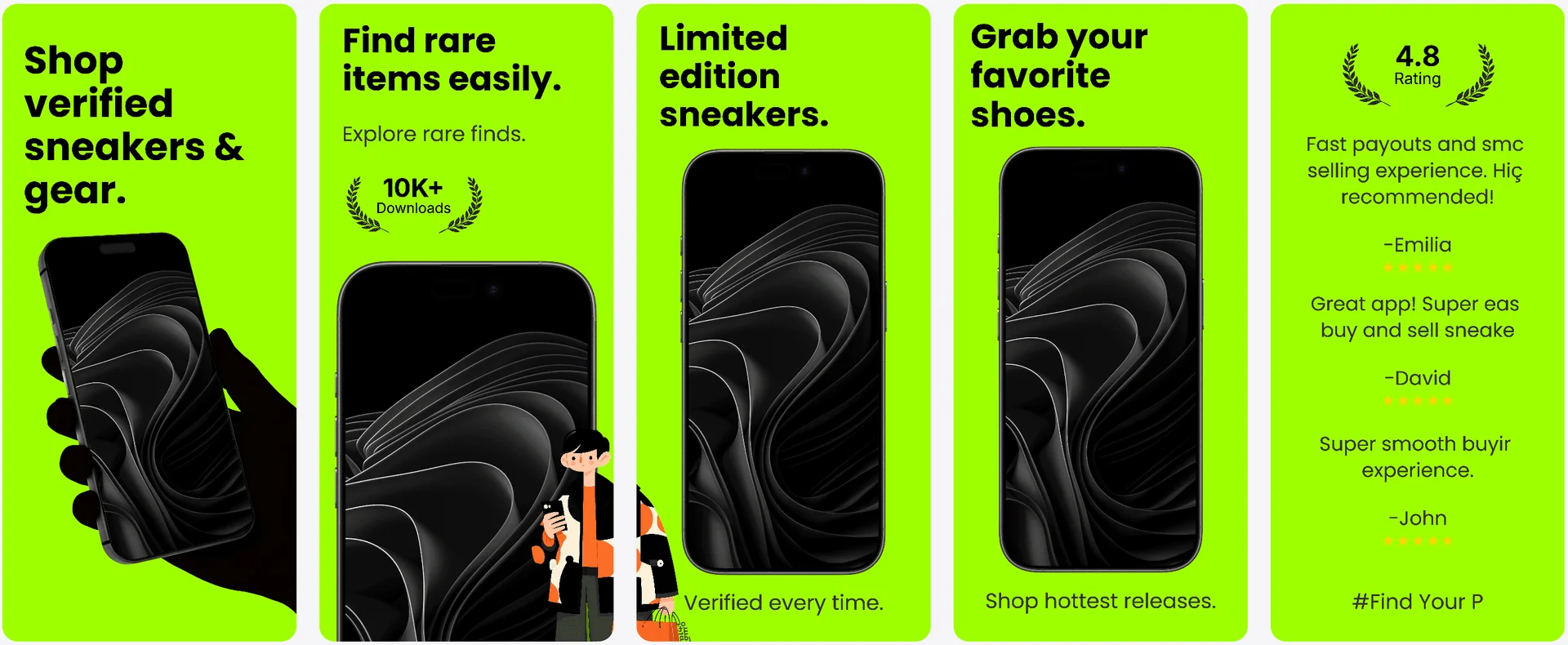
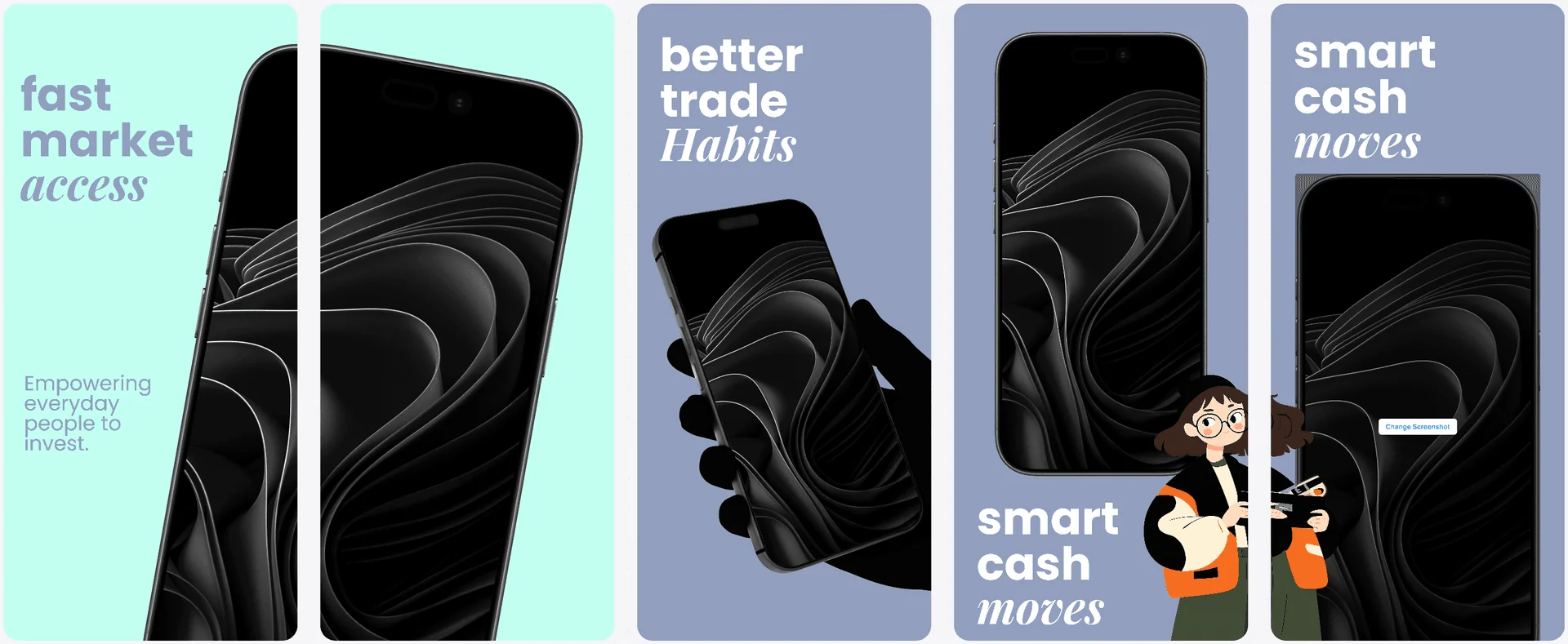
All 20+ templates included free.
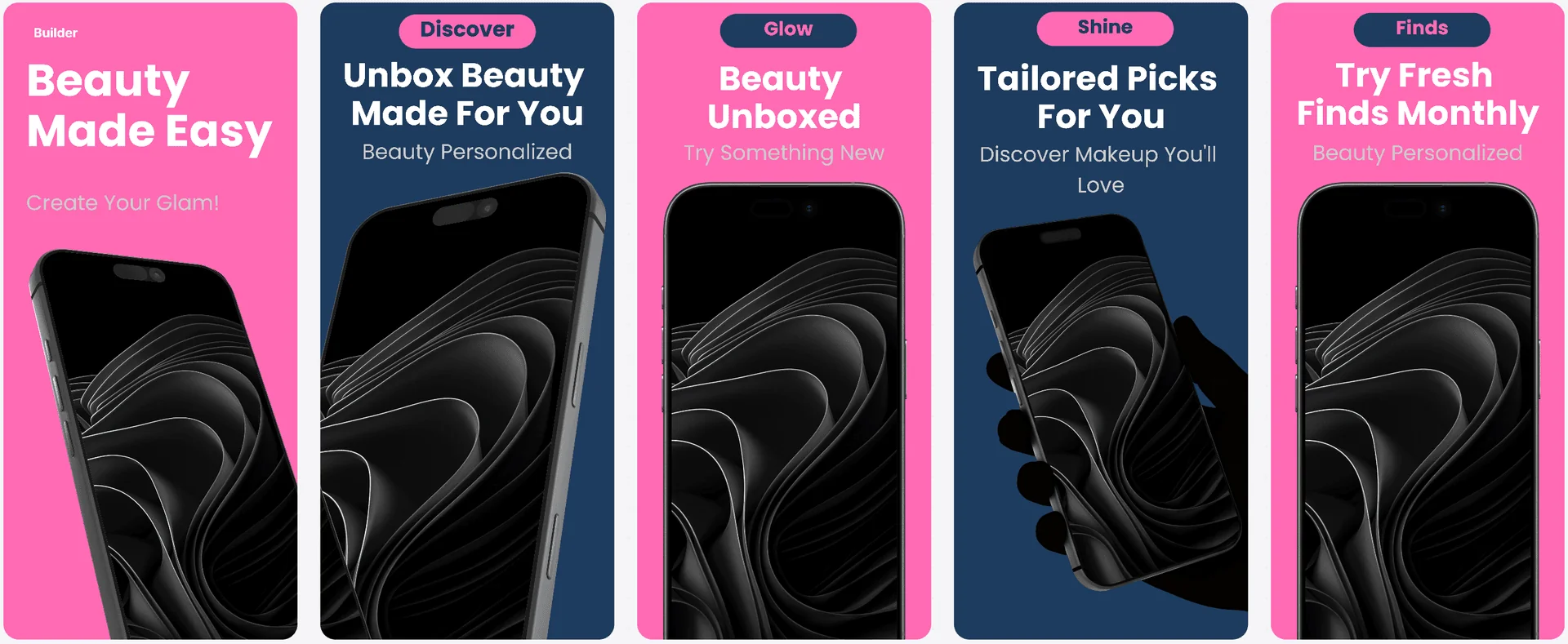
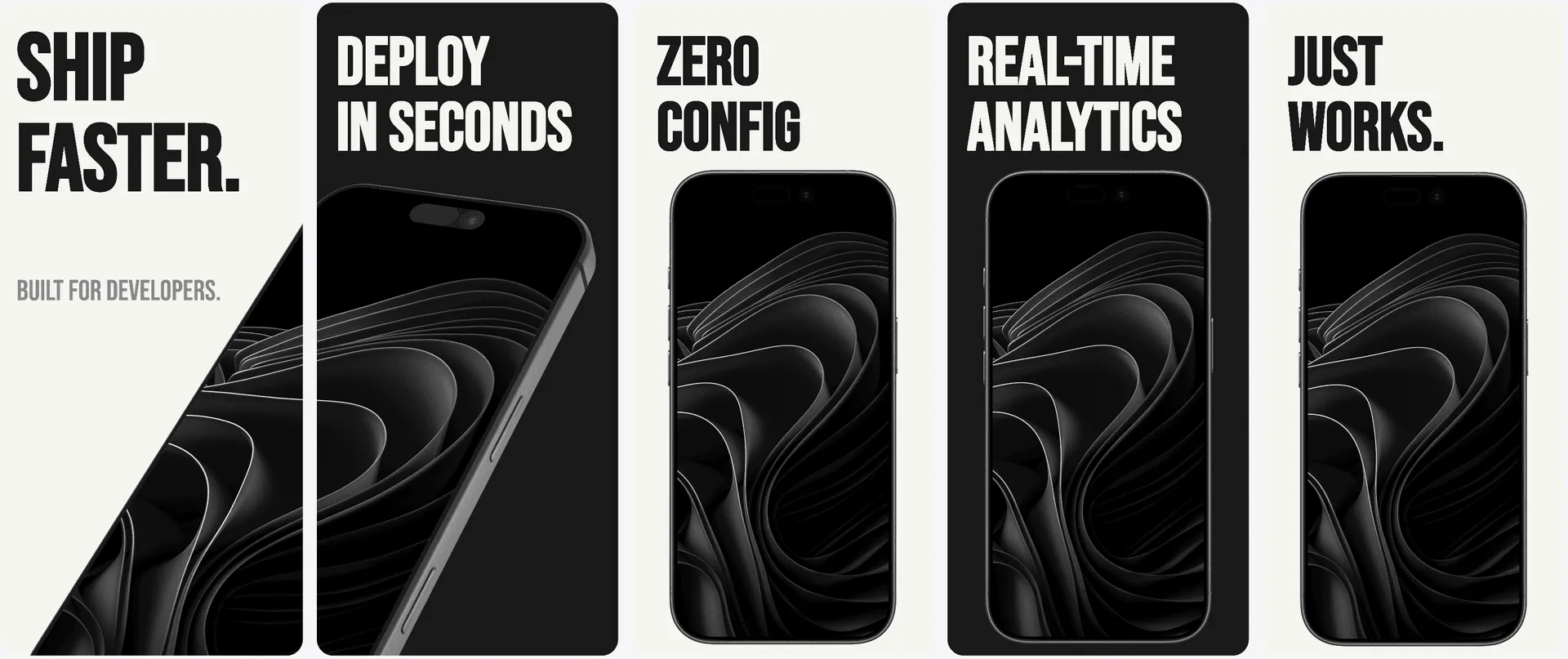
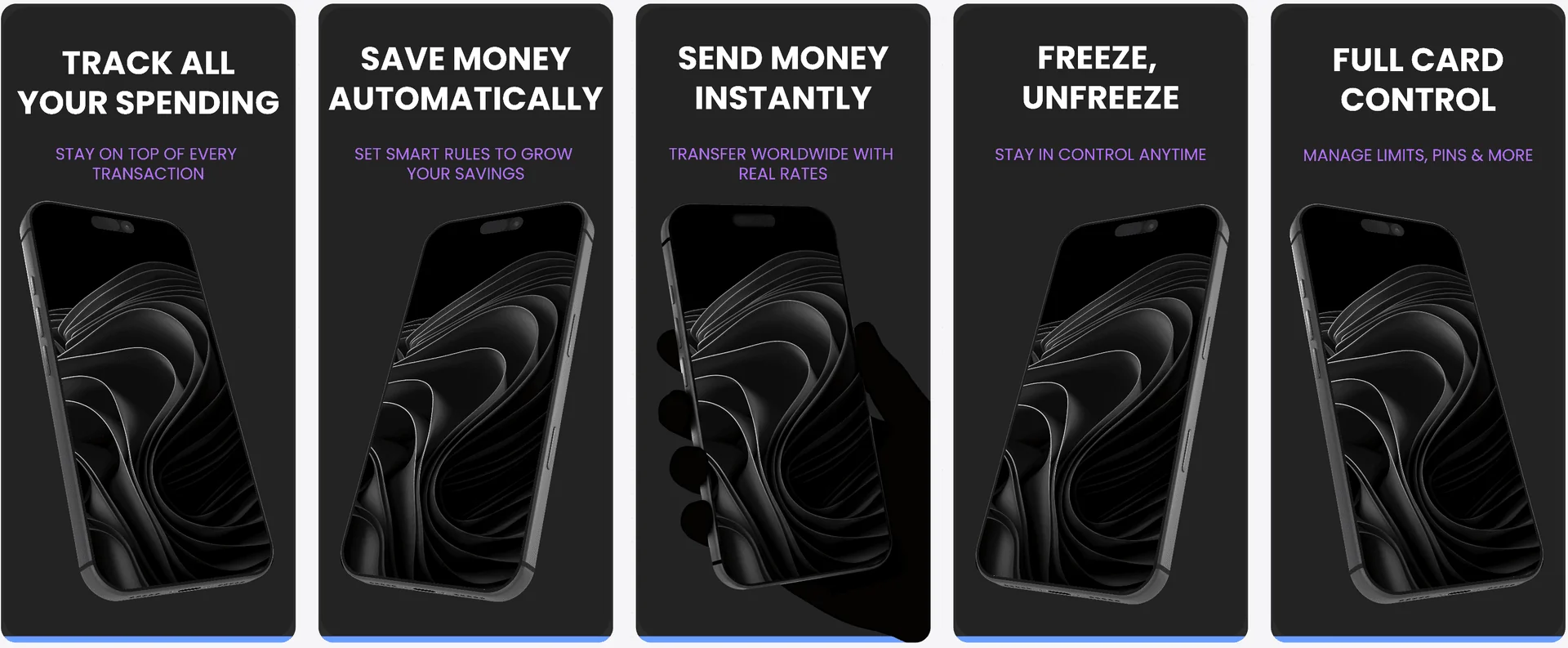
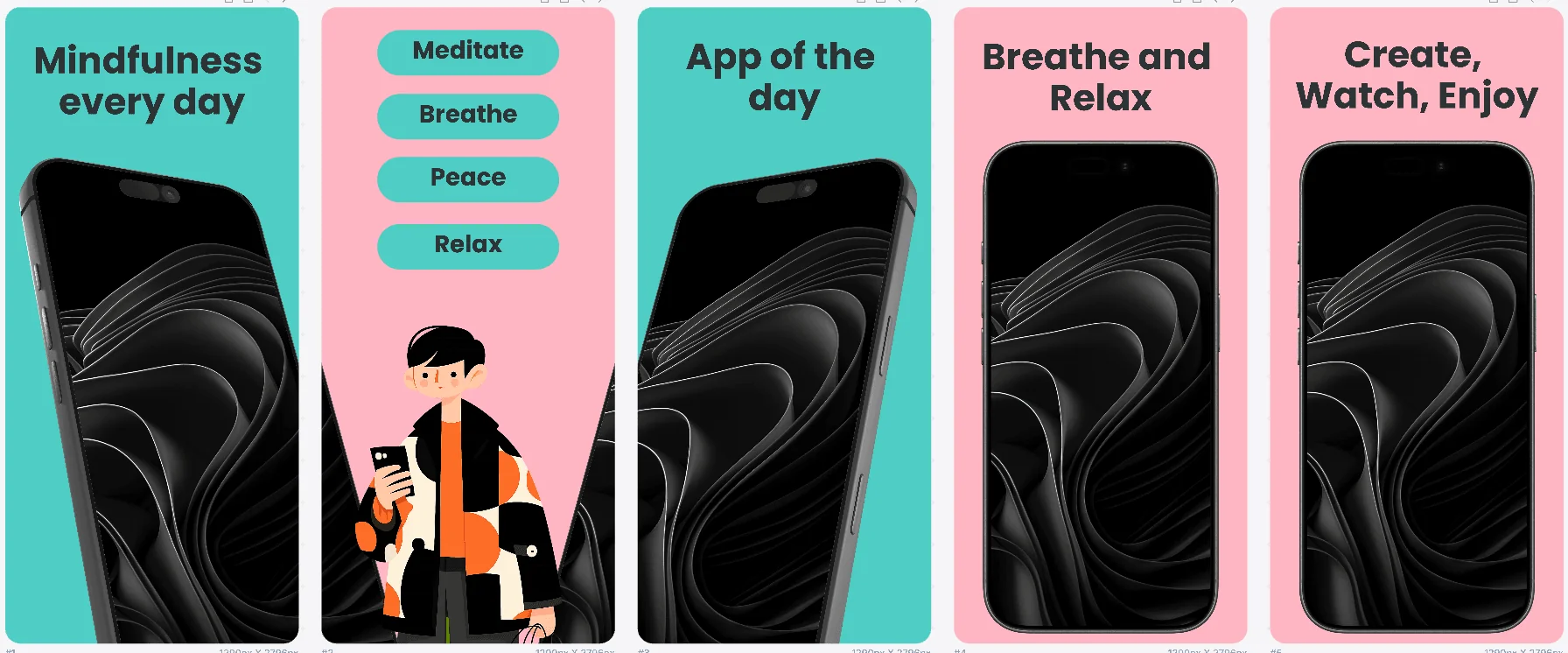
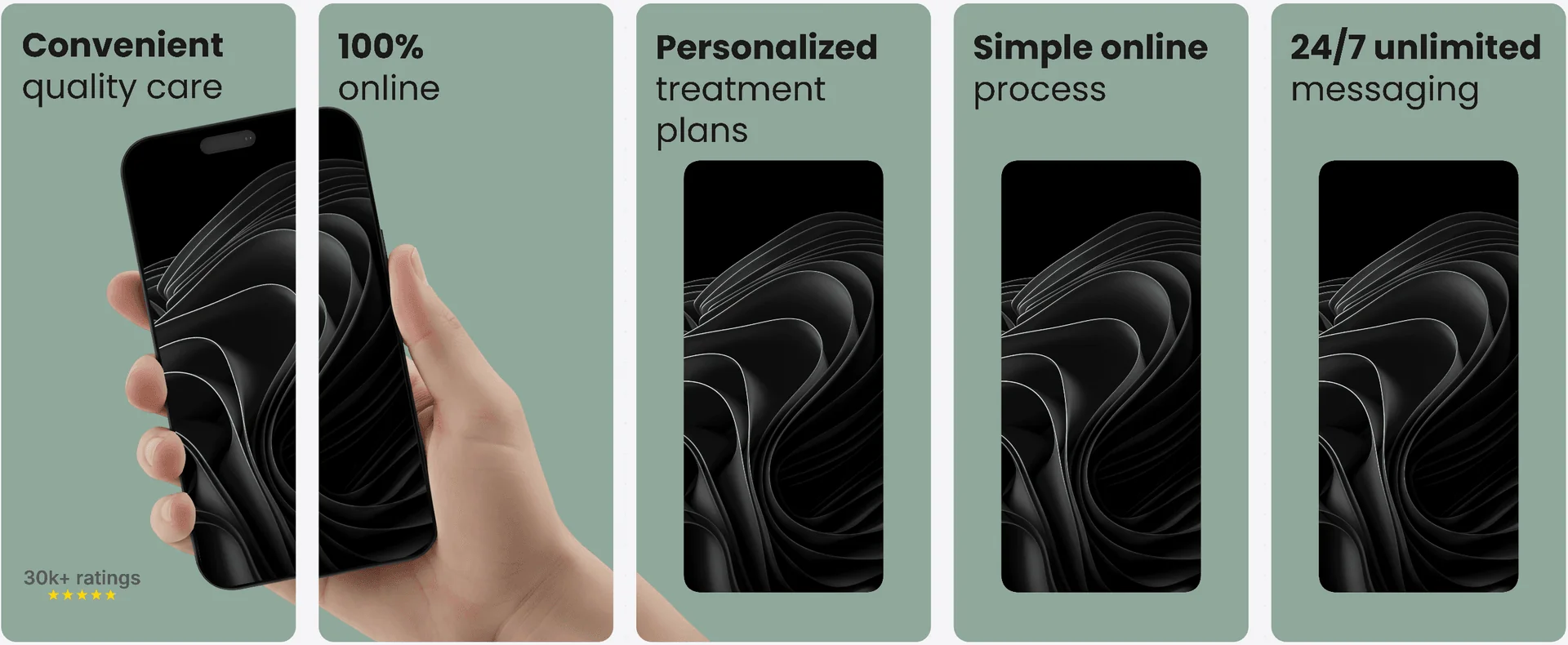
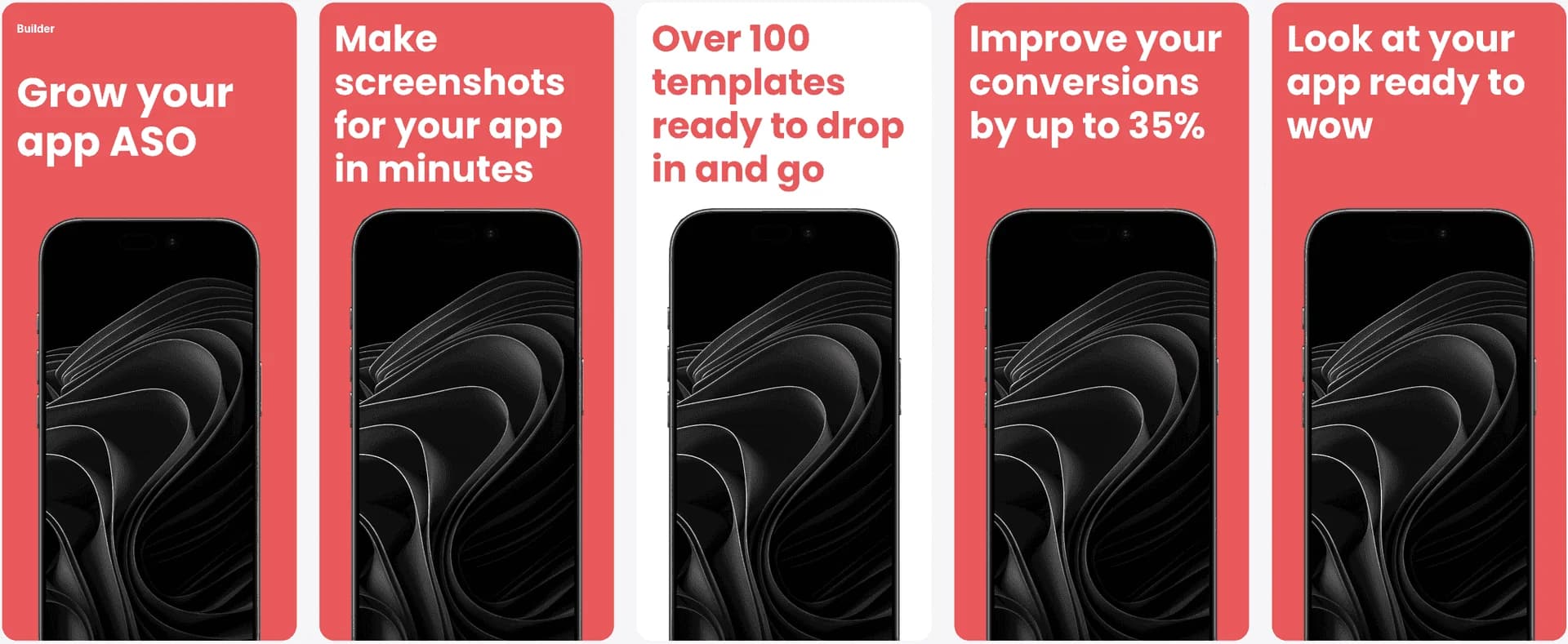
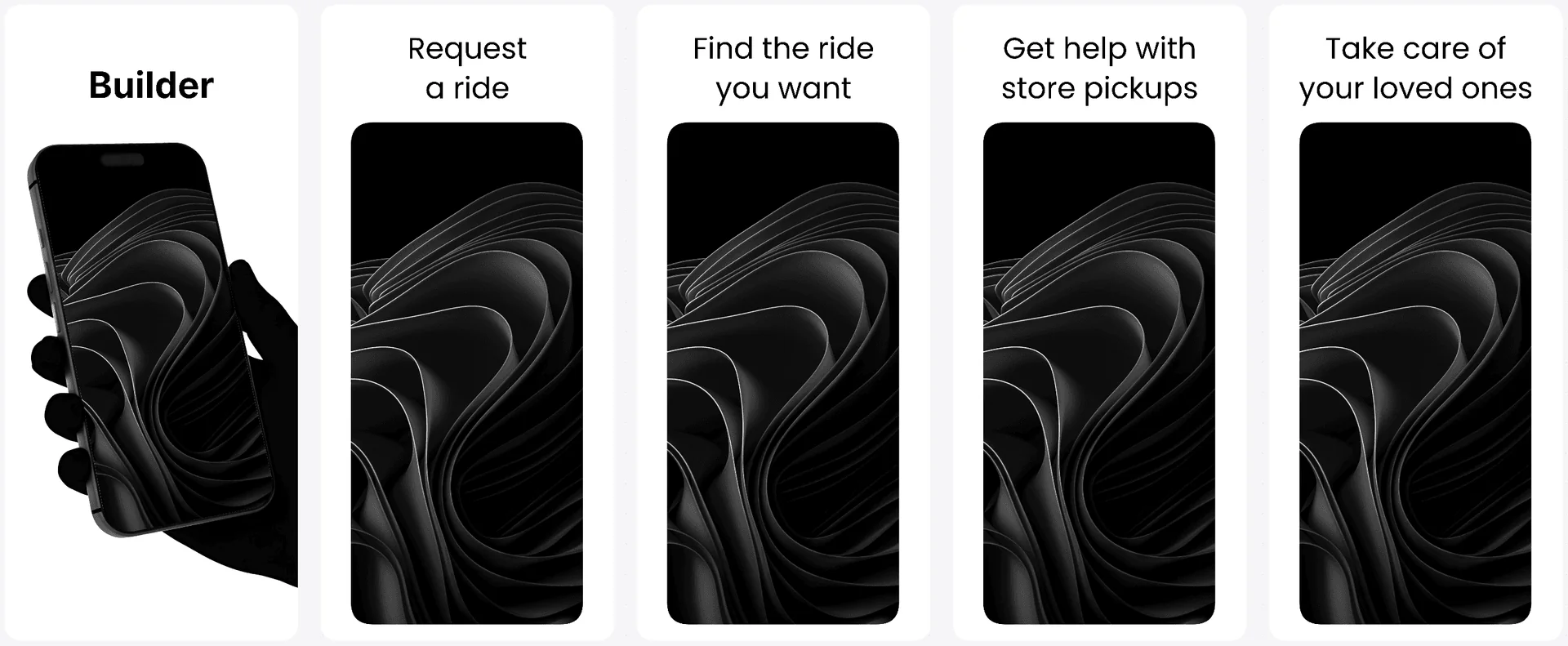
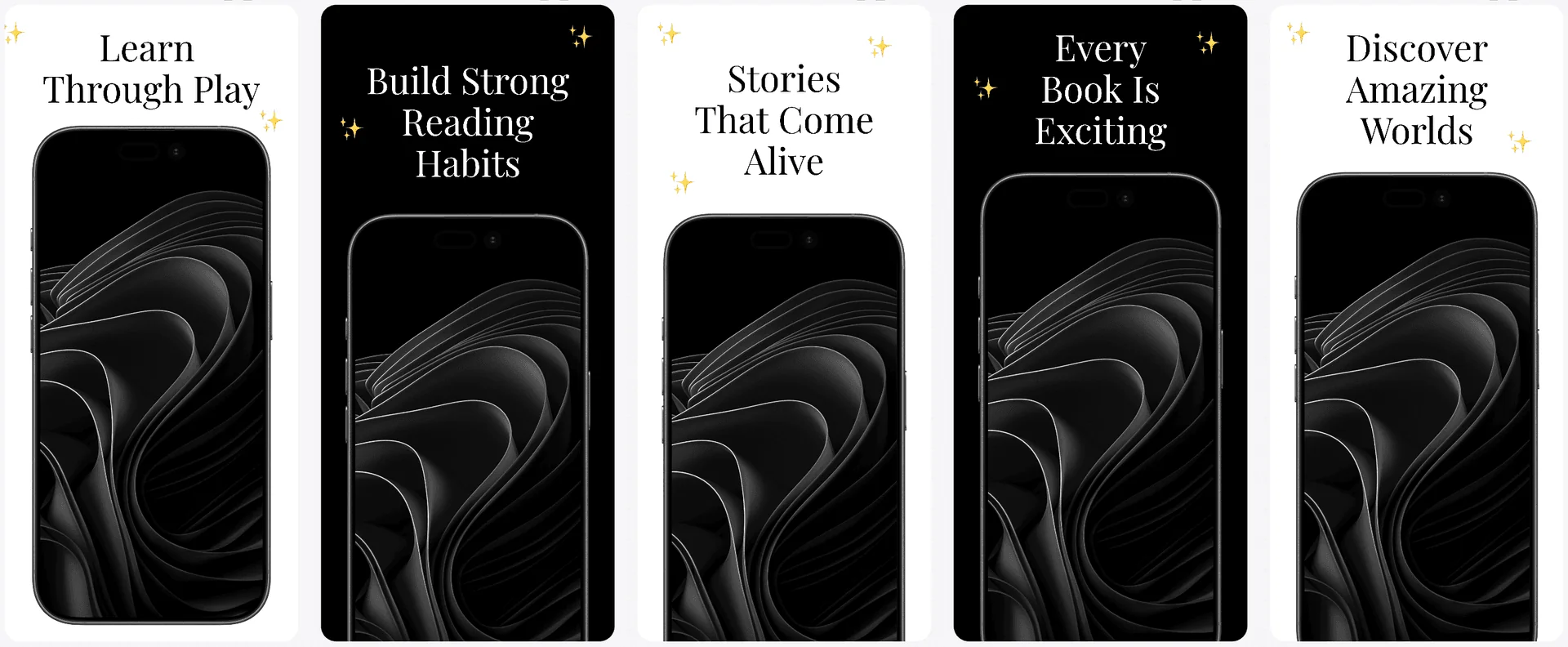
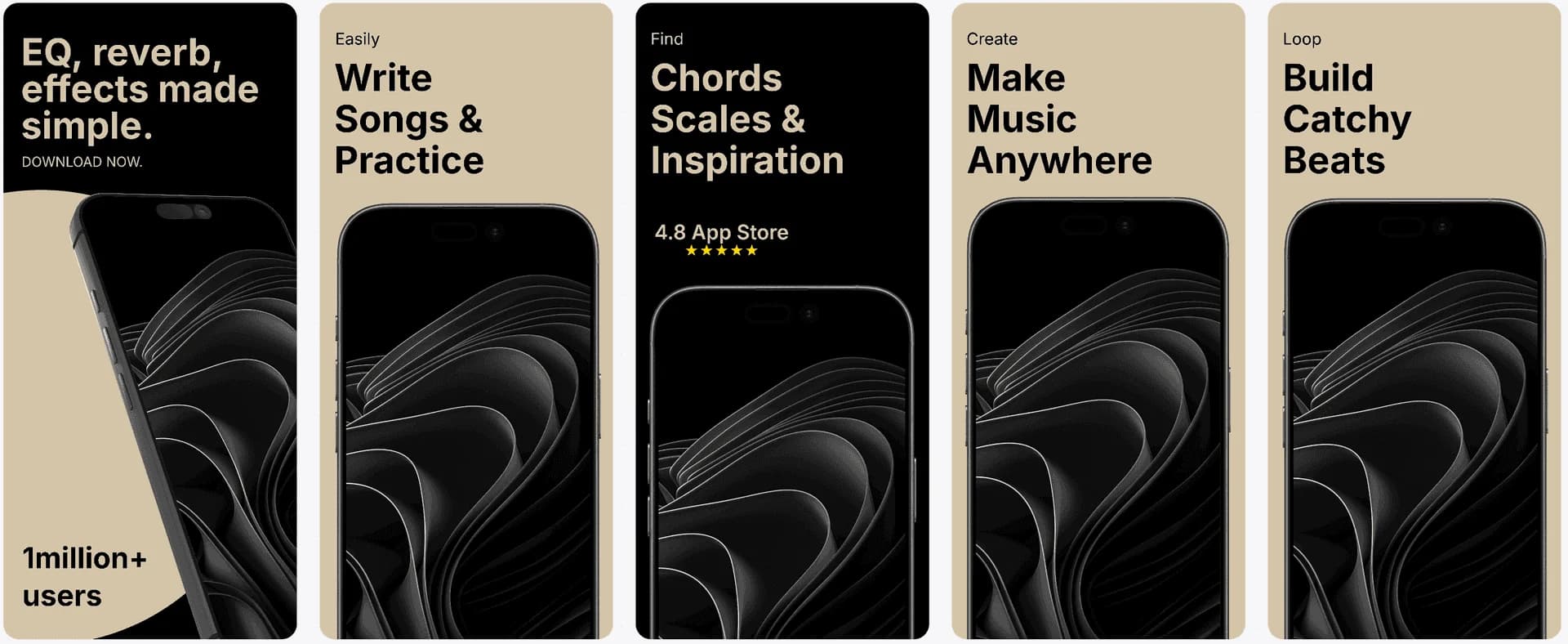
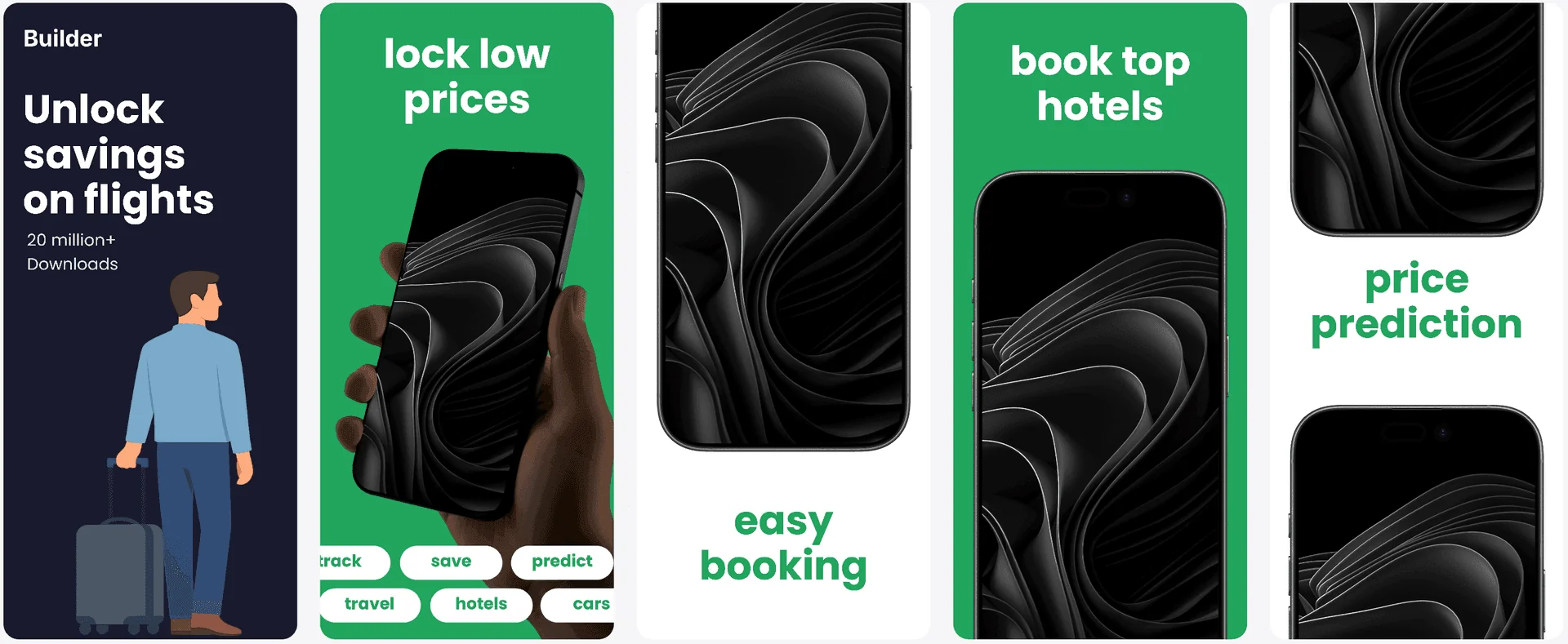
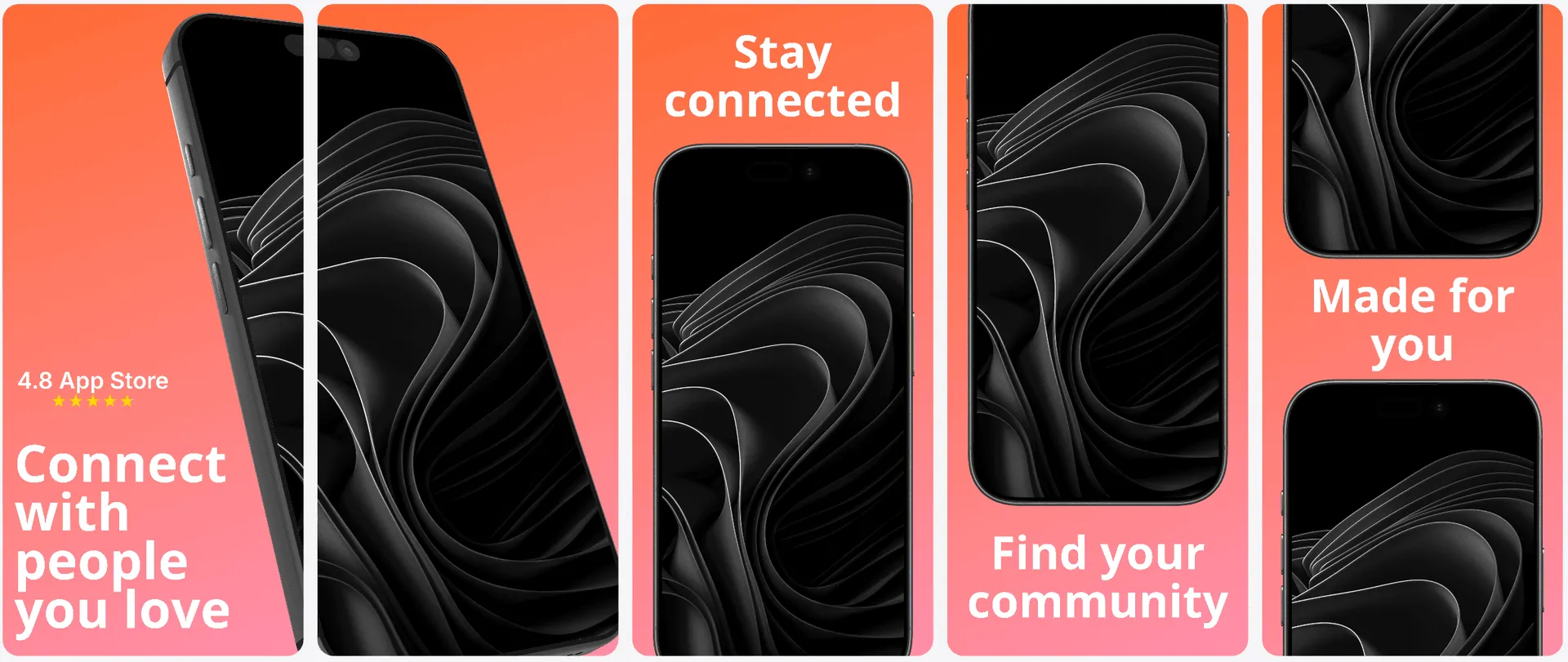
Browse and use every conversion-tested template in the library. Bold, clean, dark, showcase, stage — all on the free tier.
See all templates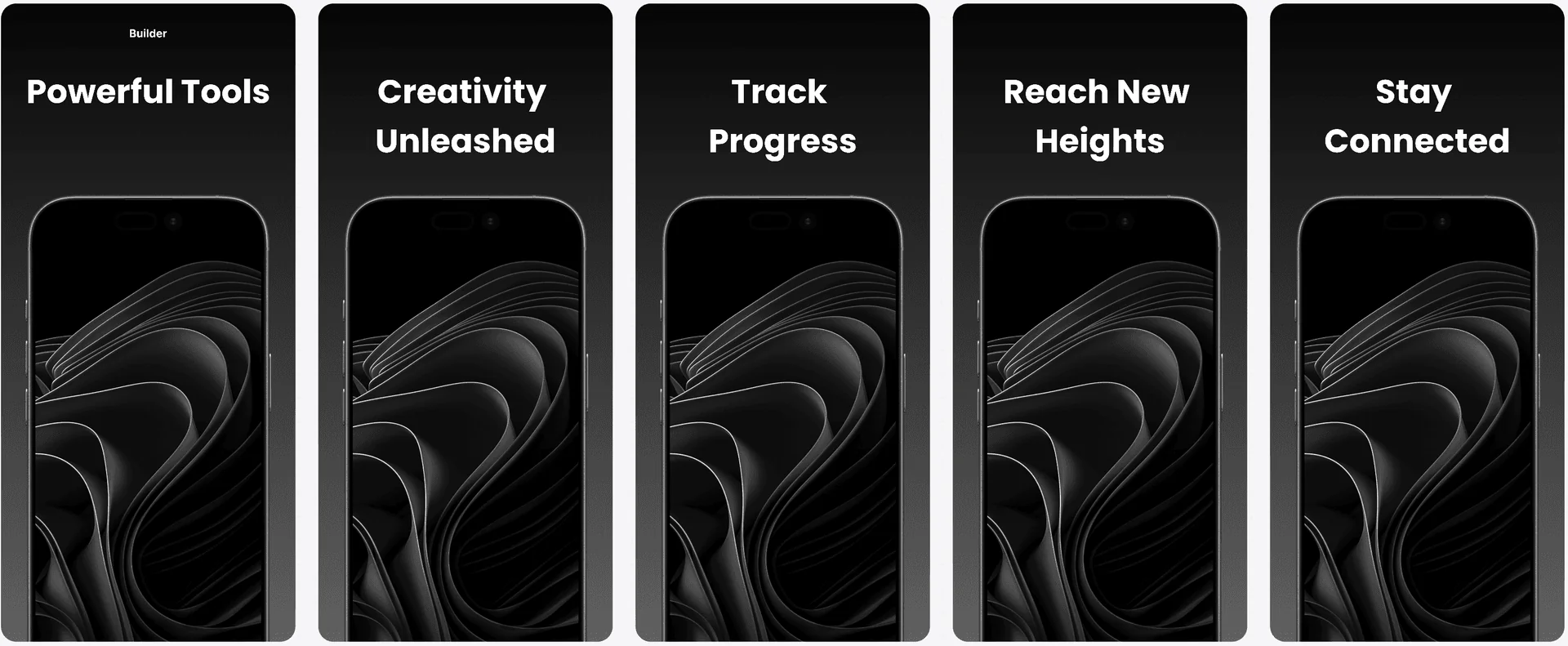

Visual Editor
Full editor, no restrictions.
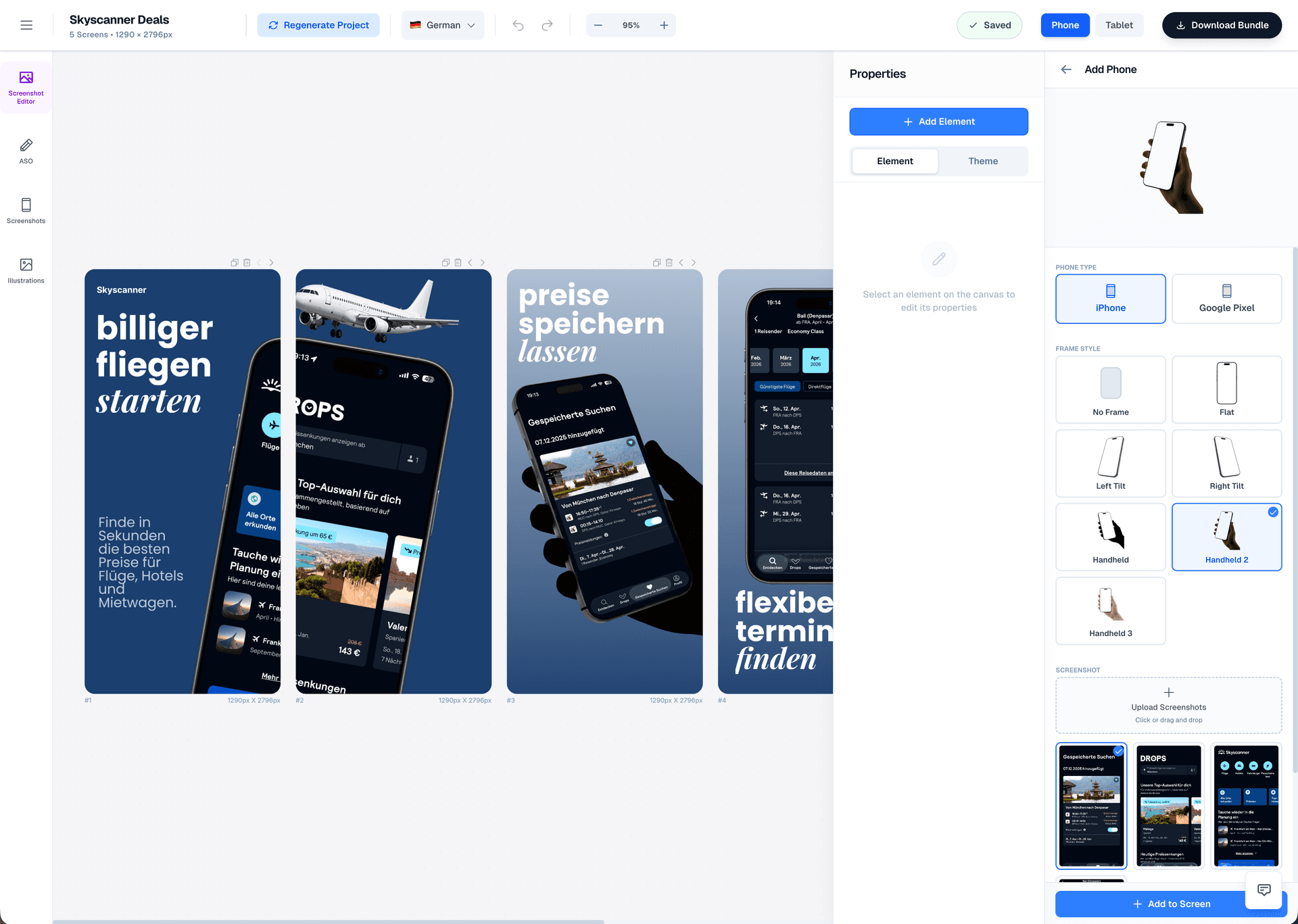
The same Figma-style editor as paid plans. Drag-and-drop, full typography control, device frames, and real-time preview.
Drag & Drop Control
Intuitive interface with zoom controls and precise positioning for pills, badges, and text.
3D Device Frames
Showcase your app in iPhone, Pixel, or iPad frames and keep every slide visually consistent.
Smart Assets
Use pills, badges, ratings, and curated visual assets without external design tools.
100% Free
ASO copy generator.
Completely free.
Generate competitor-informed titles, descriptions, keywords, and promotional text for App Store and Google Play — no limits, no paywall. The same AI-powered tool used by paid users.
Try the ASO Copy GeneratorTitles & subtitles
AI-generated headline options optimized for App Store and Play Store character limits.
Full descriptions
Keyword-aware long descriptions that balance readability and search ranking.
Keyword suggestions
Competitor-informed keyword sets based on your app category and positioning.
Promotional text
Short promo copy for seasonal updates, launches, and feature highlights.
Comparison
Free tier comparison: AppLaunchFlow vs. alternatives
Not all free tiers are equal. Here is how AppLaunchFlow compares to other free screenshot tools.
| Criteria | Manual tools | AI-only tools | AppLaunchFlow |
|---|---|---|---|
| AI generation | N/A | Often paid-only or limited | Full AI generation on free tier |
| Editor access | Basic editors, limited controls | Usually view-only or restricted | Full Figma-style editor, no restrictions |
| Templates | 3-5 free templates | Limited selection | All 20+ templates included free |
| Watermarks | Often watermarked on free | Varies | No watermarks while editing |
| Upgrade path | Subscription only | Subscription only | Subscription or one-time export from €9 |
Deep Dive
Try everything, pay only for what you ship
The best way to evaluate a screenshot tool is to use it with your actual app. Generic demos and preview galleries do not tell you whether the tool works for your specific screens, messaging, and audience.
AppLaunchFlow's free tier removes that barrier. Upload your real screenshots, generate real layouts, and refine them in the full editor. You will know exactly what you are getting before you spend anything.
When you are ready to ship, you have flexible options. Subscribe for ongoing access to exports, localization, and store publishing. Or buy a one-time export for a single set of store-ready screenshots.
For indie developers launching their first app, the one-time export is often ideal. Get one polished set for the App Store and Play Store without committing to a subscription.
For teams managing multiple apps or releasing frequently, the subscription unlocks unlimited exports, full localization, and direct store publishing.
Either way, you start free and upgrade based on what you have actually built — not what a marketing page promised.
Last updated: March 27, 2026
Facts
How It Works
Get started in three steps — no payment required
Get started in minutes with our simple workflow
Upload your screenshots
Drop in your app screenshots. AI extracts colors, content, and identity to generate layouts automatically.
Edit and refine
Use the full Figma-style editor to adjust text, swap templates, customize colors, and perfect every slide.
Export when ready
Preview your full set for free. When you are happy, export in full resolution with a one-time purchase or subscription.
Related
Explore More Screenshot Tools
Create iOS screenshot sets optimized for App Store conversion.
iOS teams
Build Android screenshot sets for Google Play device diversity.
Android teams
Generate fast screenshot drafts and refine them with full control.
Fast iteration
Start from proven visual systems and customize for your app.
Template-first
Frequently asked questions.
Everything you need to know about free app store screenshot generator
Sources
Citations & references
Google Play Store listing requirements
Screenshot and listing requirements for Play Store.
View sourceStart creating for free
No credit card. No watermarks. No feature gates on the editor. Just upload your screenshots and start building.
When you are ready to ship, export once or subscribe — your choice.
No credit card required